
Last updated 08-22-2026
Category:
Reviews:
Join thousands of AI enthusiasts in the World of AI!
ArchVizr
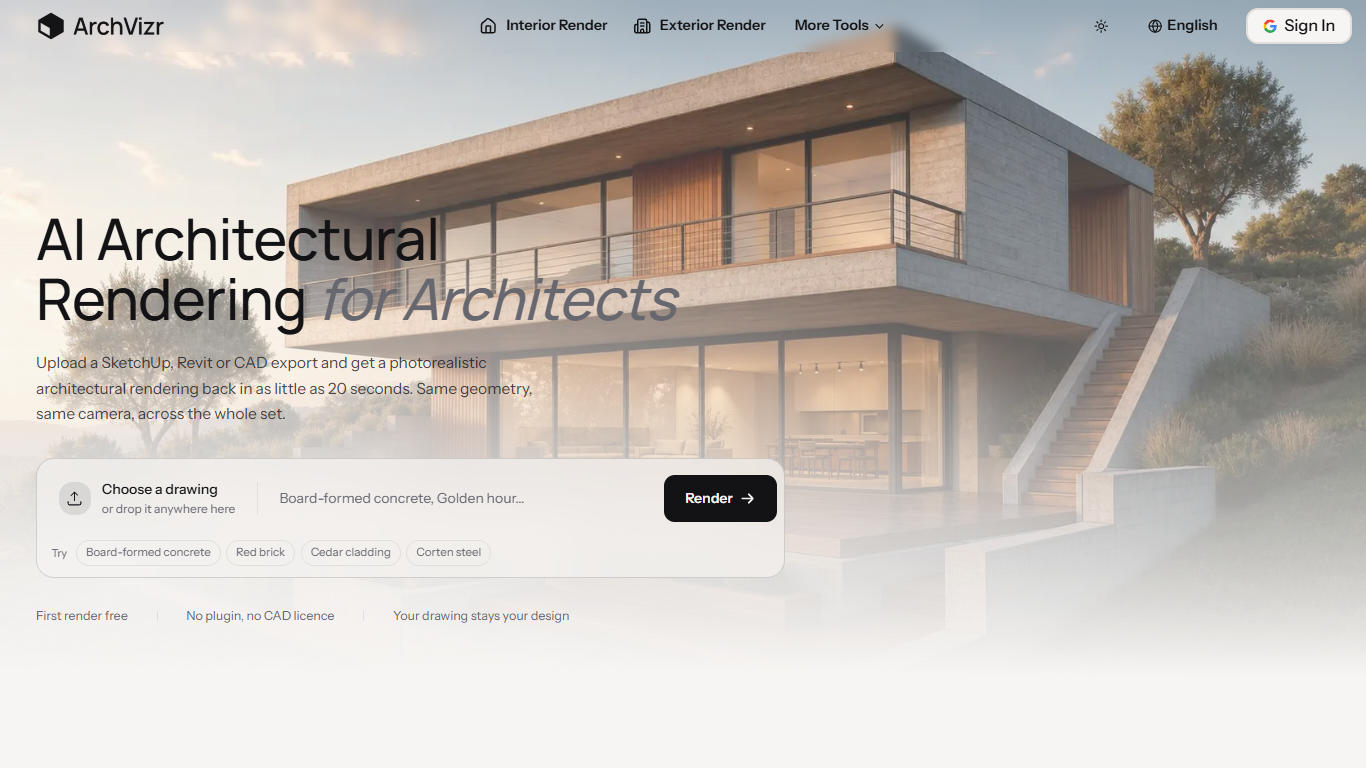
ArchVizr turns SketchUp, Revit, CAD exports, and hand sketches into photorealistic building images from a browser upload. Drop in a line drawing or hidden-line export and get a finished render back in as little as 20 seconds, with the same geometry, camera angle, and window placement you drew.
Most AI rendering tools chase one striking hero image. ArchVizr is built for matched sets: golden hour for the client deck, overcast for the planning pack, and blue hour for the launch, all from one upload without redrawing between frames. The model reads your drawing as structure, not inspiration, so it adds materials and light without moving a window.
Independent practices, architecture students, property developers, freelance visualizers, interior designers, and marketing agencies use ArchVizr when a full visualization retainer is out of budget. The first render is free and needs no credit card.
Fast mode returns the first frame in about 20 seconds; Best mode takes closer to two minutes for more detail
Accepts SketchUp hidden-line exports, Revit elevations, Rhino screenshots, and hand sketches on tracing paper
Five dedicated tools: sketch to render, exterior, interior, landscape, and style transfer from a reference image
Free tier includes 4 AI design generations with no credit card required
Starter plan at $14.99 per month includes 100 standard and 50 Pro generations
Preserves massing, floor count, roof line, and camera framing from the source drawing
First render is free with no credit card required.
Preserves building geometry and camera framing from the source drawing.
Generates matched multi-frame sets from a single upload for client presentations.
No plugin or CAD license needed; works from browser uploads.
Five specialized rendering modes cover exterior, interior, landscape, and style transfer.
Free tier limited to 4 generations before upgrading.
Best quality mode takes closer to two minutes per frame.
Requires Google sign-in for account access.
Does ArchVizr change my building geometry?
No. ArchVizr preserves the massing, windows, and camera position from your uploaded drawing. The model adds materials and lighting without redesigning the building structure.
What file types can I upload to ArchVizr?
ArchVizr accepts hidden-line exports from SketchUp, Revit elevations, Rhino screenshots, and hand sketches on tracing paper. No plugin or CAD license is required to use the web tool.
How long does one ArchVizr render take?
ArchVizr Fast mode delivers the first frame in about 20 seconds. Best mode takes closer to two minutes and produces more detailed output for final presentation boards.
Is there a free plan for ArchVizr?
Yes. ArchVizr has a free tier with 4 AI design generations. You can start without entering payment details, and upgrading unlocks more generations plus Pro renders and commercial use.
Can ArchVizr produce matching views from one drawing?
Yes. ArchVizr generates multiple frames from a single upload so golden hour, overcast, and night views share the same materials and geometry across a presentation set.
What rendering tools does ArchVizr include?
ArchVizr bundles sketch to render, exterior rendering, interior rendering, landscape rendering, and AI style transfer. All tools share the same upload and keep materials consistent across the set.