
Last updated 08-13-2026
Category:
Reviews:
Join thousands of AI enthusiasts in the World of AI!
Arvin (formerly Arvin 2.0)
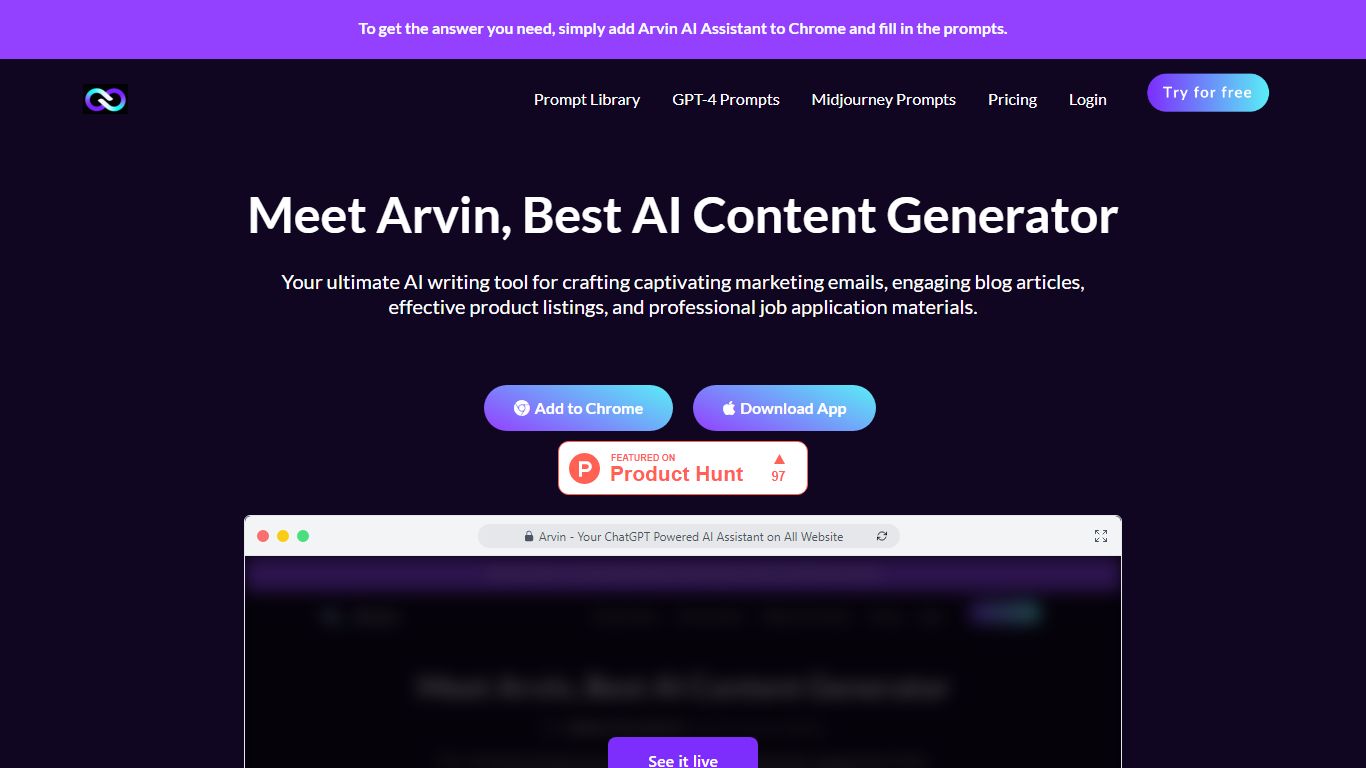
Arvin is a copywriting and productivity assistant delivered as a Chrome extension and web app at arvin.chat. You open a sidebar with Alt or Option plus A, then chat with GPT, Claude, or Gemini, draft articles and emails, summarize pages or PDFs, and translate text across 25 plus languages without leaving the tab you are on.
Most copywriting tools live in a separate editor. Arvin embeds writing, reading, and design workflows in the browser. It adds one-click logo and signature generation through Arvin Design, PDF conversion tools, and area summaries on live web pages, so you are not limited to blank-document drafting.
It fits marketers, freelancers, and students who write inside Gmail, LinkedIn, Google Docs, or general web research tabs. Teams that want a dedicated long-form CMS or strict brand governance will still prefer a standalone content platform over a browser copilot.
Open the sidebar on any site with Alt or Option plus A after installing the Chrome extension
Chat with GPT, Claude, Gemini, and other models from one interface
Generate articles, email replies, and improved copy with dedicated writing tools
Summarize web pages, PDFs, and selected page areas from the extension
Translate content across 25 plus languages according to the homepage FAQ
Create logos, signatures, and business cards through linked Arvin Design workflows
Homepage cites 5M plus active users and a 4.9 Chrome store rating on the pricing page
Sidebar access on Gmail, LinkedIn, Twitter, and general browsing saves tab switching
One product bundles chat, writing, translation, PDF tools, and Arvin Design assets
Daily free credits make light use workable before paying
Multi-model support covers GPT, Claude, and Gemini in the same interface
Heavy reliance on a Chrome extension means non-Chromium browsers get a narrower experience
The stored tryarvin.com feature URL now redirects to a 404 on arvin.chat
Credit limits apply on the free tier, so high-volume writing can require a paid plan
Design and image tools add complexity if you only wanted a simple writing assistant
What is Arvin?
Arvin is an AI copywriting and reading assistant available as a Chrome extension and web app. Its homepage FAQ says it offers ChatGPT responses on Google, blogs, and docs, plus LinkedIn, Twitter, and Gmail interactions with 25 plus language translation.
How do you open Arvin in the browser?
Arvin's FAQ says that after adding the Chrome extension, you press Alt or Option plus A to open it. Site-specific buttons also appear on Twitter, LinkedIn, and Gmail for quick access.
Is Arvin free to use?
Yes. Arvin's FAQ states the product is free and safe, with daily credits for GPT, Claude, Gemini, summarizers, and design agents. The pricing page shows a $0.00 per month plan with card checkout for optional paid upgrades.
Which AI models does Arvin support?
Arvin supports multiple model families. The homepage lists chat with GPT, Claude, and Gemini, and the pricing page highlights ChatGPT, Claude, and Gemini among supported models.
Can Arvin summarize PDFs and web pages?
Yes. Arvin includes webpage summary, PDF summary, and area summary tools on its homepage. The Chrome Web Store listing also describes summarizing blogs, YouTube content, and full-page text.
Who makes Arvin?
Arvin is operated by Idealabs. The about page lists a Singapore address at 6 Hillview Rise, and the site footer credits Idealabs PTE. LTD.