GravityWrite vs Arvin (formerly Arvin 2.0)
Explore the showdown between GravityWrite vs Arvin (formerly Arvin 2.0) and find out which AI Copywriting tool wins. We analyze upvotes, features, reviews, pricing, alternatives, and more.
When comparing GravityWrite and Arvin (formerly Arvin 2.0), which one rises above the other?
When we contrast GravityWrite with Arvin (formerly Arvin 2.0), both of which are exceptional AI-operated copywriting tools, and place them side by side, we can spot several crucial similarities and divergences. Interestingly, both tools have managed to secure the same number of upvotes. Join the aitools.fyi users in deciding the winner by casting your vote.
Not your cup of tea? Upvote your preferred tool and stir things up!
GravityWrite
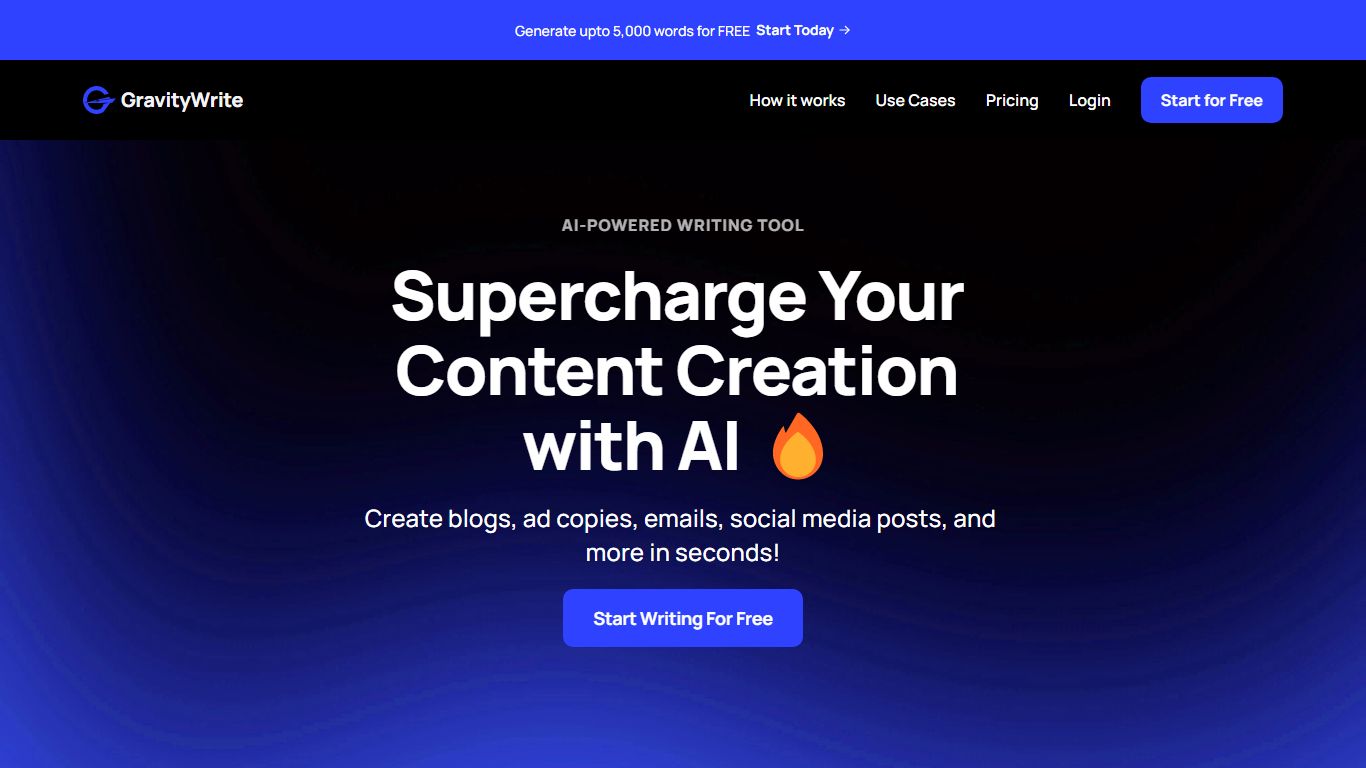

What is GravityWrite?
GravityWrite turns one subscription into blogs, images, videos, scheduled social posts, and even hosted sites without juggling separate apps. Marketers describe a topic and get SEO-structured articles, platform-specific social posts, or visuals from a single dashboard. The company reports more than 3 million sign-ups.
Standalone writers handle text; design tools handle images; schedulers handle posting. GravityWrite merges 250-plus specialized templates with shared AI credits, brand voice training, and integrations to Ahrefs, Google Analytics, and WordPress so research, drafting, and publishing stay in one tab.
Bloggers, agency marketers, and small business owners use it to replace a stack of single-purpose apps. Plus tier includes 500 monthly credits; Pro raises that to 2,500 credits and expands social account limits.
Plus costs $8 per month on annual billing ($97 per year, listed down from $49 monthly). Pro is $49 per month annually ($599 per year). A Bundle plan at $139 per year adds WordPress hosting and n8n automation.
Arvin (formerly Arvin 2.0)

What is Arvin (formerly Arvin 2.0)?
Arvin is a copywriting and productivity assistant delivered as a Chrome extension and web app at arvin.chat. You open a sidebar with Alt or Option plus A, then chat with GPT, Claude, or Gemini, draft articles and emails, summarize pages or PDFs, and translate text across 25 plus languages without leaving the tab you are on.
Most copywriting tools live in a separate editor. Arvin embeds writing, reading, and design workflows in the browser. It adds one-click logo and signature generation through Arvin Design, PDF conversion tools, and area summaries on live web pages, so you are not limited to blank-document drafting.
It fits marketers, freelancers, and students who write inside Gmail, LinkedIn, Google Docs, or general web research tabs. Teams that want a dedicated long-form CMS or strict brand governance will still prefer a standalone content platform over a browser copilot.
GravityWrite Upvotes
Arvin (formerly Arvin 2.0) Upvotes
GravityWrite Top Features
250+ specialized AI writing and marketing templates in one dashboard
AI blog writer with SEO outlines, headlines, and realtime research options
Image and video generators with aspect ratio and reference image controls
Social media scheduler supporting multiple accounts and queued posts
Plus plan includes 500 AI credits per month at $8/mo billed annually
Access to ChatGPT-4, Claude, and other models through one interface
Arvin (formerly Arvin 2.0) Top Features
Open the sidebar on any site with Alt or Option plus A after installing the Chrome extension
Chat with GPT, Claude, Gemini, and other models from one interface
Generate articles, email replies, and improved copy with dedicated writing tools
Summarize web pages, PDFs, and selected page areas from the extension
Translate content across 25 plus languages according to the homepage FAQ
Create logos, signatures, and business cards through linked Arvin Design workflows
Homepage cites 5M plus active users and a 4.9 Chrome store rating on the pricing page
GravityWrite Category
- Copywriting
Arvin (formerly Arvin 2.0) Category
- Copywriting
GravityWrite Pricing Type
- Freemium
Arvin (formerly Arvin 2.0) Pricing Type
- Freemium