
Last updated 07-29-2026
Category:
Reviews:
Join thousands of AI enthusiasts in the World of AI!
BashBuddy
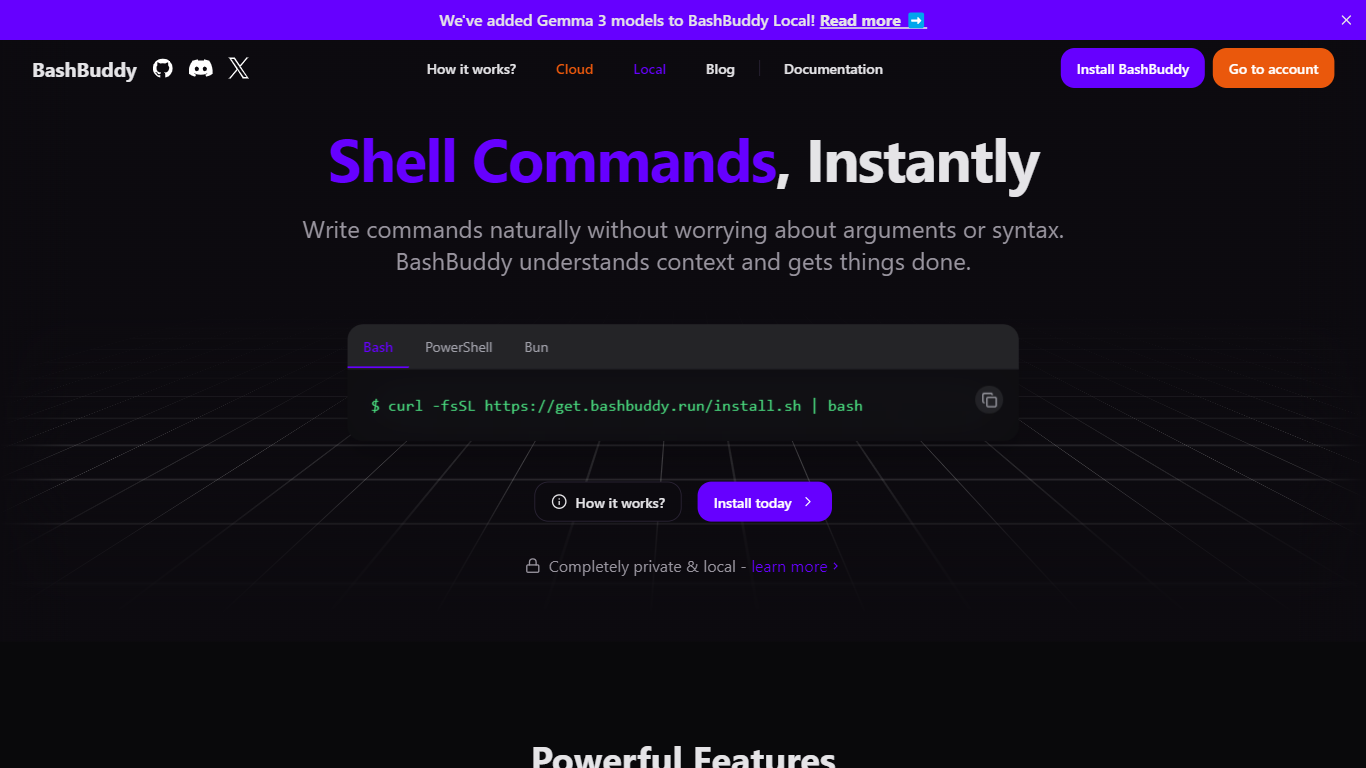
BashBuddy turns plain-language requests into runnable shell commands from your terminal. You type something like bb convert test.mov to a x265 mp4 and it returns the exact ffmpeg line, with options to run, copy, or tweak the result.
Unlike web-based command generators, BashBuddy runs locally by default and reads your shell context, including the current directory and git repo state. That makes suggestions tied to where you are working instead of generic one-liners you still have to adapt.
It targets developers and sysadmins who live in Bash, Zsh, or PowerShell on macOS, Linux, or Windows. The site highlights offline use, no account signup, and open source code you can inspect on GitHub.
Install on macOS or Linux with
curl -fsSL https://get.bashbuddy.run/install.sh | bashUse the
bbalias after runningbashbuddy aliasfor faster promptsReads shell context and git repo state before suggesting commands
Runs fully offline with Metal, CUDA, or Vulkan acceleration via node-llama-cpp
Supports Bash, Zsh, PowerShell, and Bun across macOS, Linux, and Windows
Open source codebase with a public GitHub repository linked on the homepage
Local mode keeps commands and repo context on your machine with no signup.
Git-aware suggestions are more useful than generic shell cheat sheets.
Open source code and cross-shell support cover Bash, Zsh, and PowerShell.
Local inference needs a capable machine; the install docs warn slow hardware hurts the experience.
Several roadmap items like Memory, Raycast integration, and Agent Mode are still marked coming soon.
Is BashBuddy free to use?
Yes, BashBuddy's local mode is free. The homepage states you can install and start typing with no account required, and all local inference stays on your device.
How do I install BashBuddy?
BashBuddy publishes a one-line installer on its homepage: `curl -fsSL https://get.bashbuddy.run/install.sh | bash` for macOS and Linux. Windows and Bun install paths are documented on docs.bashbuddy.run/install.
Does BashBuddy work offline?
Yes, BashBuddy runs locally with zero connection required. The site says commands, context, and data never leave your device when you use the local install.
Which shells does BashBuddy support?
BashBuddy supports Bash, Zsh, and PowerShell across macOS, Linux, and Windows. The homepage also lists Bun as a supported runtime environment.
Is BashBuddy open source?
Yes, BashBuddy is completely open source. The homepage links to its GitHub repository and invites users to inspect, contribute, or customize the code.
What local models can BashBuddy use?
BashBuddy supports local models such as Qwen 2.5 and Gemma 3. Its blog notes you can run `bashbuddy update` and then `bashbuddy models` to switch between them.