
Last updated 08-30-2026
Category:
Reviews:
Join thousands of AI enthusiasts in the World of AI!
CAD Scene
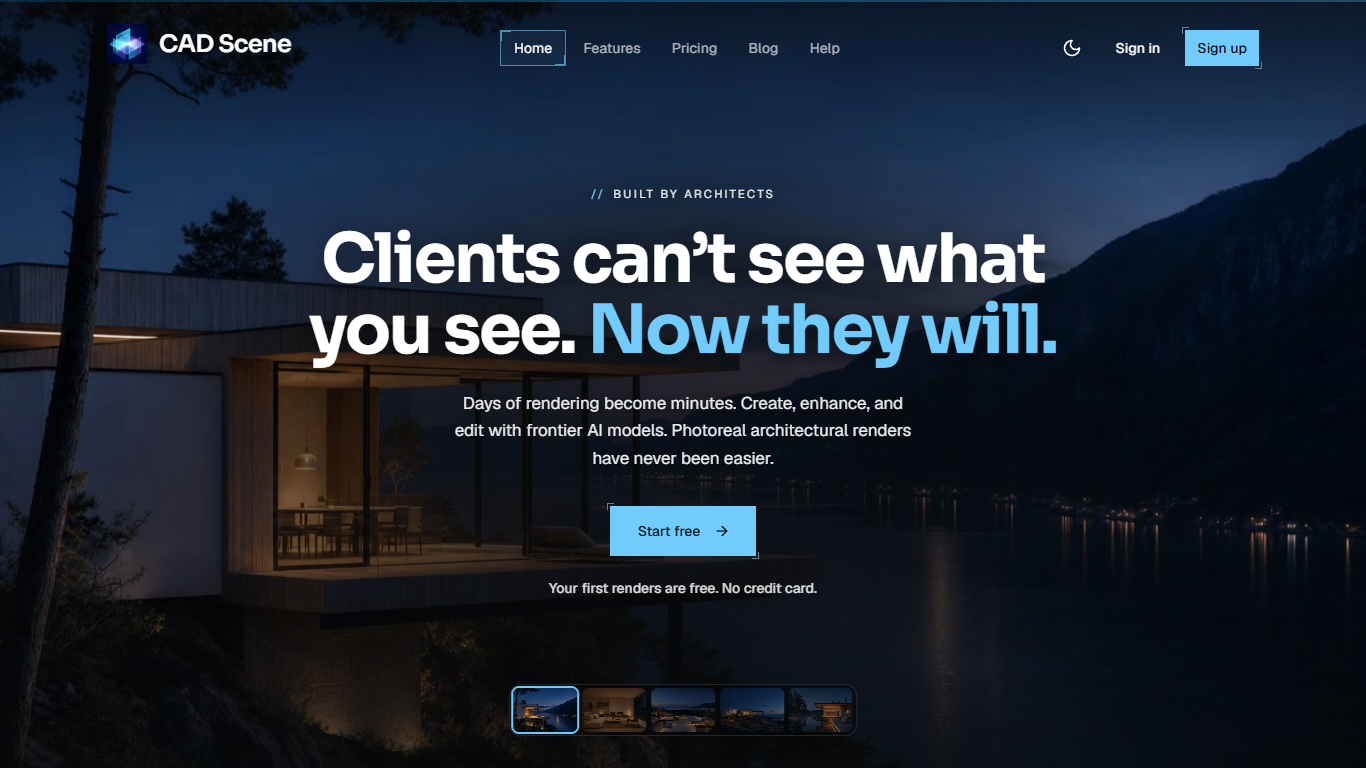
CAD Scene turns bare 3D viewports and short briefs into photoreal architectural images you can hand to a client. It is a browser-based rendering workbench with three modes in one place: Create from a text prompt, Enhance from a CAD screenshot, and Edit on a brushed region. Architects and interior designers use it when the review is tomorrow and a traditional renderer would still be setting up lights.
Unlike general image chat tools, Enhance is built around keeping your camera and geometry. You drop in a SketchUp, Rhino, Blender, or Revit viewport, and the photoreal pass aims to hold that angle and dimensions instead of inventing a new scene. That makes it less of a mood-board toy and more of a last-mile step for people who already model in CAD.
The product comes from Yellow Office, an architecture studio that built it to recover afternoons lost to render queues. You pick a model per render (Nano Banana 2, Nano Banana Pro, Nano Banana, or GPT Image 2), lean on 62 built-in style presets, and download a free Lanczos 4K upscale that resizes without regenerating the image.
Enhance keeps camera and dimensions from SketchUp, Blender, and Revit screenshots
Pick Nano Banana 2, Nano Banana Pro, Nano Banana, or GPT Image 2 per render
62+ built-in presets covering Nordic Calm, Bauhaus, Japanese Wabi-Sabi, and more
Free Lanczos 4K download enlarges to 3840px on the long edge without AI regen
Brush a region, describe the change, and the rest of the frame holds still
Renders keep finishing server-side even after you close the browser tab
Composition presets lock Style, Scene, Lighting, Materials, and Entourage across studies
Free plan ships 100 signup credits with no card, and those credits do not expire while the account stays open.
Enhance is aimed at keeping your existing CAD camera and geometry instead of inventing a new viewpoint.
You choose Nano Banana 2, Nano Banana Pro, Nano Banana, or GPT Image 2 per render with the credit cost shown before send.
62 built-in style presets plus custom presets with version history keep a project look consistent across studies.
Free 4K Lanczos upscale enlarges without re-running the image model.
Cancelling a subscription zeros the entire remaining credit balance at period end, including purchased top-ups.
Terms warn outputs may not preserve geometry, dimensions, or materials exactly, so professional review is still required.
There is no native plugin inside Rhino or SketchUp; the workflow depends on screenshots in a browser.
Published render counts assume lowest-cost settings, so higher quality or resolution burns credits faster.
Does CAD Scene have a free plan?
Yes. CAD Scene includes a Free plan at $0/month with 100 signup credits. Signup can begin before adding a card. Those free credits stay available with no expiry date. You can render from a brief, a screenshot, or a selection, pick any supported model per render, and download a free 4K upscale on every result.
How much does CAD Scene cost?
CAD Scene Hobby is $12/month for 250 credits (up to about 125 renders at lowest-cost settings). Studio is $35/month for 1000 credits (up to about 500 renders). One-time packs start at $6 for 50 credits, $15 for 150, and $40 for 450. Unused subscription credits roll over while you stay subscribed.
Which CAD tools work with CAD Scene?
CAD Scene Enhance is built for screenshots from tools like SketchUp, Blender, Revit, and Rhino. The site also lists Archicad, 3ds Max, Cinema 4D, Vectorworks, AutoCAD, Lumion, Enscape, and Twinmotion as image sources. You stay in your CAD app, then bring a viewport into the browser when you need a photoreal pass.
Do I need to install CAD Scene?
CAD Scene runs entirely in the browser, so there is nothing to download. Keep modeling in Rhino, SketchUp, Blender, Revit, or your usual CAD tool, then upload a screenshot or write a prompt when you want a render.
Which AI models does CAD Scene use?
CAD Scene generates on Google Gemini and OpenAI image backends. Per render you can choose Nano Banana 2, Nano Banana Pro, Nano Banana, or GPT Image 2. You can also set a project-wide default, and the credit cost is shown before you send.
What happens to CAD Scene credits if I cancel?
You can cancel CAD Scene anytime through the Stripe Customer Portal from your billing page. Your plan stays active until the paid period ends. At that point CAD Scene sets the entire remaining balance to zero, including signup credits, monthly grants, and top-up packs.
Does CAD Scene change the image when upscaling to 4K?
CAD Scene free 4K download uses deterministic Lanczos resampling to 3840 pixels on the long edge. It is a mathematical resize with zero AI regeneration, so details from the original render stay intact and repeat downloads return the same cached file.