
Last updated 08-14-2026
Category:
Reviews:
Join thousands of AI enthusiasts in the World of AI!
Carrot Care
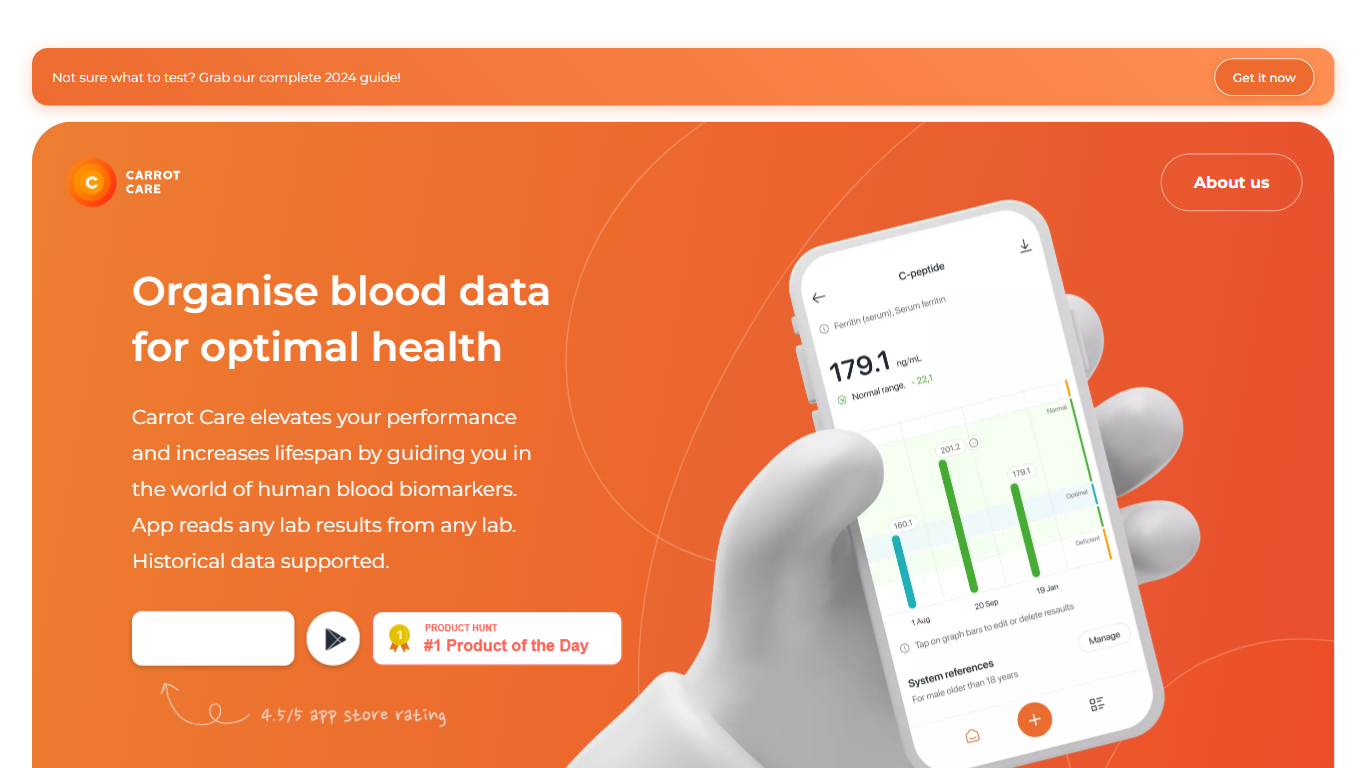
Carrot Care turns scattered blood test PDFs and photos into one organized timeline on your iPhone. Upload results from any lab, and OCR pulls values into more than 1,000 supported biomarkers, then charts how each marker shifts across test dates. The focus is consolidation across providers, not a single clinic portal.
Most health trackers either lock you into one lab format or treat blood work like a rigid checklist. Carrot Care takes the opposite approach: it accepts results from any lab, lets you edit units and spelling when OCR misses something, and keeps everything on your device instead of a vendor cloud. That local-first storage is a real trade-off. You get privacy and control, but no native sync between phones unless you rely on iCloud backup from one primary device.
The app also surfaces evidence-based guidance on what to test, flags mineral and vitamin gaps, and includes calculations like phenotypic age from uploaded panels. Premium subscribers can export CSV files and access referral perks, while free users still get core tracking. Carrot Care does not replace a doctor. It explicitly avoids personalized medical recommendations and points users to clinicians for interpretation.
Health-conscious iPhone users, biohackers, and patients managing chronic conditions use Carrot Care to consolidate years of lab history and share PDF exports or screen shares during appointments. Doctors and health experts can also partner with Carrot Care to publish educational biomarker articles inside the app.
OCR and PDF upload reads blood results from any lab, with manual unit edits when extraction misses values
Tracks more than 1,000 biomarkers with historical timelines and trend graphs across multiple test dates
Exports timeline data as PDF from the free tier; premium unlocks CSV export from the timeline view
Calculates phenotypic age and related mortality scores from uploaded blood panels
Stores health data locally on your iPhone with optional iCloud backup, not on Carrot Care servers
Partnership program lets doctors publish educational biomarker articles inside the app
Accepts lab PDFs and photos from any provider, not just one clinic portal
Organizes more than 1,000 biomarkers with editable values when OCR slips
Keeps data on your iPhone with optional iCloud backup instead of vendor servers
PDF export is available without paying, which helps doctor visits
Educational articles from partnered clinicians live inside the app
iPhone only: no Android app or web dashboard yet
OCR accuracy is not perfect; users report manual unit fixes are sometimes needed
No native multi-device sync beyond a cautious iCloud backup workaround
HealthKit integration is still limited compared with dedicated Apple Health workflows
What platforms does Carrot Care support?
Carrot Care is an iPhone app available on the Apple App Store. The Carrot Care FAQ states there is no Android app and no web version yet, so you need an iOS device to use it.
How does Carrot Care handle my lab data?
Carrot Care stores your blood test data locally on your device. If iCloud backup is enabled, copies can live in your iCloud account, but Carrot Care says it does not keep your health data on its own servers.
Can Carrot Care read non-English lab reports?
Carrot Care OCR works best with English lab reports, though you can test other languages in the app. Premium and email import services can also process Spanish-language results when you contact the team.
How much does Carrot Care premium cost?
Carrot Care premium pricing depends on your country because it runs through Apple in-app purchases. Open the premium banner on the app home screen to see the price in your local currency.
Does Carrot Care give medical advice?
No. Carrot Care does not provide personalized health or medical recommendations. The app organizes biomarkers and educational content, and the team advises consulting healthcare professionals for medical guidance.
How can I share Carrot Care results with my doctor?
Carrot Care lets you export a PDF from the timeline view or take screenshots of specific charts. Premium users can also export CSV files, and you can screen-share during a video call without logging out of the app.