
Last updated 07-28-2026
Category:
Reviews:
Join thousands of AI enthusiasts in the World of AI!
Cherry Pick
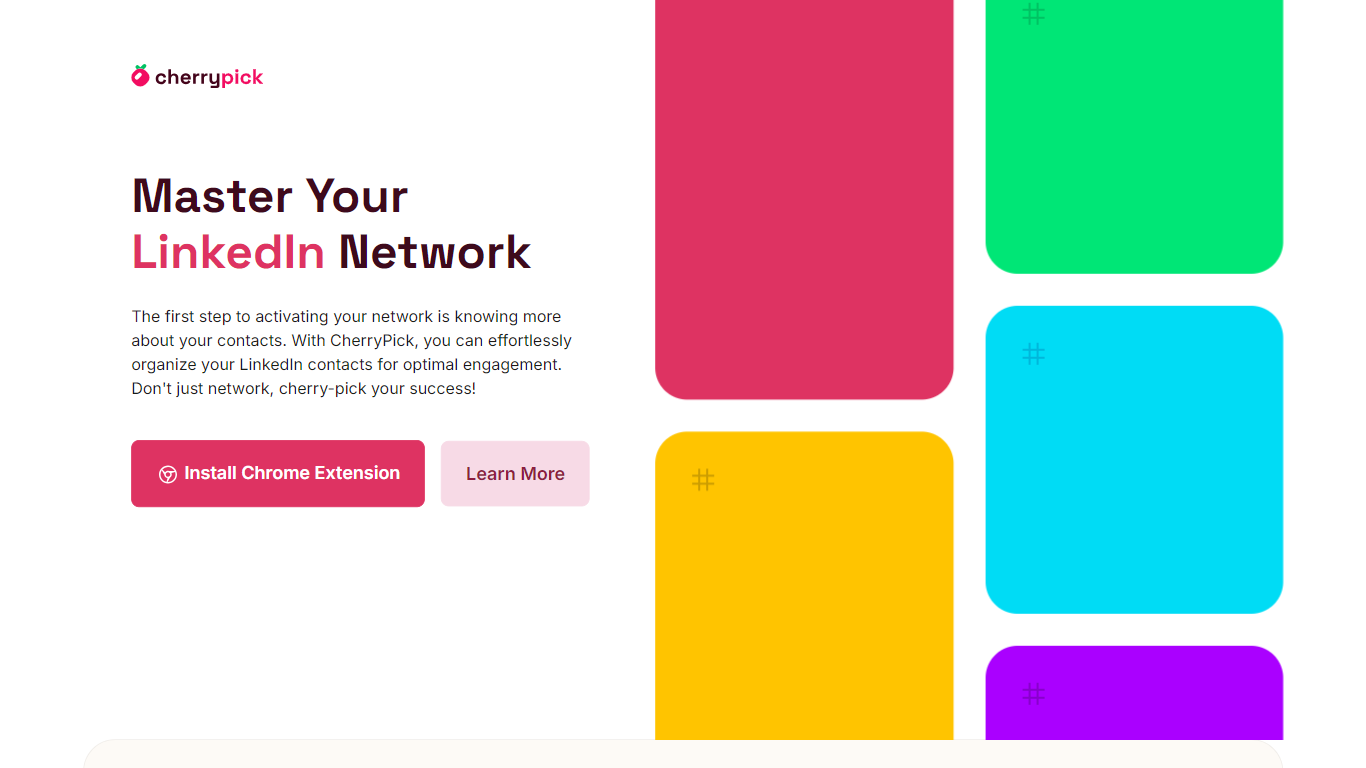
Cherry Pick is a Chrome extension for organizing your LinkedIn social media contacts. It adds tagging controls directly on LinkedIn profiles and connection pages so you can label people as you browse, without leaving the platform. Tagged contacts sync to a CherryPick dashboard where you search, review, and export curated lists.
LinkedIn's built-in notes and saved lists stay tied to individual profiles. Cherry Pick instead builds a tagged contact library you can filter and ship to any CRM. It deliberately skips outreach automation, messaging, and pipeline management. The trade-off is a lighter tool that does one job well: tag on LinkedIn, manage in a dashboard, export as CSV or JSON.
Sales reps track leads by campaign. Recruiters map candidates to open roles. Founders segment investors and prospects. HR teams, consultants, students, and job seekers all use the same workflow to turn a messy connection list into labeled groups ready for follow-up.
Tag LinkedIn contacts inline as you browse profiles and connection pages
Export tagged contacts in CSV or JSON format for CRM import
Search all tagged contacts from the CherryPick web dashboard
Chrome extension for Mac and Windows desktop browsers only
Account signup requires only an email and password
Zapier integration and API key listed as upcoming features, not yet available
Tags contacts directly on LinkedIn profiles while you browse, no tab switching required.
Exports tagged contacts as CSV or JSON for import into any CRM or spreadsheet.
Completely free with no ads, and the site states user data is never sold to third parties.
Chrome desktop only on Mac and Windows, with no mobile or alternate browser support.
Works exclusively on LinkedIn, not other social networks or email contacts.
Zapier integration and API access are listed as future features, not available yet.
Is Cherry Pick free to use?
Yes, Cherry Pick is completely free with no ads. The site states that advanced features will arrive in a future Premium subscription, but no paid plan is available yet.
How do I export contacts from Cherry Pick?
Cherry Pick lets you export tagged contacts from the dashboard in CSV or JSON format. You can then import those files into any CRM or spreadsheet tool you already use.
What browsers does Cherry Pick support?
Cherry Pick is a Chrome extension for desktop Chrome on Mac and Windows. It does not support mobile browsers, Firefox, Safari, or other web browsers.
Can Cherry Pick sync with my CRM?
Cherry Pick does not offer live CRM sync today. You export tagged contacts as CSV or JSON and import them manually. Zapier integration and an API key are listed as future features on the site.
Who is Cherry Pick designed for?
Cherry Pick targets sales reps, recruiters, HR teams, founders, marketers, consultants, students, and job seekers who want to organize LinkedIn contacts by custom tags instead of scrolling connection lists.
How does Cherry Pick work on LinkedIn?
After installing the Chrome extension and creating a Cherry Pick account, tagging controls appear on LinkedIn as you browse. You create custom tags and assign them to contacts directly on LinkedIn profile pages.
Is my data secure with Cherry Pick?
Cherry Pick states it never sells user data to third parties and runs an ad-free environment. The extension is active only while you browse LinkedIn and follows LinkedIn's guidelines per the privacy policy.