
Last updated 08-12-2026
Category:
Reviews:
Join thousands of AI enthusiasts in the World of AI!
Cleanup Pictures
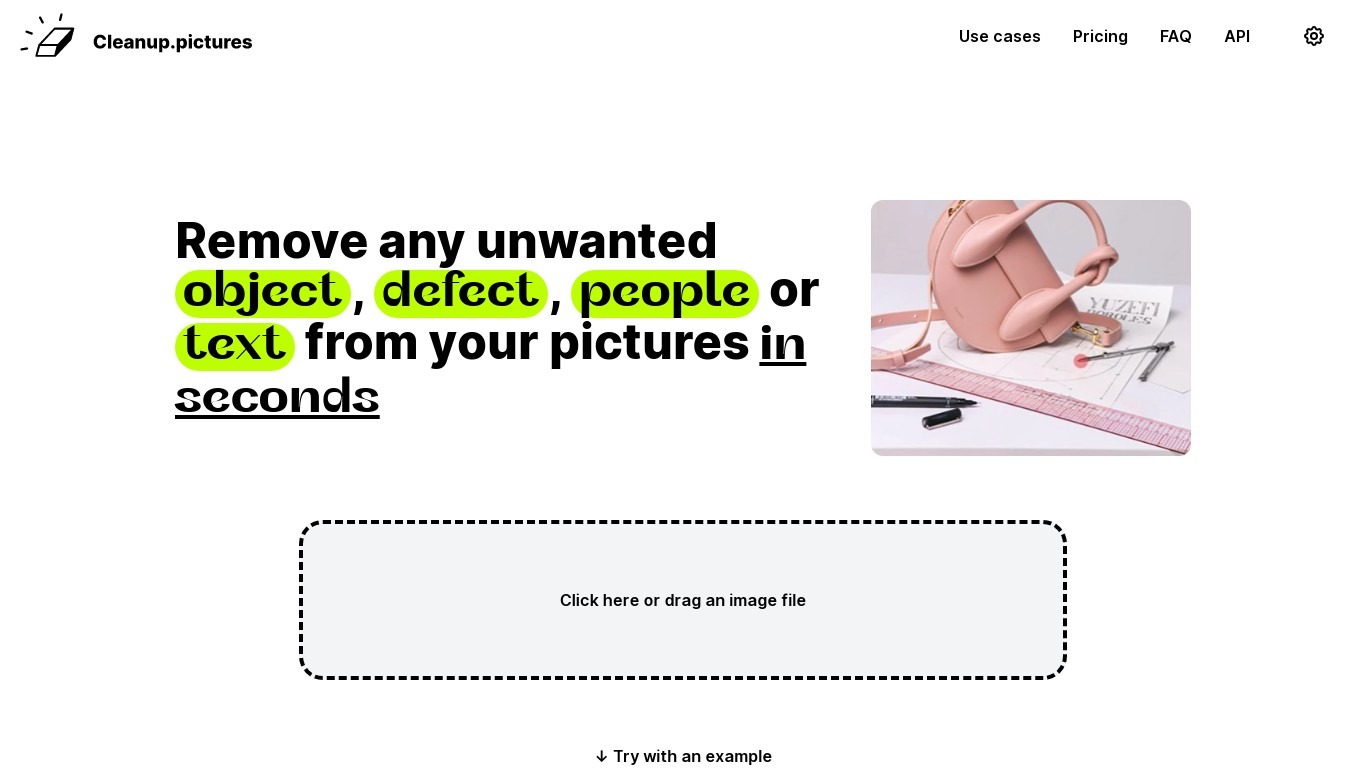
Cleanup Pictures is a browser-based photo editor focused on AI inpainting. You brush over an unwanted person, object, text, watermark, or blemish, and the tool reconstructs the background in a few clicks. No Photoshop clone stamp or reference patch is needed.
Most inpainting apps need you to sample nearby pixels manually. Cleanup Pictures, built by the Clipdrop team at Init ML, uses a model that guesses what was behind the selection, which handles shadows and complex edges better than traditional retouch tools.
Photographers use it to erase tourists from travel shots and fix cracked prints. Real estate agents depersonalize room photos, e-commerce sellers clean product shots, and agencies touch up campaign visuals. Exports cap at 720px on the free plan; Pro unlocks full resolution for $5 per month or $36 per year.
AI inpainting removes people, objects, text, watermarks, and blemishes without a clone reference
Free plan includes unlimited edits with exports capped at 720px resolution
Pro plan at $5 per month or $36 per year removes the resolution limit and adds a high-quality refiner
Drag-and-drop web editor with example images to test before uploading your own
One subscription works on both mobile and desktop Cleanup Pictures apps
Inpainting API available through Clipdrop with usage-based pricing for developers
Free tier allows unlimited edits, not just a handful of trial credits.
AI inpainting handles shadows and edges without manual clone sampling.
No desktop install; works in the browser with drag-and-drop upload.
Pro subscription covers both mobile and desktop apps.
API available for embedding the same inpainting engine in other products.
Free exports are capped at 720px, which is too low for print or large web use.
Each subscription is limited to one user account.
Full Clipdrop Pro bundle starts at $11 per month if you need background removal too.
Is Cleanup Pictures free?
Yes. Cleanup Pictures offers a free tier with unlimited image edits, though exports are limited to 720px resolution. Pro unlocks full-resolution exports for $5 per month or $36 per year ($3 per month billed annually).
What resolution can Cleanup Pictures export?
Cleanup Pictures lets you import images of any size on every plan. Free exports are capped at 720px width, while Pro removes that limit and adds a high-quality refiner for full-resolution downloads.
Can Cleanup Pictures remove watermarks?
Cleanup Pictures can remove text, logos, and watermarks by brushing over the area. The site notes you should only remove watermarks on images where you hold an explicit license to edit.
How does Cleanup Pictures compare to Photoshop?
Cleanup Pictures uses AI inpainting that reconstructs what was behind a selection, while Photoshop clone tools need a manual background reference. Cleanup Pictures runs in the browser with no install required.
Does Cleanup Pictures have an API?
Yes. Cleanup Pictures offers a high-availability inpainting API through Clipdrop with usage-based pricing. Documentation covers Node.js, SwiftUI, Kotlin, and other environments.
Who is Cleanup Pictures for?
Cleanup Pictures targets photographers, creative agencies, real estate agents, and e-commerce sellers who need quick object or person removal. Developers can embed the same inpainting engine via the Clipdrop API.