Cleanup Pictures vs Palette.fm
In the face-off between Cleanup Pictures vs Palette.fm, which AI Photo Editing tool takes the crown? We scrutinize features, alternatives, upvotes, reviews, pricing, and more.
In a face-off between Cleanup Pictures and Palette.fm, which one takes the crown?
If we were to analyze Cleanup Pictures and Palette.fm, both of which are AI-powered photo editing tools, what would we find? In the race for upvotes, Palette.fm takes the trophy. Palette.fm has been upvoted 33 times by aitools.fyi users, and Cleanup Pictures has been upvoted 7 times.
Feeling rebellious? Cast your vote and shake things up!
Cleanup Pictures

What is Cleanup Pictures?
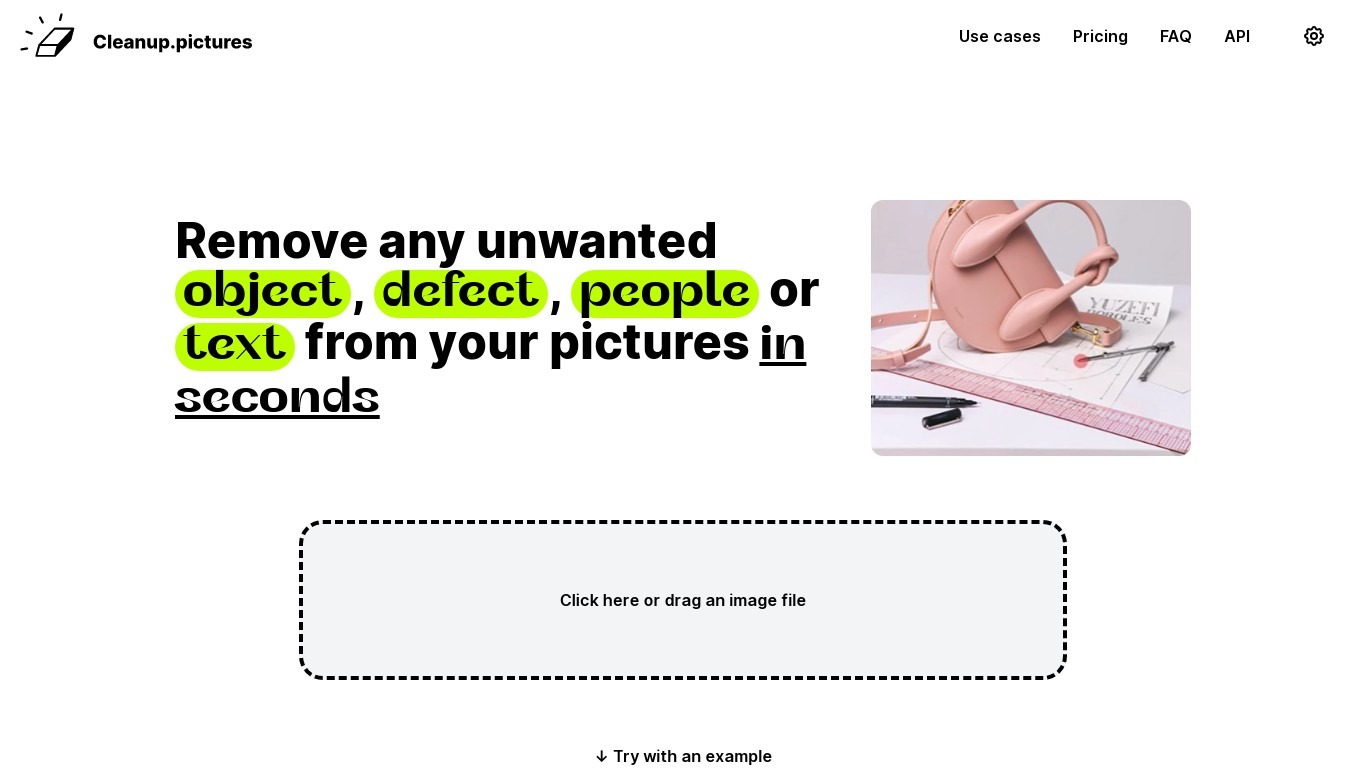
Cleanup Pictures is a browser-based photo editor focused on AI inpainting. You brush over an unwanted person, object, text, watermark, or blemish, and the tool reconstructs the background in a few clicks. No Photoshop clone stamp or reference patch is needed.
Most inpainting apps need you to sample nearby pixels manually. Cleanup Pictures, built by the Clipdrop team at Init ML, uses a model that guesses what was behind the selection, which handles shadows and complex edges better than traditional retouch tools.
Photographers use it to erase tourists from travel shots and fix cracked prints. Real estate agents depersonalize room photos, e-commerce sellers clean product shots, and agencies touch up campaign visuals. Exports cap at 720px on the free plan; Pro unlocks full resolution for $5 per month or $36 per year.
Palette.fm
What is Palette.fm?
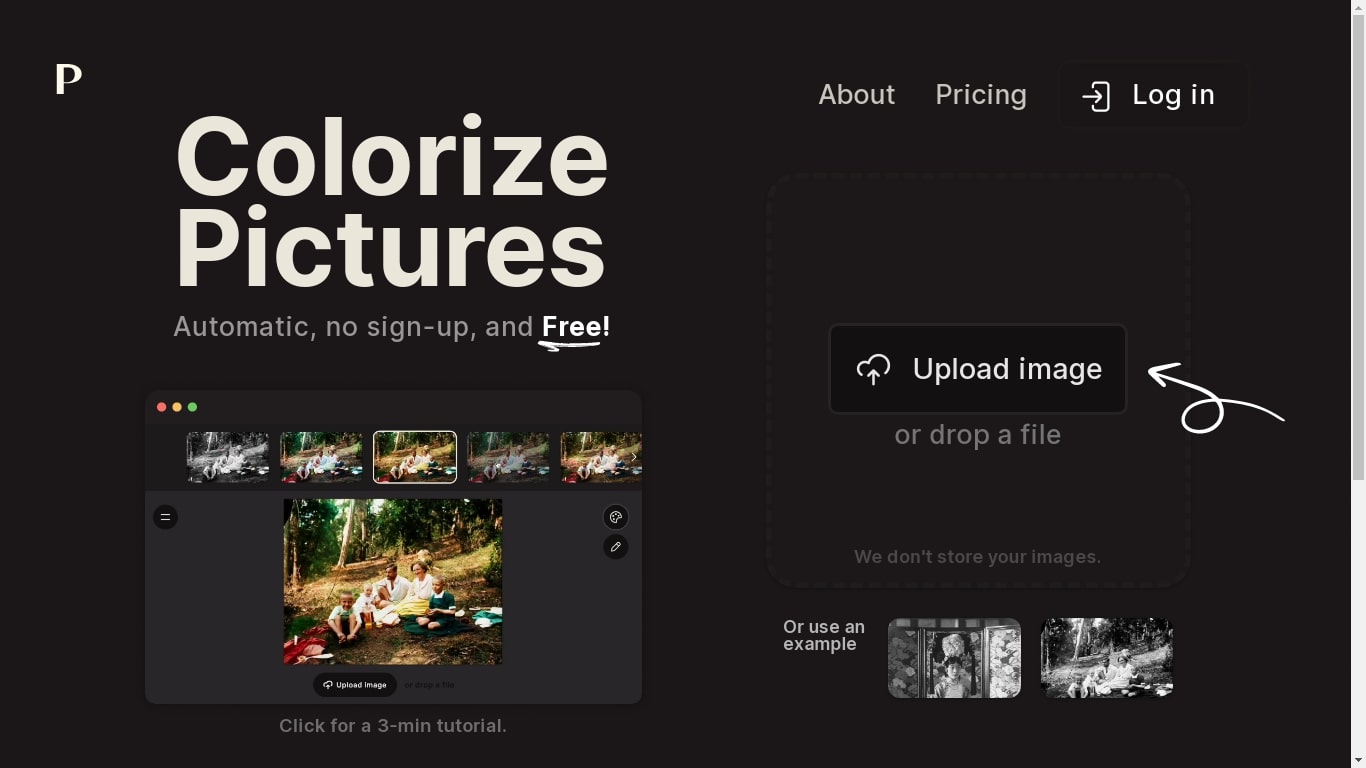
Palette.fm colorizes black-and-white photos through a browser upload flow with 21+ filter presets and keyword-based color tweaks. Upload an image, pick a filter, adjust descriptive keywords if needed, then download a full-resolution result or keep iterating on previews. The photo editing workflow targets family historians, photographers, and creators restoring old prints without opening Photoshop.
Most colorizers lean on heavy sepia and purple casts with little room to steer skin tones or fabric colors. Palette.fm lets you click a filter then fine-tune hues through plain-language keywords, and it sells one-time credit packs alongside subscriptions. Free previews cap at 500x500 pixels with a watermark, while paid credits remove the logo and support files up to 5000x5000 pixels.
Genealogy researchers, photo archivists, and YouTube educators use Palette.fm to batch-test color looks before committing credits. The site reports 54 million photos colorized and 6.6 million registered users, with an API option for teams that want programmatic access.
Cleanup Pictures Upvotes
Palette.fm Upvotes
Cleanup Pictures Top Features
AI inpainting removes people, objects, text, watermarks, and blemishes without a clone reference
Free plan includes unlimited edits with exports capped at 720px resolution
Pro plan at $5 per month or $36 per year removes the resolution limit and adds a high-quality refiner
Drag-and-drop web editor with example images to test before uploading your own
One subscription works on both mobile and desktop Cleanup Pictures apps
Inpainting API available through Clipdrop with usage-based pricing for developers
Palette.fm Top Features
21+ color filters with before-and-after previews on sample photos
Free plan includes unlimited 500x500 previews with Palette watermark
Paid credits export up to 5000x5000 pixels without the logo
Keyword adjustment panel fine-tunes colors after picking a filter
Annual subscription is $72 per year for 480 credits ($0.15 each)
One-time pack is $49 for 75 credits valid for 2 years
API and video integration options listed in the site footer
Cleanup Pictures Category
- Photo Editing
Palette.fm Category
- Photo Editing
Cleanup Pictures Pricing Type
- Freemium
Palette.fm Pricing Type
- Freemium