PNG Maker vs Cleanup Pictures
When comparing PNG Maker vs Cleanup Pictures, which AI Photo Editing tool shines brighter? We look at pricing, alternatives, upvotes, features, reviews, and more.
In a comparison between PNG Maker and Cleanup Pictures, which one comes out on top?
When we put PNG Maker and Cleanup Pictures side by side, both being AI-powered photo editing tools, The community has spoken, Cleanup Pictures leads with more upvotes. Cleanup Pictures has garnered 7 upvotes, and PNG Maker has garnered 6 upvotes.
You don't agree with the result? Cast your vote to help us decide!
PNG Maker

What is PNG Maker?
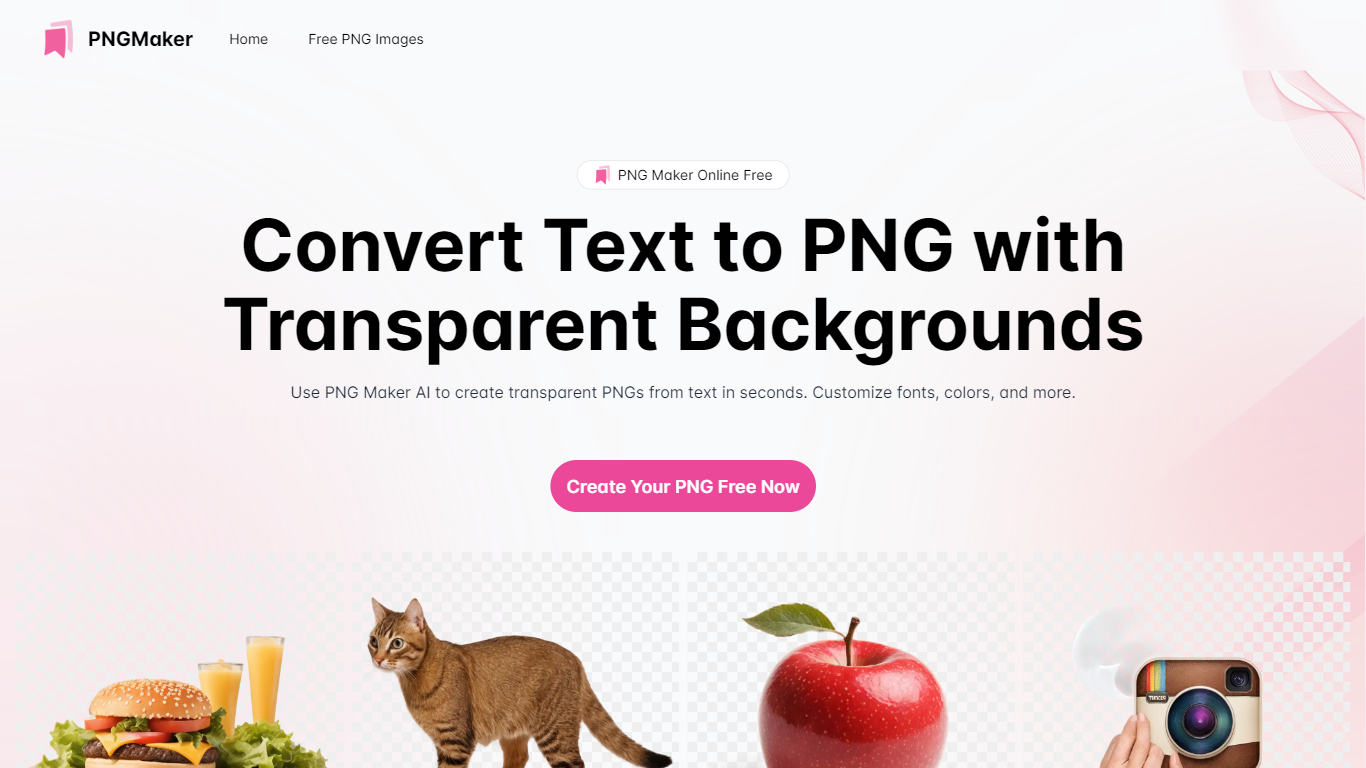
PNG Maker is an online tool that turns text prompts into PNG images with transparent backgrounds. It targets designers, marketers, and content creators who need clip-art style assets, logos, or graphics without opening desktop editing software.
You type a description of what you want, pick an aspect ratio, and the app generates one or more PNG files you can download. The web app also supports image-to-image generation, so you can upload a reference and refine the output from there. Free users get 9 credits per day; paid plans unlock higher monthly credit limits, batch generation, and private outputs.
The site also organizes outputs by tags and runs a blog with tips for writing better prompts. If you need quick transparent PNGs for slides, social posts, or web layouts, it keeps the workflow in the browser with no install required.
Cleanup Pictures
What is Cleanup Pictures?
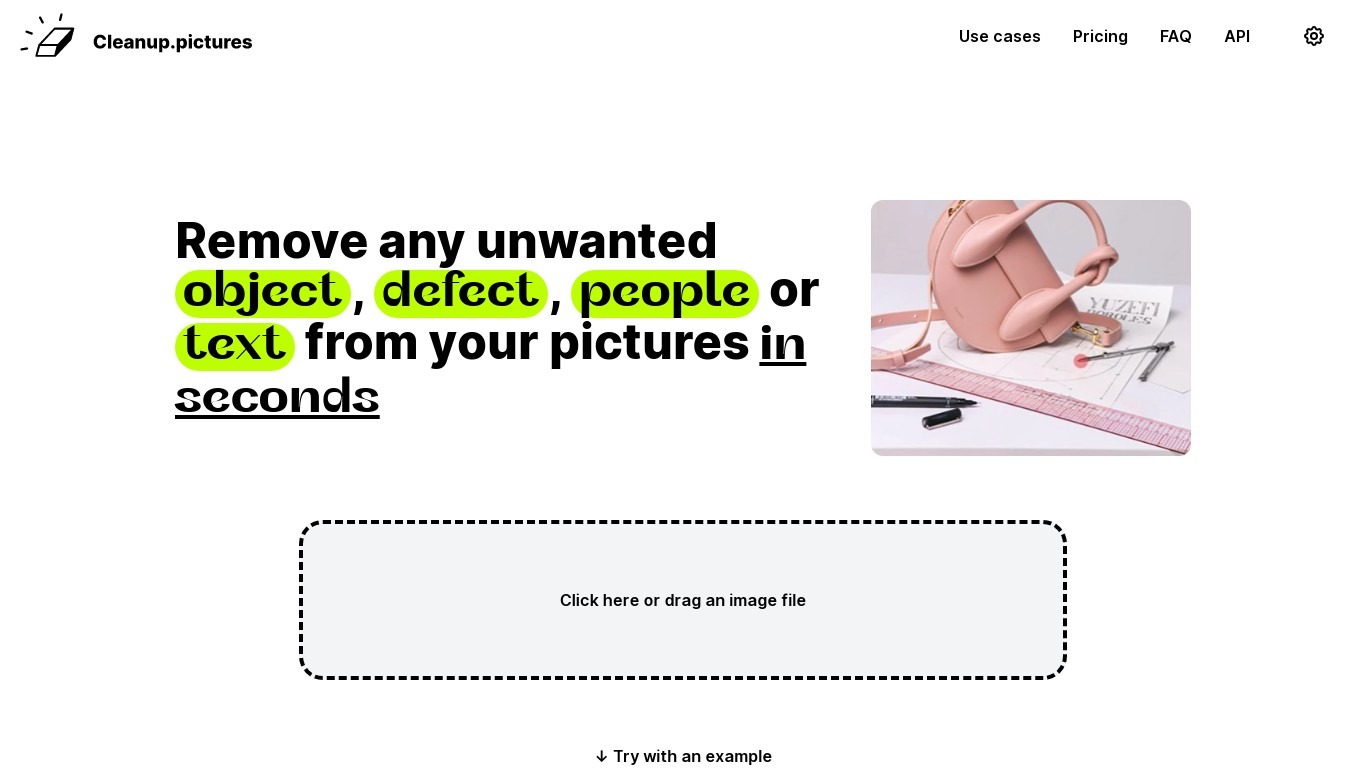
Cleanup Pictures is a browser-based photo editor focused on AI inpainting. You brush over an unwanted person, object, text, watermark, or blemish, and the tool reconstructs the background in a few clicks. No Photoshop clone stamp or reference patch is needed.
Most inpainting apps need you to sample nearby pixels manually. Cleanup Pictures, built by the Clipdrop team at Init ML, uses a model that guesses what was behind the selection, which handles shadows and complex edges better than traditional retouch tools.
Photographers use it to erase tourists from travel shots and fix cracked prints. Real estate agents depersonalize room photos, e-commerce sellers clean product shots, and agencies touch up campaign visuals. Exports cap at 720px on the free plan; Pro unlocks full resolution for $5 per month or $36 per year.
PNG Maker Upvotes
Cleanup Pictures Upvotes
PNG Maker Top Features
Turn text prompts into transparent PNG images without desktop software
Switch between text-to-image and image-to-image modes in one web app
Pick aspect ratios like 1:1, 3:2, and 2:3 before generating
Generate up to four images at once on paid plans
Browse community creations organized by tags for prompt inspiration
Cleanup Pictures Top Features
AI inpainting removes people, objects, text, watermarks, and blemishes without a clone reference
Free plan includes unlimited edits with exports capped at 720px resolution
Pro plan at $5 per month or $36 per year removes the resolution limit and adds a high-quality refiner
Drag-and-drop web editor with example images to test before uploading your own
One subscription works on both mobile and desktop Cleanup Pictures apps
Inpainting API available through Clipdrop with usage-based pricing for developers
PNG Maker Category
- Photo Editing
Cleanup Pictures Category
- Photo Editing
PNG Maker Pricing Type
- Freemium
Cleanup Pictures Pricing Type
- Freemium