
Last updated 08-21-2026
Category:
Reviews:
Join thousands of AI enthusiasts in the World of AI!
Cline
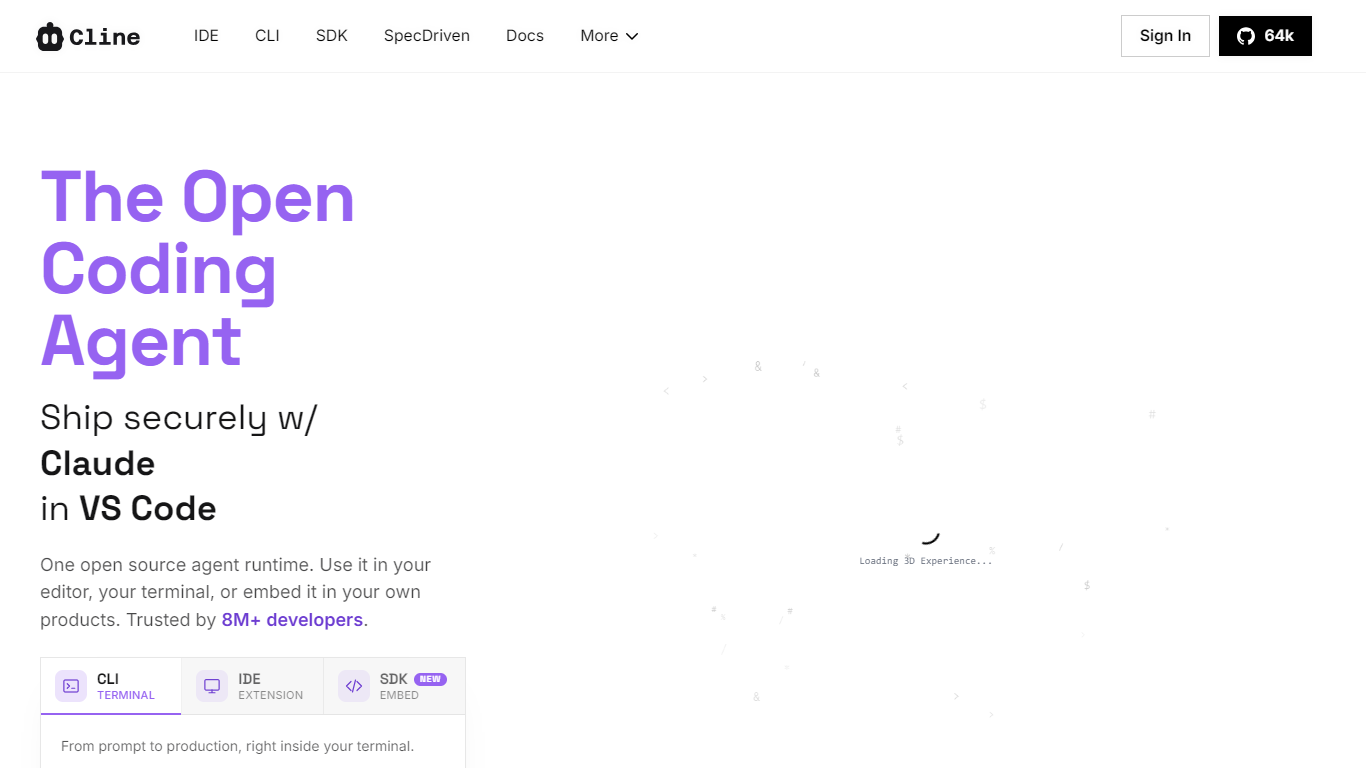
Cline is an open source coding agent you can run inside VS Code, JetBrains, Cursor, or Windsurf, from your terminal via CLI, or embedded in your own products through the SDK. It reads your project, edits multiple files, runs bash commands, and shows diffs before anything lands. Trusted by over 8 million developers with 64k GitHub stars and Apache 2.0 licensing.
What sets Cline apart is its Plan-and-Act workflow: sketch a strategy in Plan mode, then switch to Act mode to execute with approval on every step, or flip on auto-approve for hands-off runs. You bring your own model from Anthropic, OpenAI, Google, AWS Bedrock, Azure, Ollama, DeepSeek, Mistral, or any OpenAI-compatible endpoint. No vendor lock-in.
The agent extends through MCP servers, custom Skills, lifecycle Hooks, and repo-level .clinerules files that teach it your team's standards. It connects to Slack, Discord, Telegram, Linear, and CI pipelines for headless automation. Built for developers who want a transparent, permission-gated pair programmer rather than a black-box autocomplete.
Plan mode to align on strategy, then Act mode to execute with per-step approval
Coordinated multi-file edits with linter-aware fixes, checkpoints, and one-click undo
Runs bash commands in your terminal and reacts to live output from dev servers and tests
Ship .clinerules with your repo to enforce coding standards and architecture conventions
Works with Claude, GPT, Gemini, Ollama, DeepSeek, Bedrock, and any OpenAI-compatible API
Extend via MCP servers, Skills, Hooks, and the SDK for custom tools and integrations
Available as VS Code, JetBrains, Cursor, and Windsurf extensions plus a global CLI
Apache 2.0 open source with 64k GitHub stars and no vendor lock-in on models or hosting.
Plan-and-Act modes give fine-grained control over complex multi-file refactors.
Runs in VS Code, JetBrains, Cursor, Windsurf, terminal CLI, and embeddable SDK.
Supports bring-your-own-key from every major model provider plus local Ollama weights.
Permission-gated file edits and command execution keep enterprise workflows auditable.
JetBrains extension is still in early access, not yet generally available.
You pay separately for AI inference credits unless you supply your own API keys.
Enterprise features like SSO and centralized billing require a custom sales contract.
Is Cline free to use?
Yes, Cline is completely free for individual developers. The open source extension, CLI, and SDK have no subscription or seat fees. You only pay for AI inference on a usage basis when you use models, either through Cline credits or your own API keys.
Which editors does Cline support?
Cline ships as extensions for VS Code (4.5M+ Marketplace installs), JetBrains IDEs (early access), Cursor, and Windsurf. It also runs as a standalone CLI via npm install -g cline on macOS, Windows, and Linux, and can be embedded through the Cline SDK.
What AI models can I use with Cline?
Cline supports Anthropic Claude, OpenAI GPT, Google Gemini, AWS Bedrock, Azure, GCP Vertex, Ollama, LM Studio, DeepSeek, Mistral, Groq, Cerebras, OpenRouter, and any OpenAI-compatible endpoint. You can bring your own API keys or use Cline's provider for inference credits.
How does Cline differ from GitHub Copilot or Cursor?
Cline goes beyond autocomplete by reading your full codebase, making coordinated multi-file edits, running terminal commands, and using Plan-and-Act modes for complex tasks. Every file change and command requires your approval unless auto-approve is enabled. It is open source under Apache 2.0 with no vendor lock-in.
Does Cline keep my code private?
Cline is designed with privacy in mind. Your code stays on your machine unless you connect to an external AI API, and you control exactly what context is sent to the model. Enterprise plans add SSO, OIDC, SCIM, audit logs, and VPC deployment options for organizations.
What are MCP servers in Cline?
MCP (Model Context Protocol) servers extend Cline with custom tools for connecting to GitHub, databases, browsers, project management systems, and more. You can browse the Cline MCP Marketplace or add servers by pointing Cline at a GitHub repository URL.