
Last updated 08-15-2026
Category:
Reviews:
Join thousands of AI enthusiasts in the World of AI!
Clio Work
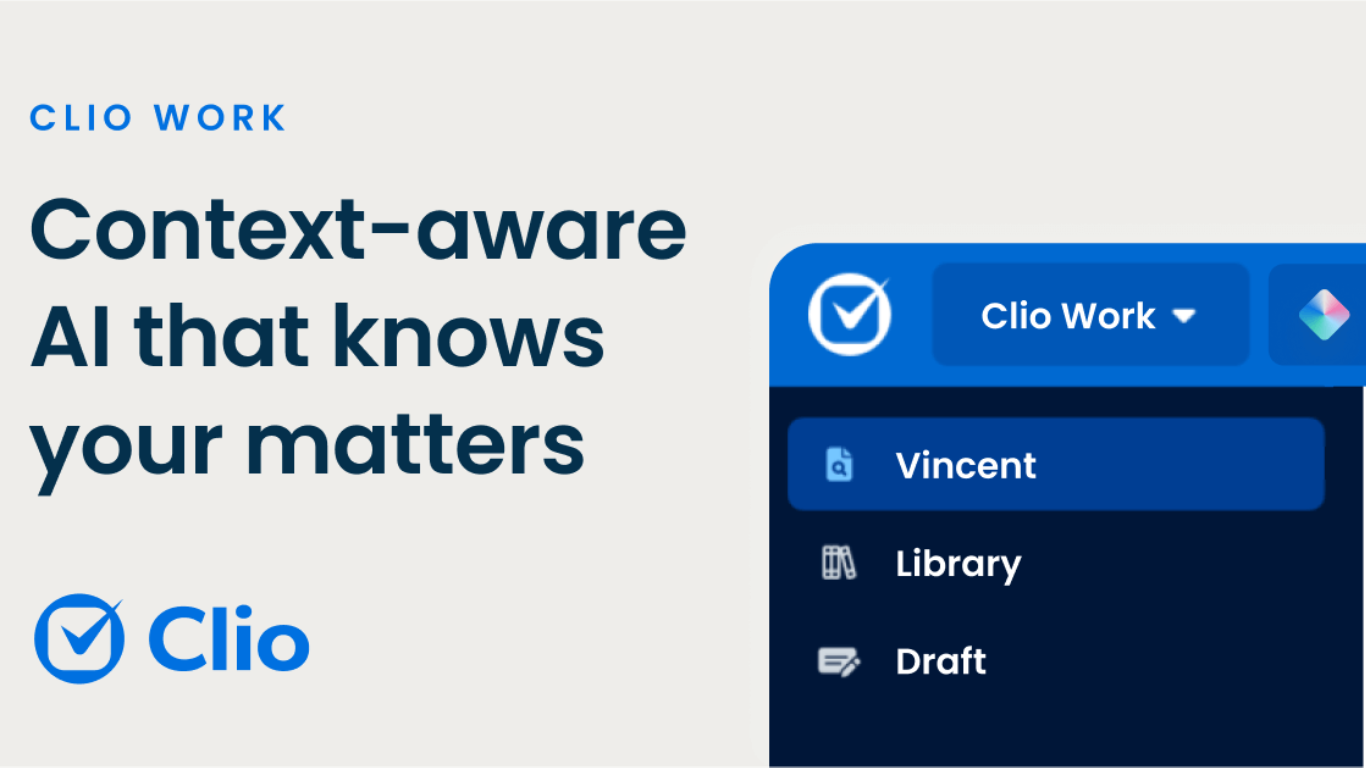
Clio Work is a legal AI workspace that reads your matter files, pulls cited authority, and drafts documents inside one secure environment. It fits the legal software category because it targets attorneys doing research, analysis, and case strategy rather than generic chat. The product page pitches it as AI that understands cases, their context, and the law, with workflows for litigators and transactional lawyers.
Generic legal chat tools answer prompts without your full matter loaded. Clio Work scans large file sets across a matter to surface key facts, risks, gaps, and an auto-built timeline, then ties research to jurisdiction-specific law with a built-in citator that checks whether authority is still good. Outputs link back to sources, and drafting extends into Microsoft Word through Clio for Word so lawyers edit where they already write.
Litigation teams use it to review discovery, flag weak citations in opposing briefs, and draft motions grounded in case facts. Transactional teams extract contract terms, spot missing clauses, and turn reviews into client-ready summaries and tables. Strategy views let you pressure-test arguments and compare interpretations before you commit to a filing or client advice.
Clio positions Work as available with or without Clio Manage, with a free trial entry point and demo-led pricing on the Work pricing page. Security messaging cites SOC 2 Type II, ISO 27001, GDPR, and HIPAA compliance, and states client data is not used to train external AI models.
Reads across entire matters to build timelines, key facts, and risk summaries
Built-in citator checks whether cited authority is still good law
Jurisdiction-specific research with every output linked to its source
Clio for Word brings drafting and editing into Microsoft Word
Analyzes contracts, pleadings, depositions, and recordings in minutes
SOC 2 Type II, ISO 27001, GDPR, and HIPAA compliance with no AI training on client data
Available as standalone legal AI or alongside Clio Manage
Matter-wide analysis builds timelines and risk summaries from full file sets
Every research output links to verifiable sources with a good-law citator
Clio for Word keeps drafting inside Microsoft Word instead of a separate editor
Standalone option lets firms use Work without adopting full Clio Manage
Security posture covers SOC 2 Type II, ISO 27001, GDPR, and HIPAA requirements
Work pricing is demo-led with no published per-user rate on the pricing page
Screenshot capture can hit Cloudflare interstitials on clio.com pages
Deep Manage integration is optional but unlocks the smoothest matter sync
What is Clio Work?
Clio Work is Clio's legal AI workspace for matter analysis, cited research, and drafting. It reads case files, surfaces facts and risks, finds jurisdiction-specific law, and generates documents lawyers can verify through linked sources.
Does Clio Work require Clio Manage?
No. Clio Work is available with or without Clio Manage. The Work pricing page states firms can connect Manage to pull matters automatically or upload documents directly into Work.
How much does Clio Work cost?
Clio Work does not publish a standard per-user price on its pricing page. Clio directs firms to book a demo for plan details, while the main Work site offers a try-for-free entry point.
Is there a Clio Work free trial?
Yes. The Clio Work homepage invites users to try for free before booking a demo. The pricing page also references flexible plans with live support and guided setup options.
How does Clio Work handle legal citations?
Clio Work returns cited results with links back to sources and applies jurisdiction-specific law matching. A built-in citator confirms authorities are current before they appear in your output.
Is client data used to train Clio Work AI?
No. Clio Work states that client data stays in its secure environment, is not shared externally, and is not used to train AI models. The product cites SOC 2 Type II, ISO 27001, GDPR, and HIPAA standards.