10 Best AI Clio Integration tools in 2026
Clio has become the go-to platform for modern legal professionals. It brings your entire workflow together, from the first client message to the final invoice, all powered by built-in AI that actually understands legal work. It’s smart, fast, and made for lawyers who want to focus more on clients and less on admin.
With context-aware AI and trusted legal research, Clio acts like a digital assistant for your entire practice. It helps you draft, organize, and manage cases with precision while cutting down on repetitive work. Every tool connects seamlessly, keeping your data in one secure place.
If you already use Clio, integrating it with other AI tools can push your productivity even further. From document review to billing automation and legal analytics, these integrations make your setup more powerful.
Think of it as giving your legal practice superpowers. You can get faster insights, smarter research, and a smoother client experience without jumping between apps.
The tools listed here are tested, reliable, and built to work perfectly with Clio. Whether you’re a solo attorney or part of a large firm, they’ll help you save time and deliver better results.
Clio is already great on its own, but these AI integrations turn it into something even more powerful. They bring automation, intelligence, and real efficiency to your daily work.
Here are the best AI integrations for Clio that can help you simplify your workflow, boost accuracy, and manage your practice like never before.
Call Connector AI by ion8
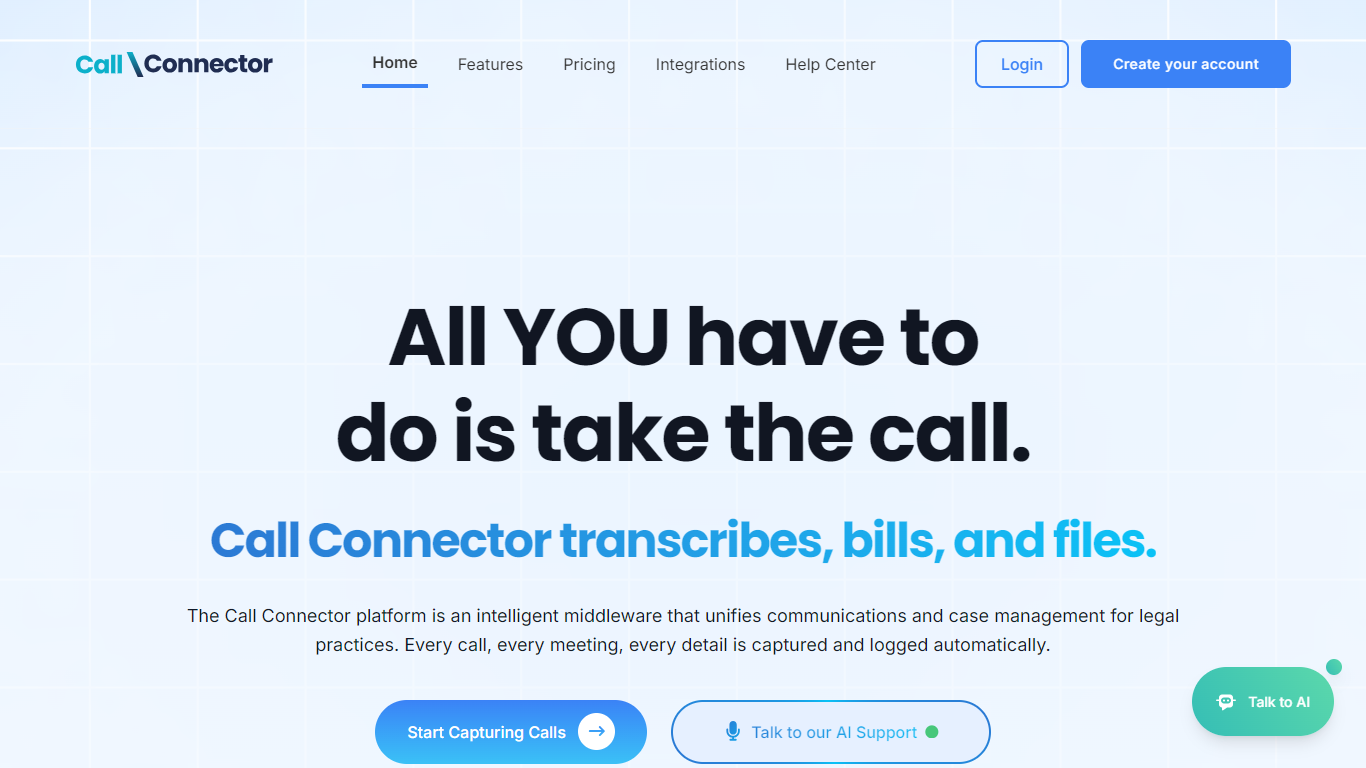
What does Call Connector AI by ion8 do?
Call Connector AI by ion8 logs phone calls, SMS, faxes, and video meetings into case management systems for law firms without manual entry. It sits between your VoIP or video stack and tools like Clio Manage, RingCentral, Dialpad, Zoom, and Microsoft Teams, then writes call metadata, transcripts, and AI summaries to the correct matter.
Generic call trackers treat every industry the same. Call Connector AI is built around legal billing and compliance workflows: it associates communications to active matters, stores legal-grade transcripts, and keeps defensible records to reduce malpractice risk from missing client conversations. Firms can mix Free and Way Better licenses so attorneys get transcription while support staff stay on basic logging.
Solo practitioners through enterprise legal teams use it to stop billable-minute leakage, replace end-of-day call notes with real-time logging, and pull recordings into Dropbox, Google Drive, OneDrive, or Clio storage. Setup with Clio Manage takes about 10 minutes with admin access, and an in-product AI assistant answers setup and pricing questions around the clock.
Logs calls, SMS, and faxes automatically through connected VoIP systems with no manual entry
Way Better plan at $49 per license per month adds legal-grade AI transcription and summaries
Automatic matter association links communications to the correct client and case in Clio Manage
Video Conferencing Pack add-on at $9 per user per month logs Zoom, Teams, Meet, GoTo, and Webex
Cloud storage integration stores recordings in Google Drive, OneDrive, Dropbox, or Clio storage
Free plan includes unlimited call and SMS logging with simultaneous logging to connected systems
In-product AI assistant answers feature, pricing, and setup questions 24/7
VERA for Clio
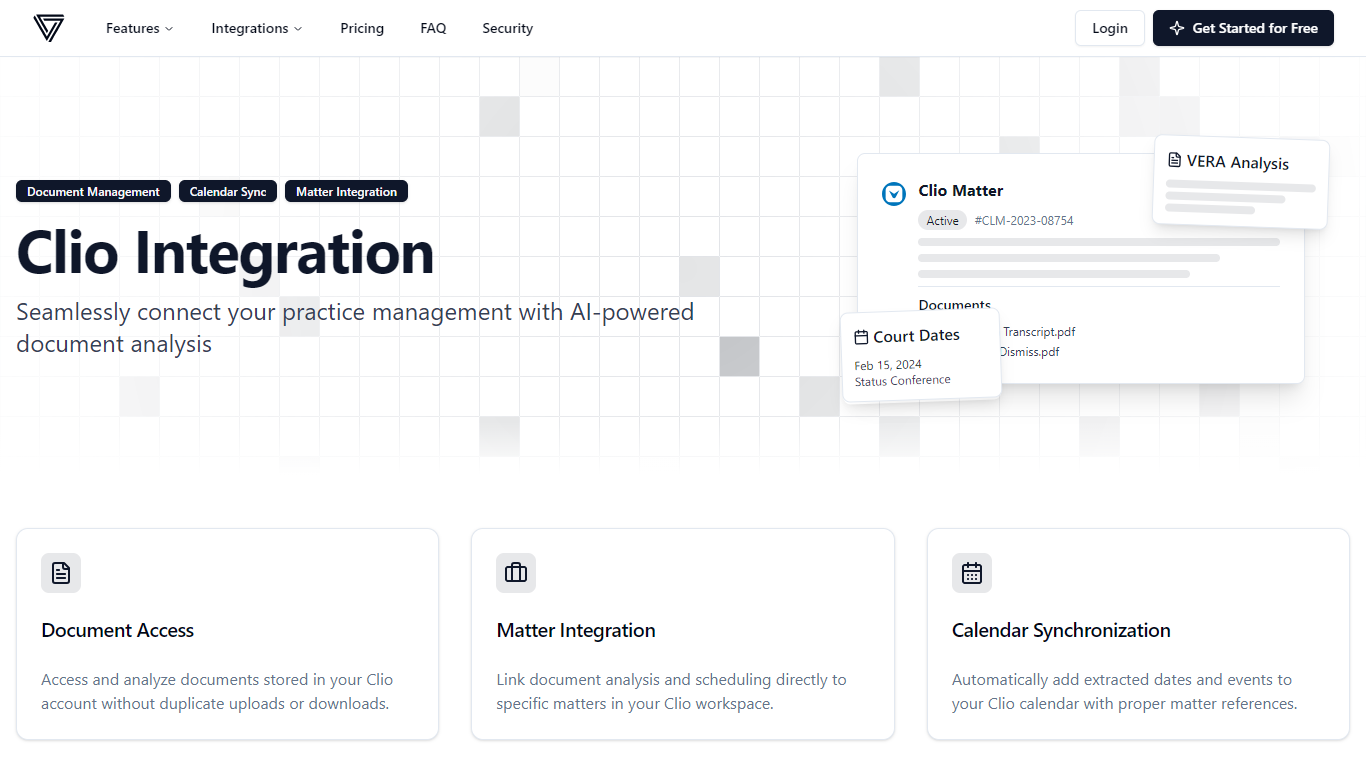
What is VERA for Clio?
VERA for Clio connects VERA's legal document analysis to your Clio practice management account. You open files stored in Clio matters, run AI summaries and deadline extraction, and push results back without downloading and re-uploading PDFs. The integration uses OAuth 2.0 and works across Clio's US, EU, Canada, and Australia regions.
Generic legal AI tools make you export documents from your case management system first. VERA for Clio adds custom action buttons inside Clio, links analysis to specific matters, and syncs extracted court dates straight to your Clio calendar. That keeps matter organization intact while adding page-line summaries, narrative timelines, and scheduling assistance from the parent VERA platform.
It suits solo attorneys and small firms already on Clio who review depositions, motions, and medical records at volume. Plans start at $29 per month for 300 document pages, with a 7-day free trial and paid tiers up to 1,000 pages.
Opens Clio matter documents for analysis without duplicate uploads or downloads
Adds custom action buttons inside Clio to launch VERA summaries from a matter
Syncs extracted court dates and deadlines to your Clio calendar with matter references
Creates and assigns Clio tasks based on document analysis results
Supports Clio US, EU, Canada, and Australia instances with regional data residency
Connects via OAuth 2.0 without storing your Clio login credentials
Precedent Demand Composer Integration for Clio
Why use Precedent Demand Composer Integration for Clio?
Precedent Demand Composer Integration for Clio connects Precedent's demand letter workflow to Clio Manage so personal injury teams draft, deliver, and file demands without leaving their case management stack. It sits in the legal software category as a Clio App Directory integration rather than a standalone practice suite. Firms install the Precedent app inside Clio, authorize matter access, and map fields so client and case data flow into demand drafts.
Most demand tools treat drafting and delivery as separate chores. This integration pulls matter data from Clio automatically, runs Demand Composer's AI on imported case files, and writes finished demand packages plus delivery receipts back to the same matter. Precedent also ships carrier delivery with receipt acknowledgment, which its integration page positions as an industry-only capability for knowing when a carrier opened the demand.
Demand Composer advertises fixed per-demand pricing with unlimited regenerations, Case Intelligence analyses bundled, and volume discounts that apply without token math. The Clio integration page highlights three setup steps: install from the App Directory, authorize secure access, and configure field mappings. Clio's own directory lists more than 300 integration partners, but this pairing targets PI firms that already standardize on Clio Manage.
Paralegals, demand specialists, and PI attorneys use it to cut manual copy-paste between Clio matters and demand drafts. The workflow covers AI draft generation, approval routing, carrier delivery tracking, and automatic matter sync so negotiation updates land in the file lawyers already work from.
Auto-prefills client, case, and medical data from Clio matters into demand drafts
Delivers demands to insurance carriers with built-in receipt acknowledgment
Saves completed demand packages and delivery confirmations back to Clio files
Demand Composer pricing caps at $275 per demand with unlimited regenerations
Case Intelligence runs curated analyses such as liability and medical timeline reviews
Three-step Clio setup: App Directory install, authorization, and field mapping
Clio ecosystem lists 300+ app partners; this pairing targets PI demand workflows
Clio and Case Status Integration
What is Clio and Case Status Integration? and how does it work?
The Clio and Case Status integration connects Clio Manage with Case Status, a mobile client portal built for law firm client communication. Firms give clients a branded app for case updates, appointment reminders, and messaging in 138 languages while staff manage conversations from one Clio-linked workspace instead of scattered calls and emails.
Most practice management setups still leave clients calling the front desk for status checks. Case Status firms report 70 to 80 percent app adoption, more than 51 percent fewer calls and emails, and hundreds of hours saved on client communication each year. The integration also automates client-specific tasks and workflows inside Clio rather than requiring duplicate logging.
Personal injury, workers compensation, immigration, and general civil firms use the pairing to push proactive updates, collect feedback before complaints escalate, and turn positive experiences into reviews and referrals. Clio cites its Legal Trends Report data showing referrals and online reviews drive how clients choose attorneys.
The listing is available for United States Clio Manage customers and routes setup through Clio demo requests. Case Status publishes an interactive demo at casestatus.com/demo-now for firms evaluating the mobile experience before rollout.
Case Status mobile app integrates with Clio Manage for status updates, reminders, and client messaging
Supports client communication in 138 languages from one firm workspace
Firms report 70 to 80 percent client app adoption on Case Status deployments
Case Status customers see more than 51 percent reduction in client calls and emails
Automated client feedback collection helps firms address unhappy clients before complaints spread
Integration automates client-specific tasks and workflows inside Clio Manage
Rated five stars in the app stores with thousands of ratings cited on the Clio listing
Clio Vincent

Why use Clio Vincent?
Clio Vincent gives law firms and in-house teams cited legal answers grounded in the Clio Library, a curated set of more than one billion legal documents across 110+ jurisdictions. Lawyers ask questions in plain language, get responses tied to primary authority, and move drafts into Legal Pad without leaving the workflow.
General-purpose legal chatbots pull from the open web and rarely show where an answer came from. Vincent cites statutes, case law, dockets, regulations, and secondary sources from its own library, and Clio says outputs are 3.7 times more reliable than leading general LLMs on legal tasks. The product also does not train on client or firm data.
Enterprise legal teams at firms like Fisher Phillips and Stradley Ronon use Vincent for research, motion drafting, contract review, and 50-state surveys. It connects to iManage, NetDocuments, SharePoint, and Google Drive, and offers voice and camera input for work away from a desk. Access is sold through Clio enterprise demos.
Clio Library indexes 1B+ legal documents spanning statutes, case law, dockets, and secondary sources across 110+ jurisdictions
Legal Pad lets lawyers draft and refine work beside cited research without copy-pasting between tools
Direct integrations pull files from iManage, NetDocuments, SharePoint, and Google Drive without local copies
Voice and camera input support research from courtrooms, depositions, or travel
Studio and Skills let firms encode repeatable workflows and analytical judgment in no-code environments
Clio reports 38 percent minimum productivity gains and 3.7x higher reliability than leading general LLMs on legal tasks
Clio Draft (formerly Lawyaw)

What is Clio Draft (formerly Lawyaw)? and how does it work?
Clio Draft automates legal document work for firms that live in Word templates and court forms. It turns existing Word files into reusable templates with AI, gathers client answers through online questionnaires, and fills whole document sets at once with pronoun and clause agreement handled automatically.
Standalone document automation tools usually stop at mail merge. Clio Draft also ships court-compliant forms for all 50 states, built-in e-signatures, and a direct data path from Clio Manage so client and matter details flow into drafts without retyping. That combination targets small and mid-size firms doing high-volume transactional or estate planning work.
Clio says firms save up to 80 percent of drafting time and produce more than 100,000 documents through the platform each week. Lawyers access drafts from any browser, export PDF or Word files, and collaborate remotely. Pricing is sold through Clio demos rather than public checkout.
AI converts existing Word documents into reusable firm templates on day one
Populate entire document sets for one matter at once with automatic pronoun and clause agreement
Library of up-to-date court forms for all 50 states, counties, and federal immigration filings
Dynamic client questionnaires map answers directly into template fields without manual entry
Built-in e-signatures let firms send, review, and collect signatures without a separate tool
Clio Manage integration pushes client and matter details into Draft templates automatically
Clio Work
Why choose Clio Work?
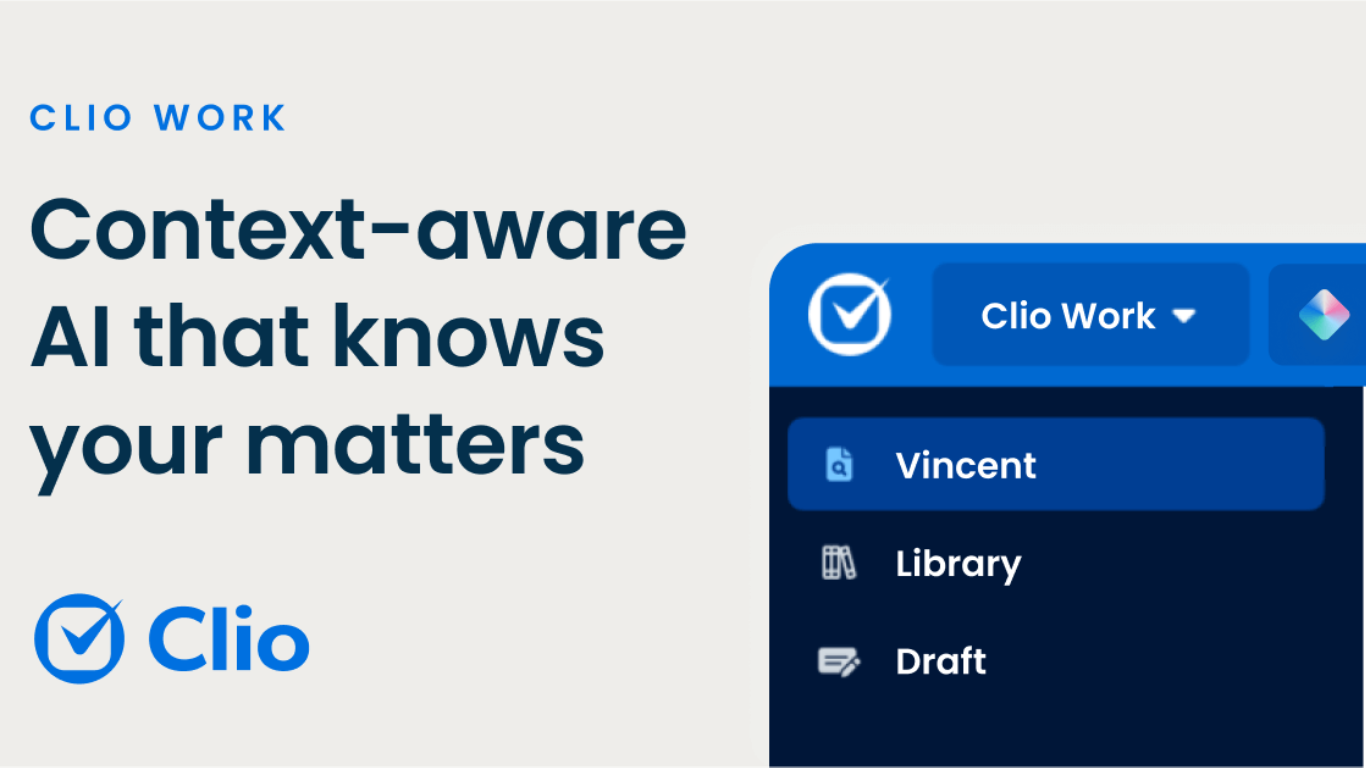
Clio Work is a legal AI workspace that reads your matter files, pulls cited authority, and drafts documents inside one secure environment. It fits the legal software category because it targets attorneys doing research, analysis, and case strategy rather than generic chat. The product page pitches it as AI that understands cases, their context, and the law, with workflows for litigators and transactional lawyers.
Generic legal chat tools answer prompts without your full matter loaded. Clio Work scans large file sets across a matter to surface key facts, risks, gaps, and an auto-built timeline, then ties research to jurisdiction-specific law with a built-in citator that checks whether authority is still good. Outputs link back to sources, and drafting extends into Microsoft Word through Clio for Word so lawyers edit where they already write.
Litigation teams use it to review discovery, flag weak citations in opposing briefs, and draft motions grounded in case facts. Transactional teams extract contract terms, spot missing clauses, and turn reviews into client-ready summaries and tables. Strategy views let you pressure-test arguments and compare interpretations before you commit to a filing or client advice.
Clio positions Work as available with or without Clio Manage, with a free trial entry point and demo-led pricing on the Work pricing page. Security messaging cites SOC 2 Type II, ISO 27001, GDPR, and HIPAA compliance, and states client data is not used to train external AI models.
Reads across entire matters to build timelines, key facts, and risk summaries
Built-in citator checks whether cited authority is still good law
Jurisdiction-specific research with every output linked to its source
Clio for Word brings drafting and editing into Microsoft Word
Analyzes contracts, pleadings, depositions, and recordings in minutes
SOC 2 Type II, ISO 27001, GDPR, and HIPAA compliance with no AI training on client data
Available as standalone legal AI or alongside Clio Manage
Clio Manage AI
What is Clio Manage AI?
Clio Manage AI embeds legal practice automation inside Clio Manage so court orders become calendar events, matter activity turns into client updates, and time entries flow into draft invoices awaiting your approval. It targets the administrative work that eats lawyer hours: deadline tracking, billing bottlenecks, correspondence drafts, and matter housekeeping.
Generic legal chatbots stop at summaries. Manage AI completes workflows inside your case management system, extracting hearing dates from scheduling orders, routing bills to approvers, matching receipts to matters, and surfacing risk flags on your dashboard. Every action shows the source document beside the suggestion so you review before anything posts to a client file or invoice.
Solo lawyers, small litigation teams, and mid-market firms in family, criminal, personal injury, and estates practice use it to cut missed deadlines and speed cash flow. It replaces the earlier Clio Duo feature set with expanded scheduling, billing, and communication automation while keeping data inside Clio encrypted cloud infrastructure.
Extracts deadlines from court documents and creates calendar events with source side-by-side review
Generates draft invoices, matches expenses to matters, and routes bills to approvers automatically
Drafts motions, letters, and client updates from matter activity with consistent tone across channels
Surfaces prioritized next steps and risk flags on the firm dashboard before issues escalate
Built-in review checkpoints require lawyer approval before any action finalizes
Runs inside Clio Manage with encrypted data that is never used to train external models
Clio Manage EasyStart plan starts at 69 CAD per user per month on annual billing
Clio Instance Connector
What is Clio Instance Connector? and how does it work?
Clio Instance Connector by ion8 moves and syncs data between separate Clio accounts, which matters when a firm runs multiple regional instances or completes a merger. It transfers groups, contacts, matters, bank accounts, documents, and related records across Clio domains in Canada, Europe, and the United States with one-way or two-way sync options you configure.
Generic Clio exports and manual imports break down when you need ongoing sync or selective matter routing between firms. ion8 handles the transfer as a managed service and lets you filter by region, practice area, or custom fields instead of copying entire databases. That focus on cross-instance compliance is the reason international firms pick it over one-time CSV migrations.
Legal operations teams use it during M&A integrations, cross-border expansions, and referral arrangements where one firm delegates matters to another Clio tenant. ion8 also sells related Clio connectors for RingCentral, Zoho CRM, and matter linking across instances.
Transfers groups, contacts, matters, bank accounts, and documents between Clio instances
Supports one-way or two-way sync with field-level control by region or practice area
Moves data across Clio domains in Canada, Europe, and the United States for compliance
ion8 performs transfers as a managed service rather than self-serve CSV imports
Pairs with ion8 CRM Connector and Matter Locker for broader Clio stack integrations
Custom quotes for M&A, office expansion, and multi-instance consolidation projects
ion8 CRM Connector
Why use ion8 CRM Connector? and how does it work?
ion8 CRM Connector syncs client data between Zoho CRM and Clio Manage so contacts, leads, tasks, events, and billing records stay aligned across both systems. You configure field mappings once, choose which values sync bidirectionally, and let updates flow without switching between platforms. ion8 built it for law firms and professional services teams that run Zoho for sales and Clio for matter management.
Most CRM-to-practice-management integrations need custom Zapier flows per object type. ion8 CRM Connector is a dedicated automation bridge with one configuration panel for tasks, events, invoices, and matter-linked billing data. That focused Zoho-plus-Clio scope is the main reason firms pick it over generic iPaaS connectors.
Legal operations teams, firm admins, and IT staff managing Zoho CRM alongside Clio get the most value. Pricing is not published on the product page; ion8 routes new customers through Get Started and consultation requests.
Bidirectional sync of contacts, leads, and key client fields between Zoho CRM and Clio Manage
Tasks and events created in one system automatically appear in the connected CRM
Custom field mapping controls which values sync both ways versus staying local
Billing workflows generate bills and invoices in one system from matter or project data
One-stop configuration replaces separate setup steps on each platform
Part of ion8's Clio product suite alongside Instance Connector and Matter Locker
ion8 partners with 50 plus software providers across CRM and UCaaS ecosystems