
Last updated 08-10-2026
Category:
Reviews:
Join thousands of AI enthusiasts in the World of AI!
Codebuff
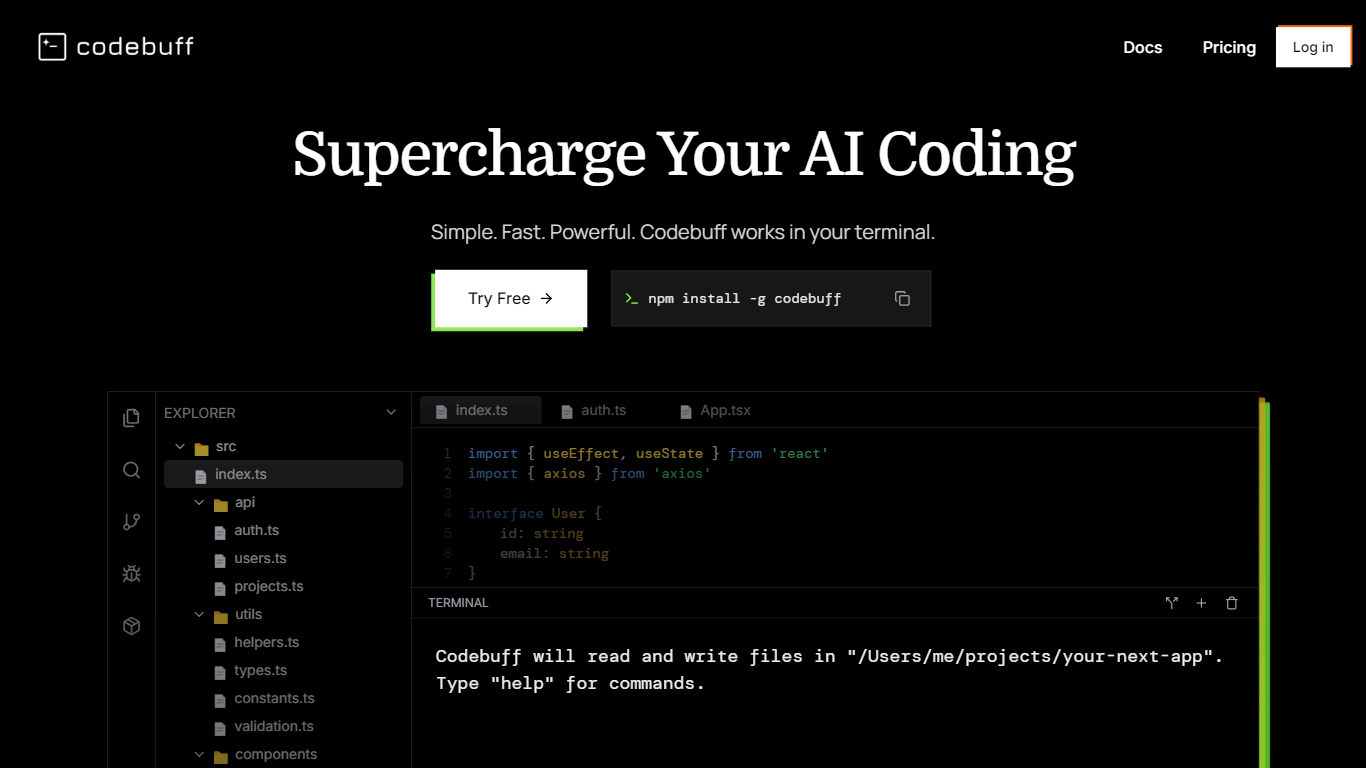
Codebuff is a terminal-based code assistant that installs with npm and runs inside your project directory. You type natural language requests, and it edits files and runs commands against your full repository. It targets developers who want agent-style refactors without leaving the shell or switching to a separate IDE plugin.
Most coding assistants focus on the file you have open. Codebuff indexes the whole codebase in about two seconds, maps dependencies, and applies edits that follow existing structure. That full-repo view is what lets it handle multi-file refactors from one prompt, which is the gap single-file copilots usually leave open.
The CLI supports Free, Max, and Plan modes, plus an optional /init step that reads AGENTS.md or CLAUDE.md for project context. You can subscribe for higher usage tiers or pay per credit at one cent each with no subscription. BuffBench, Codebuff's internal benchmark, scores agents on 175+ real git-commit tasks across completion, efficiency, and code quality.
Installs globally with npm install -g codebuff and runs in any project directory
Indexes the full codebase in about two seconds before making multi-file edits
Offers Free, Max, and Plan modes plus pay-as-you-go credits at 1 cent each
Subscription tiers run $100, $200, or $500 per month with higher usage multipliers
Reads AGENTS.md or CLAUDE.md when you run /init for project-specific context
Indexes the entire repo before editing, which supports large refactors from one prompt.
Runs in the terminal so it fits VS Code, Cursor, or any shell-based workflow.
Pay-as-you-go credits let you try tasks without committing to a monthly plan.
Requires Node.js and npm before you can install the CLI.
Higher-volume use pushes you toward $100 to $500 monthly subscription tiers.
Terminal-only interface with no dedicated GUI for developers who prefer visual diffs.
What is Codebuff?
Codebuff is a terminal AI coding agent you install with npm. You run the codebuff command in a repo, describe changes in plain language, and Codebuff edits files and runs commands using full-project context.
How do I install Codebuff?
Codebuff installs with npm install -g codebuff. You need Node.js and npm, then cd into your project and run codebuff from the terminal inside VS Code, Cursor, or any shell.
How much does Codebuff cost?
Codebuff offers subscriptions at $100, $200, and $500 per month for higher usage limits. You can also pay as you go at 1 cent per credit with no subscription required.
What modes does Codebuff support?
Codebuff supports Free, Max, and Plan modes inside the CLI. Each mode trades off speed, depth, and credit usage depending on the task you run.
Does Codebuff work with my existing stack?
Codebuff runs in the terminal against whatever repo you point it at. It does not require a specific IDE or language, and the docs show setup steps for any npm-based workflow.
What does Codebuff /init do?
Running /init inside Codebuff sets up project-specific context files. It reads existing AGENTS.md or CLAUDE.md when present and is the first step toward building custom agents.