
Last updated 07-22-2026
Category:
Reviews:
Join thousands of AI enthusiasts in the World of AI!
CodeJS
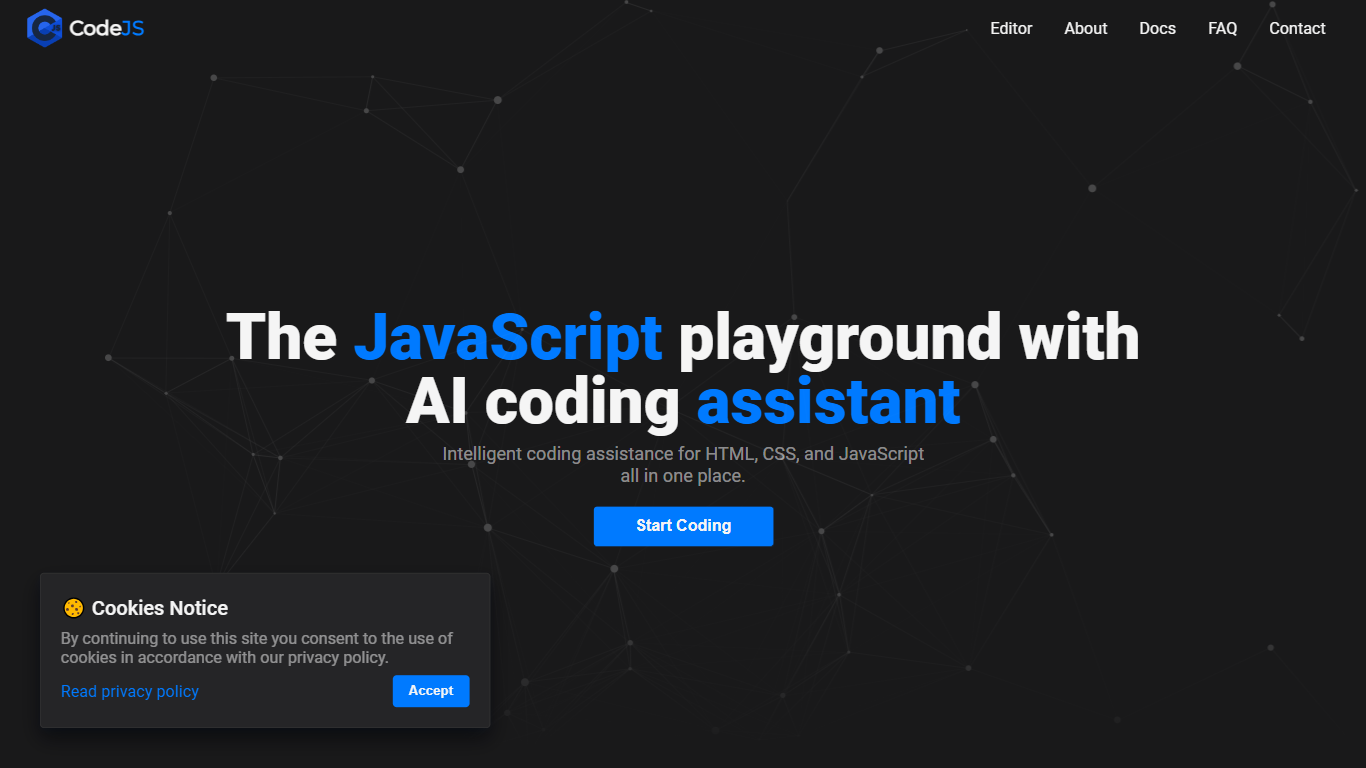
CodeJS is a browser-based JavaScript playground where you write, test, and share web code without installing anything. Open the editor in Chrome, Firefox, Safari, or Edge and start working in HTML, CSS, and JavaScript panels with a live preview beside your code.
The editor adds AI suggestions as you type, including autocomplete, error detection, and refactoring hints. You can also work with TypeScript, React, and Vue, and import popular libraries from the interface when you need more than plain JavaScript.
CodeJS is built for quick experiments, teaching sessions, and sharing snippets. Generate a shareable link when you want someone else to view or fork your project, or keep coding anonymously without creating an account.
AI suggestions and autocomplete while you type HTML, CSS, and JavaScript
Live preview updates as you edit without manual refresh
Syntax highlighting for HTML, CSS, JavaScript, and related web languages
Shareable links for demos, teaching, or getting feedback on code
Support for TypeScript, React, and Vue with one-click library imports
Real-time error detection with explanations when you hover over flagged code
No install or setup required; runs entirely in the browser
AI suggestions help with syntax and common patterns while you code
Live preview removes the edit-refresh loop during development
Free access to the core editor, AI assistance, and code sharing
Social profile links on the contact page point to placeholders, not active accounts
Premium team and enterprise plans are listed as coming soon with no pricing details
No dedicated pricing page beyond the free-tier FAQ on the contact page
Is CodeJS free to use?
Yes. CodeJS offers its core editor, AI assistance, live preview, and code sharing at no cost. The contact page notes that premium features for teams and enterprises are coming soon.
Do I need an account to use CodeJS?
No. You can open the editor and start coding immediately. Creating a free account lets you save projects, sync across devices, and access additional features.
What browsers does CodeJS support?
CodeJS works on modern browsers including Chrome, Firefox, Safari, and Edge. The site recommends using the latest browser version for the best experience.
Can I use CodeJS for commercial projects?
Yes. CodeJS states that you may use the platform for any purpose, including commercial work, and that the code you write belongs to you.
How does the AI assistance work?
CodeJS analyzes your code in real time, uses context from what you are writing, and offers suggestions, autocomplete, and error detection based on patterns learned from large code examples.