
Last updated 07-26-2026
Category:
Reviews:
Join thousands of AI enthusiasts in the World of AI!
CodeSensAI
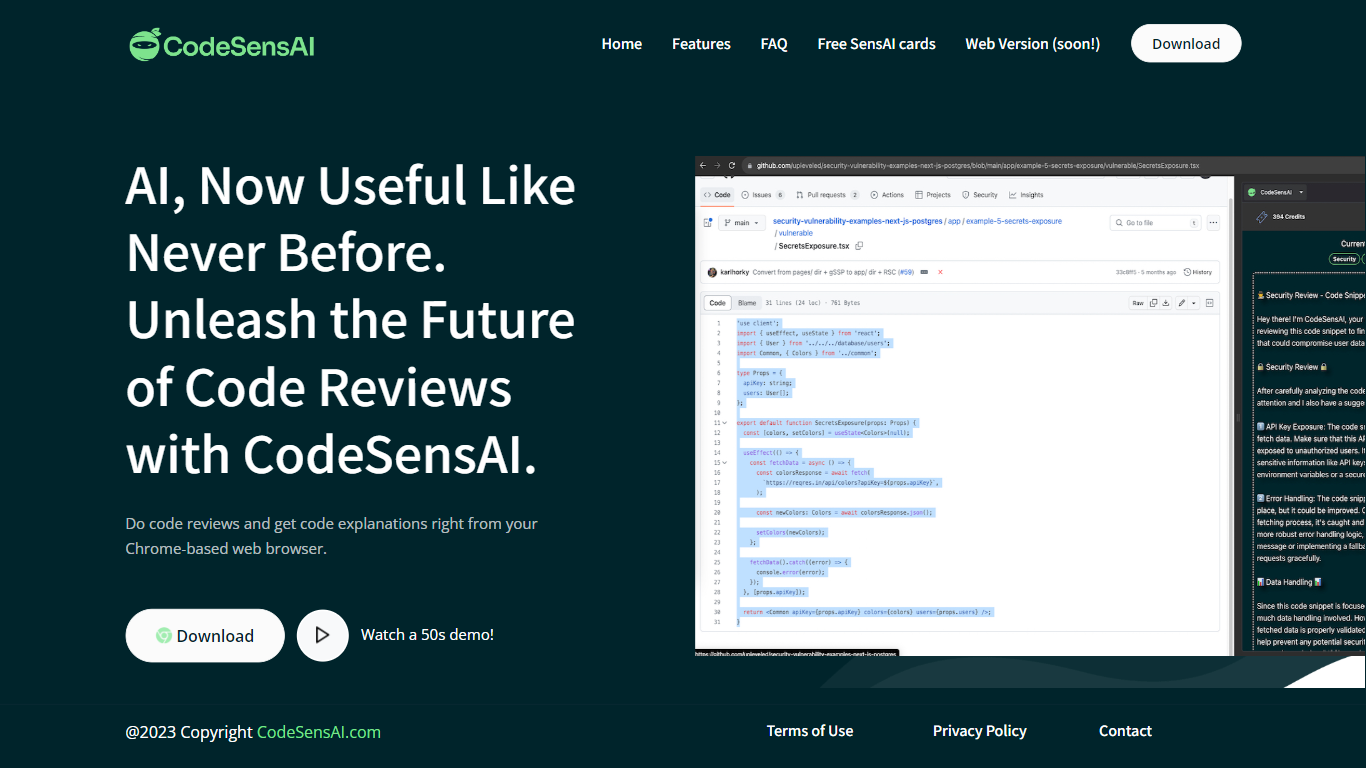
CodeSensAI is an AI-powered code review tool that integrates directly into your Chrome-based browser, allowing developers to get detailed reviews and plain English explanations of code snippets from GitHub or any coding platform. It supports multiple popular programming languages and frameworks, making it accessible to both seasoned developers and beginners. The tool offers customizable review settings, including focus areas like security, performance, and bugs, as well as adjustable creativity and personality tones to tailor feedback. CodeSensAI operates on a pay-as-you-go model using SensAI Cards, which provide flexible, credit-based access without monthly subscriptions. Privacy and security are prioritized, with no code or personal data stored beyond necessary payment info. The team is actively developing new features such as collaborative reviews, full repository analysis, and a native app. CodeSensAI aims to make code review faster, easier, and more insightful for individuals and teams alike.
🧑💻 Detailed code reviews in seconds from any code snippet
📖 Plain English explanations for easy understanding by all
⚙️ Customizable review focus: security, performance, bugs, and more
🎭 Adjustable creativity and personality settings for tailored feedback
💳 Flexible pay-as-you-go SensAI Cards with no monthly fees
Provides fast, detailed AI-powered code reviews directly in the browser
Customizable review focus and creativity settings for tailored feedback
Flexible pay-as-you-go pricing with no monthly subscription
Supports multiple popular programming languages and frameworks
Strong privacy focus with no code storage and minimal data collection
Currently available only as a Chrome-based browser extension
Web version is under active development and not yet publicly available
Limited to reviewing highlighted code snippets, not full repositories yet
How does CodeSensAI differ from using ChatGPT directly for code review?
CodeSensAI combines multiple AI models like GPT-4, Llama2, and CodeBERT with a unique algorithm to provide more accurate and focused code reviews. It offers customizable review focus and creativity settings that you can't easily adjust in generic chatbots.
Do I need to sign up to use CodeSensAI?
No sign-up is required. You only need to provide an email to receive your SensAI Card token, which you can use on any machine or account.
What programming languages does CodeSensAI support?
CodeSensAI supports most popular programming languages including Python, JavaScript, Java, C, C++, and many others, along with their common frameworks.
How does the pay-as-you-go pricing work?
You purchase SensAI Cards that contain a set number of code review credits. Each review or explanation uses credits. There are no monthly fees; you buy more credits when needed.
Can I share SensAI Cards with my team?
Yes, you can share a SensAI Card among team members or buy multiple cards for individual users.
Is my code secure when using CodeSensAI?
Yes. CodeSensAI does not store your code or personal data beyond your email for sending tokens. Your code remains confidential and is not shared.
What are the system requirements to run CodeSensAI?
CodeSensAI is a browser extension compatible with Chrome-based browsers like Chrome, Brave, Chromium, and Edge. It has minimal system requirements.