
Last updated 08-14-2026
Category:
Reviews:
Join thousands of AI enthusiasts in the World of AI!
CodeViz
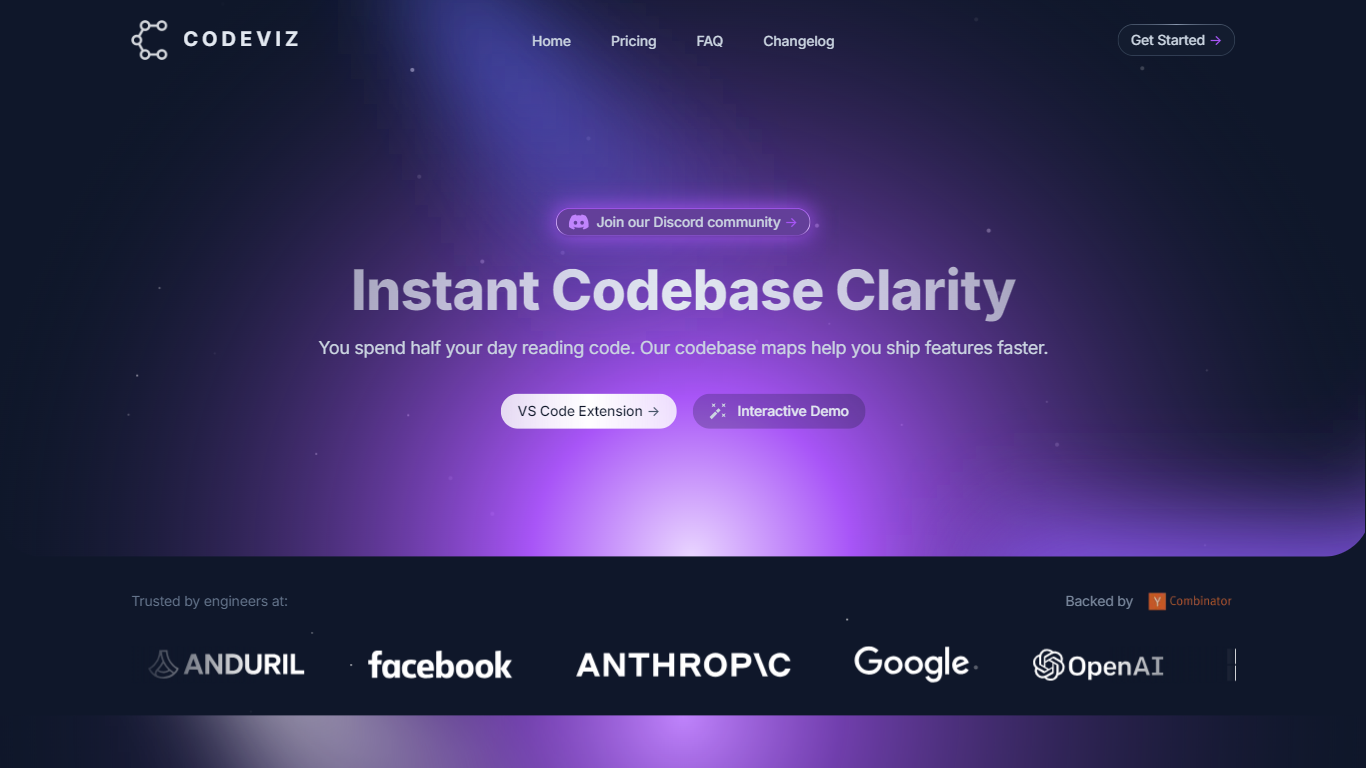
CodeViz maps your codebase into living architecture diagrams you can edit, share, and trace back to source files. The VS Code extension and web app analyze repositories across major languages, then let you ask for workflows, API paths, or data flows in plain language and get an end-to-end view in seconds.
Diagram-first docs tools make you draw boxes by hand. CodeViz builds C4 and UML views from the repo itself, links every node to real files, and branches models in Git so proposed designs stay reviewable. Pro adds PR visualization and Jira links; Teams adds shared workspaces at $50 per seat.
Engineering teams at companies like OpenAI and Google use it to speed PR review, onboard developers, and keep architecture docs from rotting. The site claims 70,000+ developers and about 10 hours saved monthly per team.
Automatic architecture modeling across major languages with source links
Natural-language queries generate workflow and data-flow diagrams on demand
Free tier includes 5 diagrams per month on 1 repository
Pro plan at $19 per month adds PR visualization and Jira integration
C4 and UML standards with export to Mermaid, draw.io, and PNG
Builds living architecture diagrams directly from the repository instead of manual drawing.
Free tier covers small projects with 5 monthly diagrams and standard exports.
Git-versioned models keep proposed architecture changes reviewable like code.
Free plan limits you to 1 repository and 5 diagrams per month.
Teams pricing starts at $50 per seat per month for collaboration features.
Enterprise on-premise and SSO require a custom sales quote.
Is CodeViz free to use?
Yes, CodeViz has a free plan at $0 with 5 diagrams per month on 1 repository. The pricing page lists architecture visualization, natural language queries, and exports to Mermaid, draw.io, and PNG.
How much does CodeViz Pro cost?
CodeViz Pro is $19 per month. It adds unlimited diagrams, faster processing, PR visualization, and Jira integration on top of the free tier.
Does CodeViz work in VS Code?
Yes, CodeViz offers a VS Code extension on the Visual Studio Marketplace. The homepage Install Free button links directly to the CodeViz.codeviz extension listing.
What diagram standards does CodeViz use?
CodeViz models architecture on C4 and UML standards. The homepage lists Context, Container, Component, and Code levels so teams get familiar notation without proprietary symbols.
Can CodeViz visualize pull requests?
Yes, CodeViz Pro includes PR visualization. The homepage highlights faster PR reviews by visualizing code changes instantly alongside architecture context.
What integrations does CodeViz support?
CodeViz connects with VS Code, GitHub, Jira, Slack, and Figma. The Teams plan adds shared workspaces, version history, and embeddable diagrams for Notion and Confluence.