
Last updated 08-22-2026
Category:
Reviews:
Join thousands of AI enthusiasts in the World of AI!
ComicInk
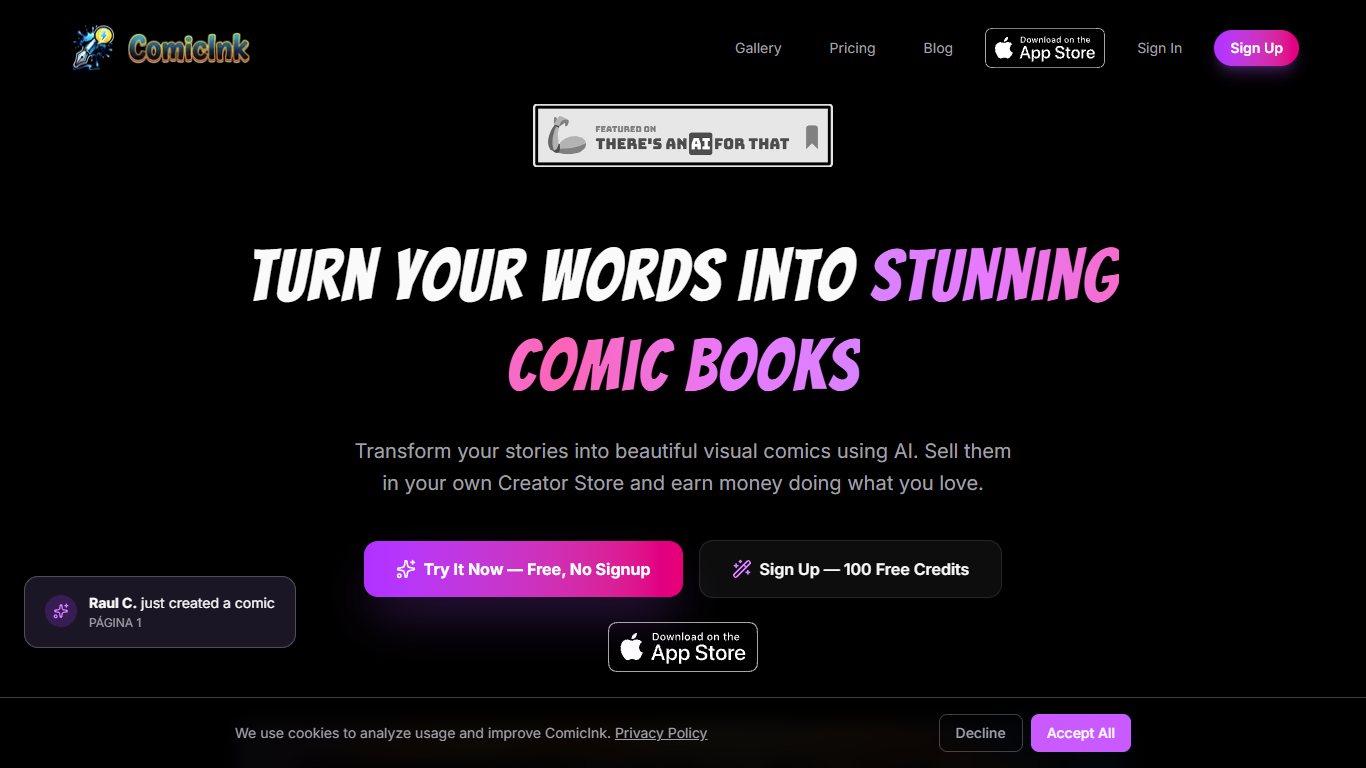
Write a prompt and ship a print-ready comic issue or a multi-scene animated film from the same cast. ComicInk locks characters, props, and locations across pages and video scenes, then bills per image through credits that never expire. New accounts get 100 free credits with no credit card, enough for a short comic trial.
Most comic tools stop at static panels or treat video as a separate product. ComicInk v4 adds Story Videos that convert an existing issue into a narrated MP4 with voiceover, music, and captions while keeping faces on-model. Sidekick, the in-app teammate, drafts scripts, adds cast members, and edits panels from plain-language requests.
Indie storytellers, teachers, and hobbyists use it when they want a series bible and a shareable film without learning Photoshop or a timeline editor. Comic pages cost 50 credits each and story video runs about 151 credits per second on the published rate card.
100 free credits on signup with no credit card required
Comic pages and covers cost 50 credits; characters and worlds cost 10 credits
Story Videos animate an existing comic with AI voiceover, music, and captions
Sidekick teammate writes scripts, builds cast, and edits panels in plain language
Creator pack at $54.99 loads 12,000 credits for about 240 pages or 79 seconds of video
Credits never expire and work across comics, covers, and video generation
Multi-issue series with reusable cast, props, and storefront publishing
One studio outputs both print-ready comics and narrated films from the same cast
Credits never expire, unlike monthly subscription generators
Story Videos reuse existing issues instead of rebuilding characters from scratch
Sidekick handles script and panel edits through conversational commands
100 free credits let you test workflow before buying a pack
Story video at about 151 credits per second gets expensive for long films
Pay-per-page model can add up faster than flat subscriptions for heavy users
Character and world regenerations still cost 10 credits each
Enterprise pricing requires emailing [email protected]
Is ComicInk free to try?
ComicInk gives every new account 100 free credits with no credit card required. That is enough ink to produce a short comic, and the first scene is also free before you spend credits.
How do ComicInk credits work?
ComicInk charges 50 credits per comic page or cover, 10 credits per character or world asset, and about 151 credits per second of story video. Purchased credits never expire and can be used anytime.
Can ComicInk turn a comic into a video?
Yes. ComicInk Story Videos converts a comic issue you already built into a narrated film. The tool drafts voiceover, adds music, animates panels, and keeps characters consistent scene to scene.
What does ComicInk Creator pack cost?
ComicInk Creator costs $54.99 as a one-time credit load of 12,000 credits. ComicInk estimates that covers about 240 comic pages or roughly 79 seconds of story video at published credit rates.
Does ComicInk require a subscription?
No. ComicInk uses pay-as-you-go credit packs rather than monthly subscriptions. You buy Lite, Starter, Creator, or Video packs and spend credits only when you generate pages, assets, or video.
What art styles does ComicInk support?
ComicInk supports styles including American Comics, Cartoon, European BD, Chibi, Vintage Retro, and Digital Art. You pick a style before generating and the cast stays locked across the issue or film.