16x Prompt vs getEssential.app
Compare 16x Prompt vs getEssential.app and see which AI Code Assistant tool is better when we compare features, reviews, pricing, alternatives, upvotes, etc.
Which one is better? 16x Prompt or getEssential.app?
When we compare 16x Prompt with getEssential.app, which are both AI-powered code assistant tools, Both tools are equally favored, as indicated by the identical upvote count. You can help us determine the winner by casting your vote and tipping the scales in favor of one of the tools.
Don't agree with the result? Cast your vote and be a part of the decision-making process!
16x Prompt
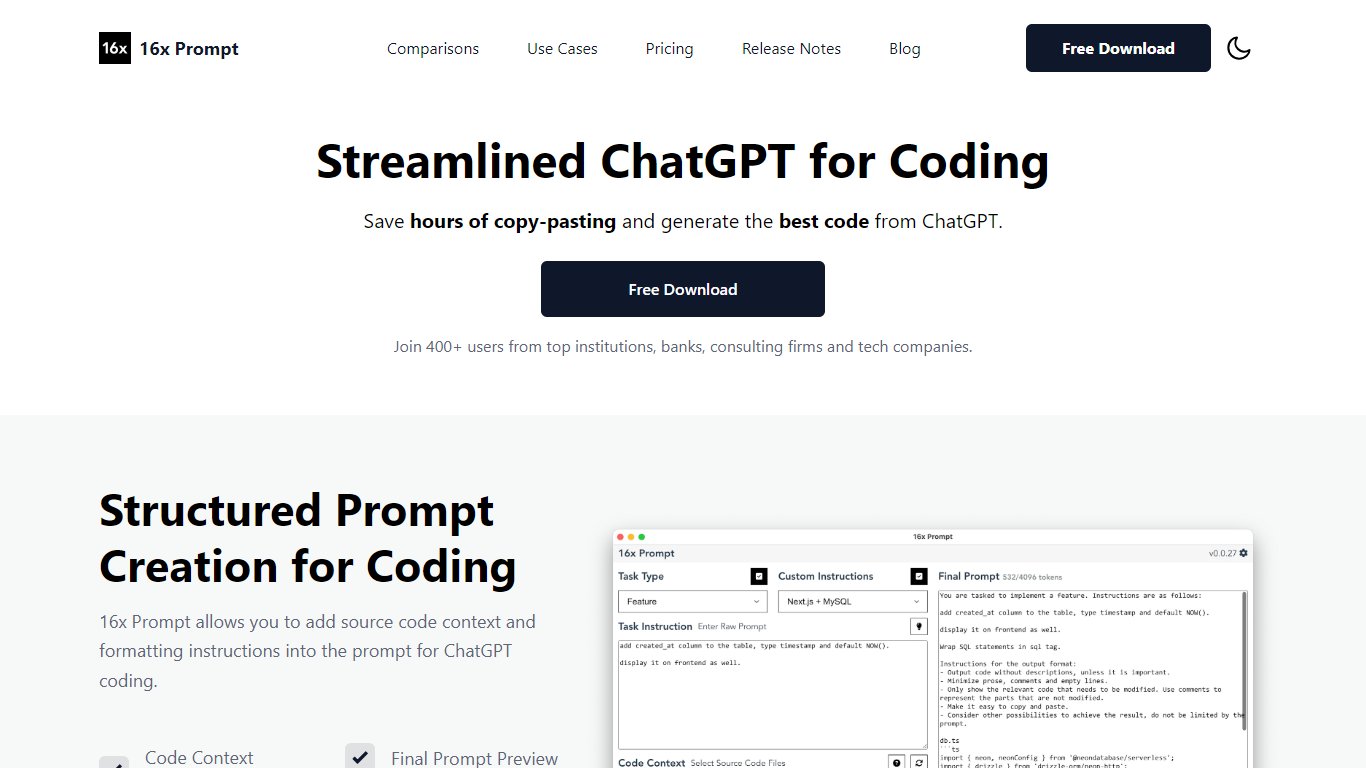

What is 16x Prompt ?
16x Prompt is a desktop app for developers who want more control over AI-assisted coding. You select source files, add task instructions and formatting rules, and the app assembles an optimized prompt with the right context for complex work on existing codebases.
You can copy the final prompt into ChatGPT, Claude, or any LLM, or send it directly through API integrations using your own keys. Supported providers include OpenAI, Anthropic Claude, Google Gemini, DeepSeek, OpenRouter, Ollama, and Azure OpenAI. The app also includes code edit mode with visual diffs, automatic backups, and side-by-side model comparison.
Prompt generation runs locally on your machine. Workspaces let you organize multiple repositories, save reusable task templates, and track token limits so prompts stay within model constraints. Available for macOS, Windows, and Linux.
getEssential.app
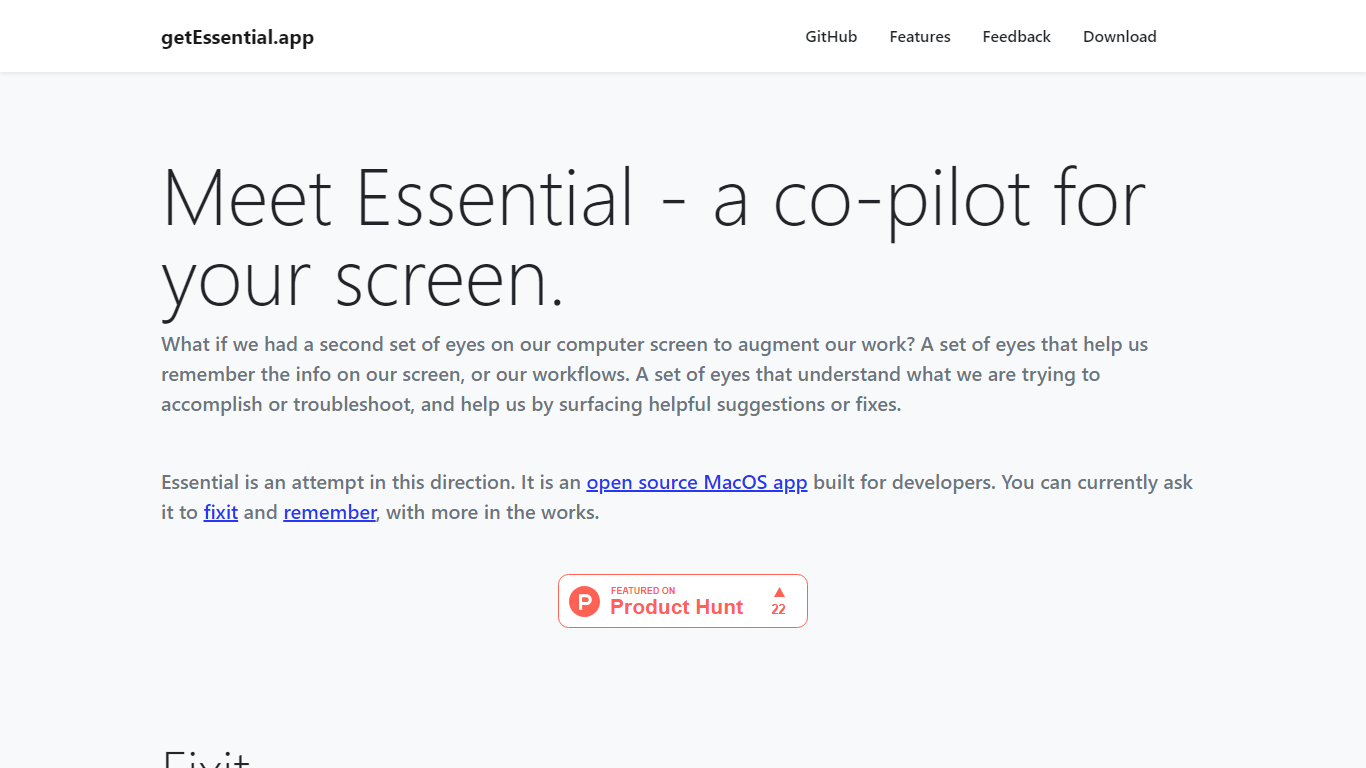
What is getEssential.app?
Enhance your productivity with Essential, the innovative MacOS app that acts as a co-pilot for your computer screen. Essential taps into the might of Computer Vision and OpenAI's LLMs to help developers with real-time troubleshooting and memory assistance, targeting error messages, build failures, and workflow reminders without ever leaving your Mac.
With Essential's Fixit feature, experience a seamless troubleshooting mechanism that keeps a record of your screen activities for the last 5 minutes and offers contextual solutions for encountered errors. Remember serves as a memory layer, creating summarized stories with screenshots for effortless recall and organization, all the while maintaining your privacy, as no data is transmitted off your device.
Download Essential today and revolutionize the way you interact with your computer, saving time and streamlining your development process. Essential is ready to assist you directly from Github or through our dedicated download link.
16x Prompt Upvotes
getEssential.app Upvotes
16x Prompt Top Features
Select source files and task instructions to build structured coding prompts
Copy prompts to any LLM or send via BYOK API to OpenAI, Claude, Gemini, and more
Apply AI code edits with visual diffs, automatic backups, and rollback
Compare responses from different LLM models side by side
Save reusable task instructions and custom formatting rules per tech stack
Organize multiple repositories in workspaces with token limit tracking
Runs locally on macOS, Windows, and Linux with dark mode support
getEssential.app Top Features
Real-Time Troubleshooting: Error analysis and contextual fixes straight from your MacOS screen.
Memory Layer: Automatically creates stories with screenshots for easy information recall.
Computer Vision: Leverages Computer Vision to comprehend screen content.
OpenAI Integration: Utilizes OpenAI LLMs to assist developers in resolving issues.
Data Privacy: Ensures no data leaves your Mac prioritizing user privacy.
16x Prompt Category
- Code Assistant
getEssential.app Category
- Code Assistant
16x Prompt Pricing Type
- Freemium
getEssential.app Pricing Type
- Freemium