
Last updated 08-13-2026
Category:
Reviews:
Join thousands of AI enthusiasts in the World of AI!
getEssential.app
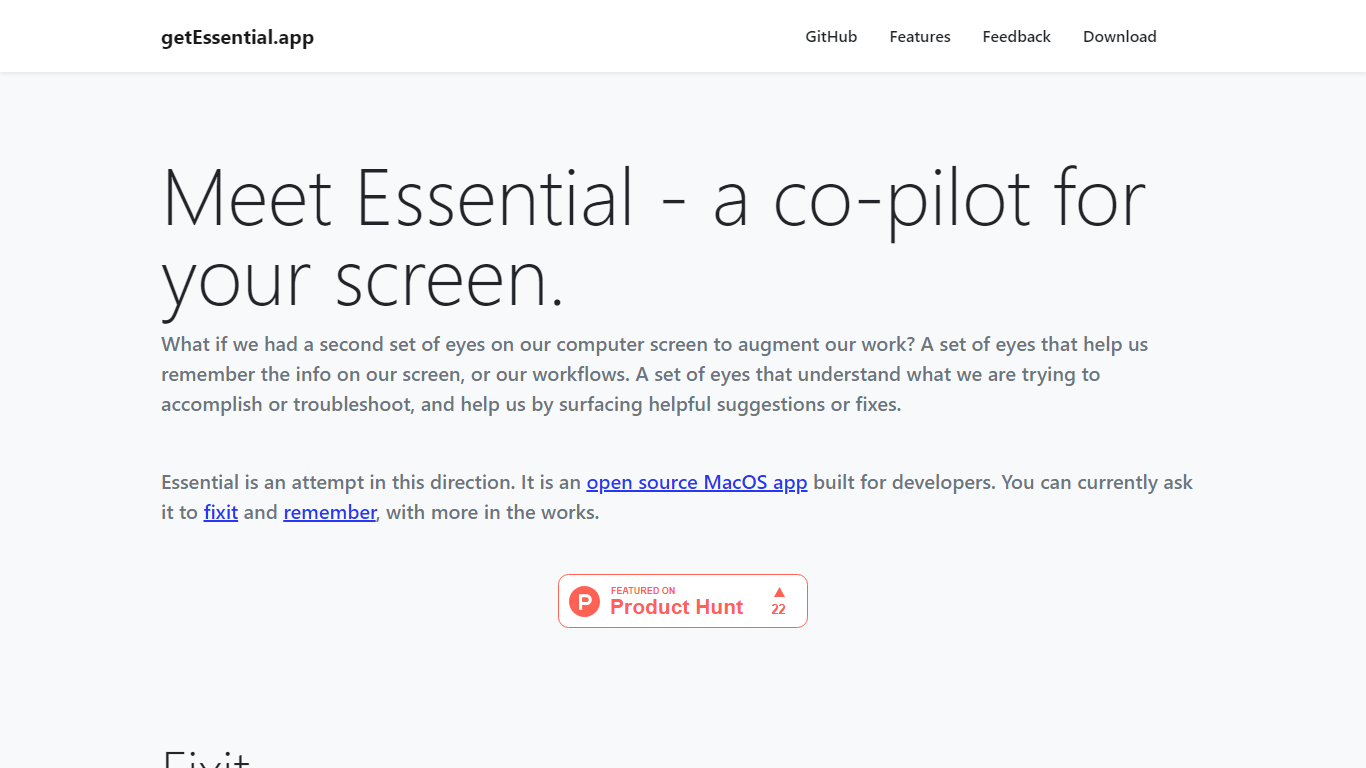
getEssential.app is an open source macOS companion that watches your screen and helps developers fix errors or save work context. Its Fixit mode keeps the last five minutes of screen activity, reads IDE build failures, terminal stack traces, and browser errors with computer vision plus OpenAI models, then suggests fixes in your project context. Remember mode captures summarized stories with screenshots for later recall using on-device OCR.
Generic ChatGPT tabs force you to copy error text out of your editor. Essential runs locally on the Mac, indexes recent screen history, and surfaces fixes when you Command-tab into the app without pasting logs into a browser. Remember also stores categorized story threads entirely on your machine, which is a different privacy trade-off than cloud note tools.
Mac developers debugging builds, exploring unfamiliar codebases, or documenting troubleshooting steps use Essential as a second set of eyes. The project is open source on GitHub and distributed as a direct Mac download from getessential.app.
Fixit mode tracks the last 5 minutes of screen activity for contextual error help
Suggests fixes for IDE build failures, terminal stack traces, and browser errors
Remember mode saves summarized stories with screenshots via on-device OCR
Open source Mac app with source code on GitHub
All Remember data stays on your Mac with no cloud upload
Command-tab workflow without copying error text into a separate chat window
Open source Mac app with public GitHub repository
Fixit suggests contextual fixes without copying errors to a browser
Remember mode keeps categorized stories entirely on-device
Tracks the last five minutes of screen activity automatically
Free download with no subscription listed on the site
macOS only with no Windows or Linux build advertised
Fixit relies on OpenAI models, which may require your own API access
Thin public documentation beyond the homepage feature descriptions
What platforms does getEssential.app support?
getEssential.app is a macOS application available as a direct download from getessential.app. The project source code is published on GitHub under the EssentialApp repository.
How does getEssential.app Fixit mode work?
getEssential.app records the last five minutes of your screen and uses computer vision with OpenAI models to read error messages. When you switch to the app, it proposes fixes tailored to the code and tools visible on your display.
Does getEssential.app send screen data to the cloud?
getEssential.app states that Remember stories are processed entirely on your Mac with no data leaving your system. Fixit uses OpenAI models, so check the project's documentation for how error context is transmitted during troubleshooting.
What is getEssential.app Remember mode?
getEssential.app Remember mode summarizes recent work into stories with screenshots you can save for later. OCR on screen contents powers recall, and stories are grouped into sections for quicker lookup.
Is getEssential.app open source?
Yes, getEssential.app is an open source macOS app with code hosted at github.com/bharathpbhat/EssentialApp. You can download the app or inspect and build from source.
Who is getEssential.app built for?
getEssential.app is built for developers who want on-screen help fixing build errors and a local memory layer for troubleshooting sessions. The homepage positions it as a copilot for your screen rather than a general writing assistant.