getEssential.app vs Programming-Helper
In the battle of getEssential.app vs Programming-Helper, which AI Code Assistant tool comes out on top? We compare reviews, pricing, alternatives, upvotes, features, and more.
Between getEssential.app and Programming-Helper, which one is superior?
Upon comparing getEssential.app with Programming-Helper, which are both AI-powered code assistant tools, The upvote count favors getEssential.app, making it the clear winner. The upvote count for getEssential.app is 6, and for Programming-Helper it's 3.
Not your cup of tea? Upvote your preferred tool and stir things up!
getEssential.app

What is getEssential.app?
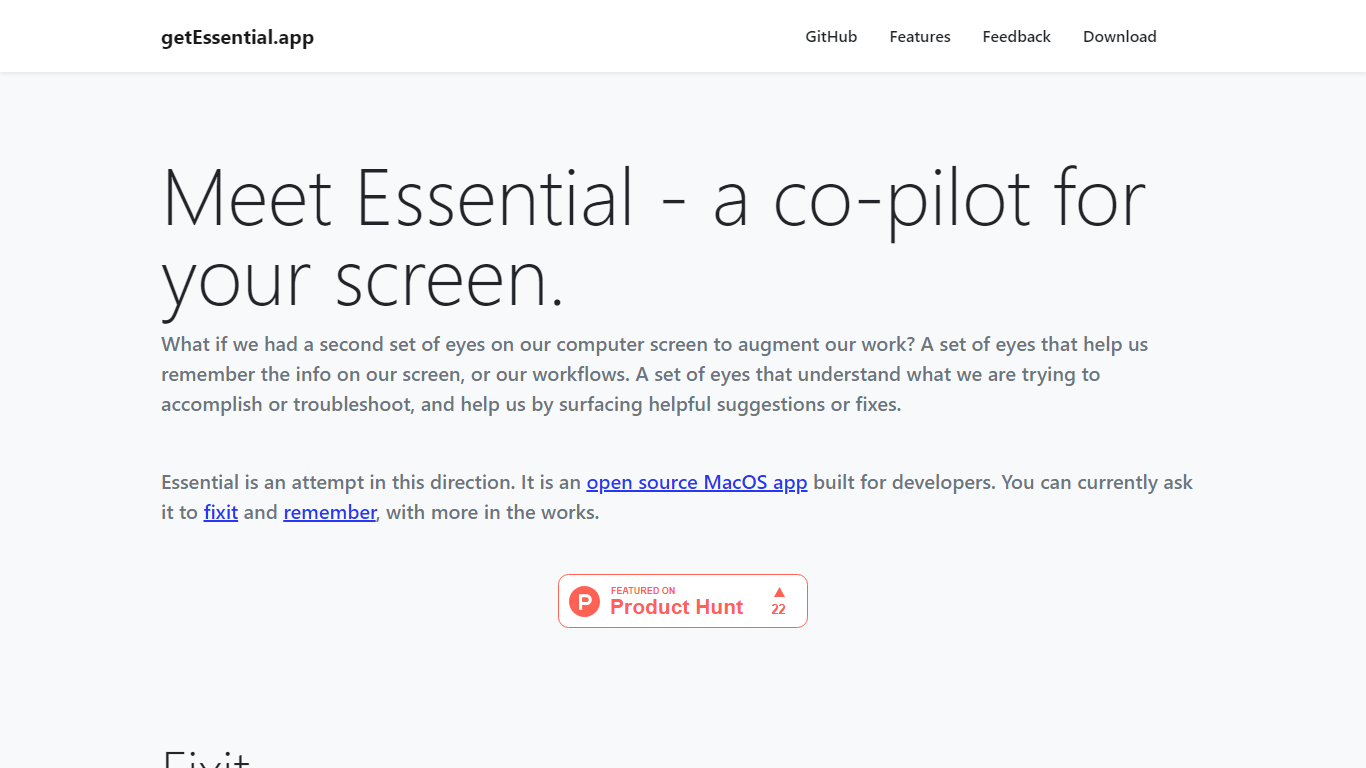
getEssential.app is an open source macOS companion that watches your screen and helps developers fix errors or save work context. Its Fixit mode keeps the last five minutes of screen activity, reads IDE build failures, terminal stack traces, and browser errors with computer vision plus OpenAI models, then suggests fixes in your project context. Remember mode captures summarized stories with screenshots for later recall using on-device OCR.
Generic ChatGPT tabs force you to copy error text out of your editor. Essential runs locally on the Mac, indexes recent screen history, and surfaces fixes when you Command-tab into the app without pasting logs into a browser. Remember also stores categorized story threads entirely on your machine, which is a different privacy trade-off than cloud note tools.
Mac developers debugging builds, exploring unfamiliar codebases, or documenting troubleshooting steps use Essential as a second set of eyes. The project is open source on GitHub and distributed as a direct Mac download from getessential.app.
Programming-Helper
What is Programming-Helper?
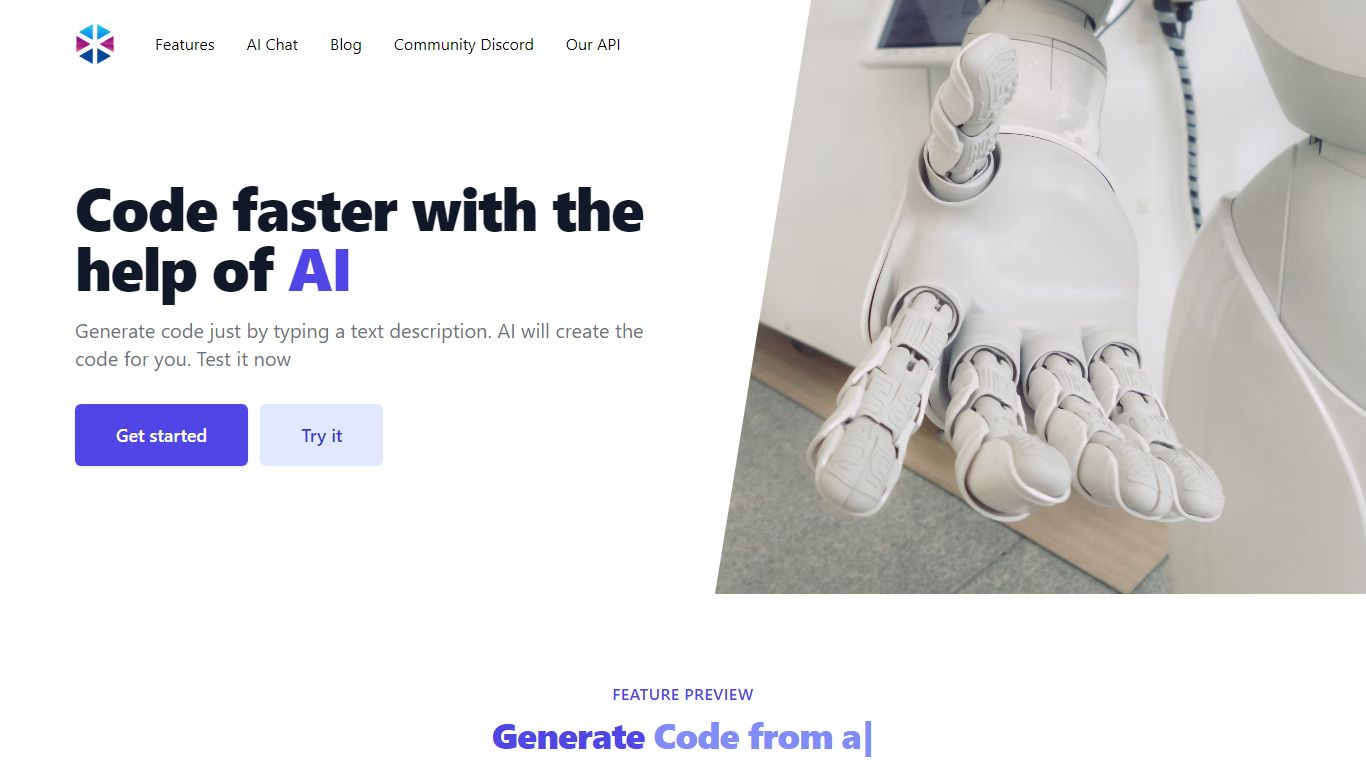
Programming-Helper is a browser-based code assistant that turns plain-English prompts into functions, SQL, HTML, regex, Git commands, and more. You pick a task like generate function or text to SQL, describe what you need, and the site returns code you can copy, with community generations visible to other users.
Most code assistants chase one workflow, usually chat inside an IDE. Programming-Helper spreads dozens of narrow generators across a single site, from docstring-to-function and fix invalid code to Linux command lookup and time-complexity analysis. That breadth trades deep project context for quick one-off answers.
It fits students, indie developers, and analysts who need a specific snippet without opening a full IDE copilot. The newer AI Studio bundles the tools behind one interface with workflows, collaboration, and one-click exports for heavier use.
getEssential.app Upvotes
Programming-Helper Upvotes
getEssential.app Top Features
Fixit mode tracks the last 5 minutes of screen activity for contextual error help
Suggests fixes for IDE build failures, terminal stack traces, and browser errors
Remember mode saves summarized stories with screenshots via on-device OCR
Open source Mac app with source code on GitHub
All Remember data stays on your Mac with no cloud upload
Command-tab workflow without copying error text into a separate chat window
Programming-Helper Top Features
Generate functions from text descriptions across many programming languages
Text-to-SQL converts plain English into SQL commands
Translate code between programming languages from a description
Regex from description and regex-to-English explanation tools
Fix invalid code, add typing, and generate unit tests from existing code
AI Studio bundles all generators with workflows, collaboration, and one-click exports
getEssential.app Category
- Code Assistant
Programming-Helper Category
- Code Assistant
getEssential.app Pricing Type
- Free
Programming-Helper Pricing Type
- Freemium