getEssential.app vs HuggingChat
In the contest of getEssential.app vs HuggingChat, which AI Code Assistant tool is the champion? We evaluate pricing, alternatives, upvotes, features, reviews, and more.
If you had to choose between getEssential.app and HuggingChat, which one would you go for?
When we examine getEssential.app and HuggingChat, both of which are AI-enabled code assistant tools, what unique characteristics do we discover? Both tools are equally favored, as indicated by the identical upvote count. Every vote counts! Cast yours and contribute to the decision of the winner.
Does the result make you go "hmm"? Cast your vote and turn that frown upside down!
getEssential.app

What is getEssential.app?
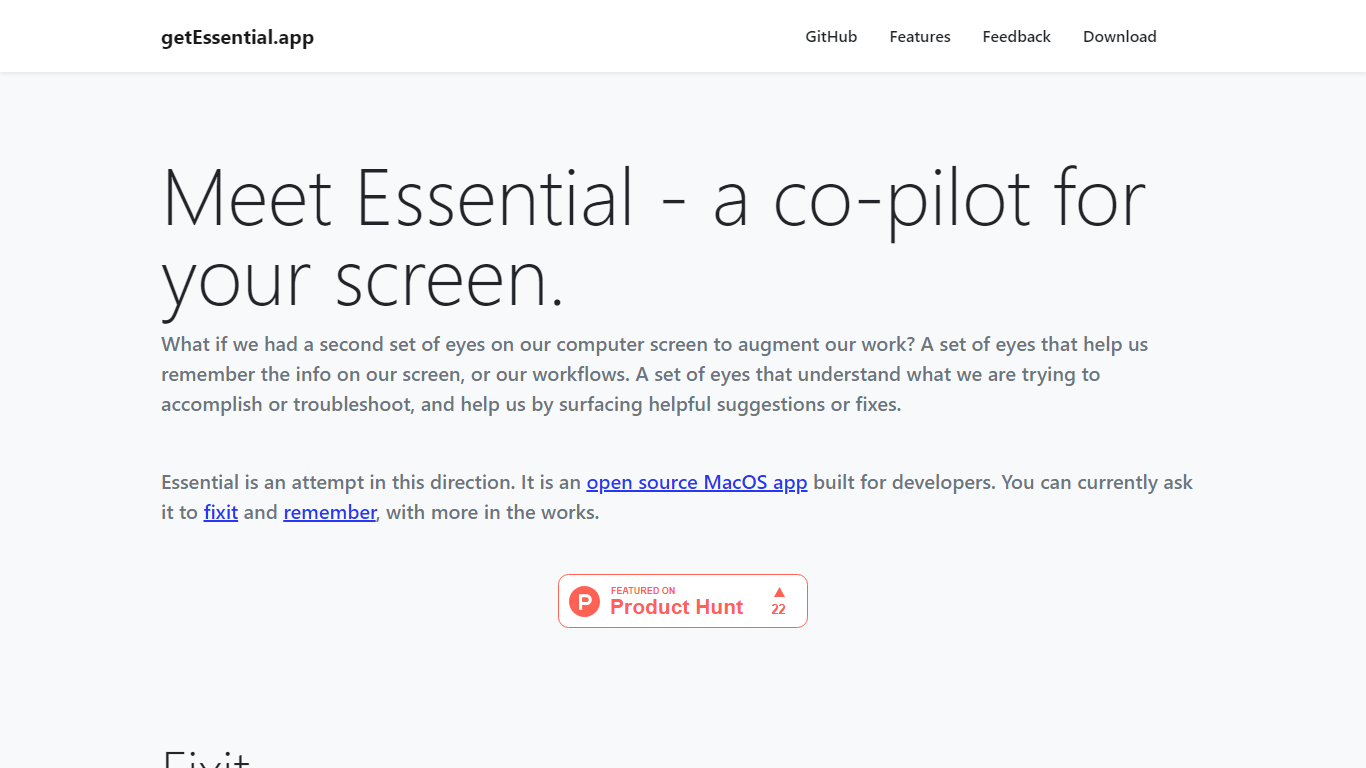
getEssential.app is an open source macOS companion that watches your screen and helps developers fix errors or save work context. Its Fixit mode keeps the last five minutes of screen activity, reads IDE build failures, terminal stack traces, and browser errors with computer vision plus OpenAI models, then suggests fixes in your project context. Remember mode captures summarized stories with screenshots for later recall using on-device OCR.
Generic ChatGPT tabs force you to copy error text out of your editor. Essential runs locally on the Mac, indexes recent screen history, and surfaces fixes when you Command-tab into the app without pasting logs into a browser. Remember also stores categorized story threads entirely on your machine, which is a different privacy trade-off than cloud note tools.
Mac developers debugging builds, exploring unfamiliar codebases, or documenting troubleshooting steps use Essential as a second set of eyes. The project is open source on GitHub and distributed as a direct Mac download from getessential.app.
HuggingChat
What is HuggingChat?
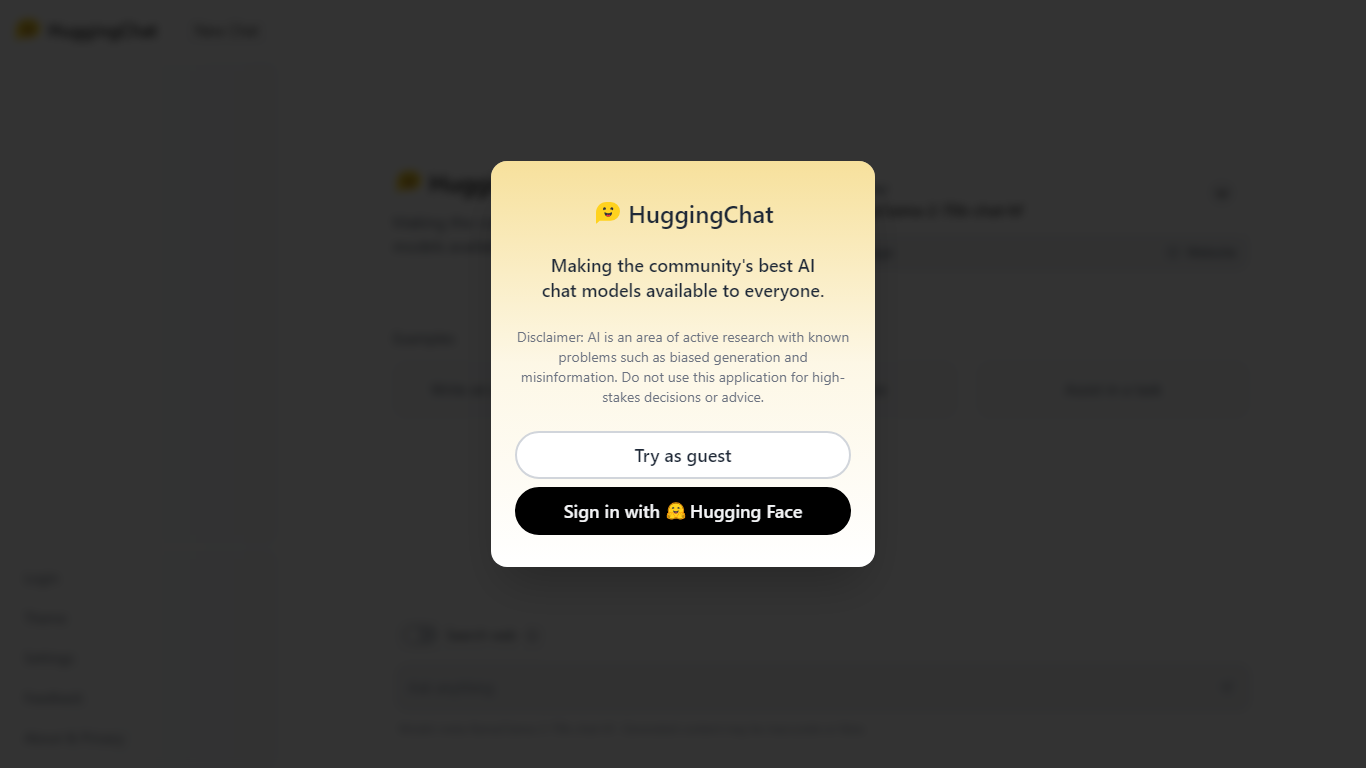
HuggingChat is a free chat assistant that runs open source AI models from the Hugging Face community. Pick a model directly or let Omni route your prompt to the best available option. The interface supports image generation, web tasks, dataset search, and MCP tool connections alongside standard text chat.
Closed chatbots lock you into one vendor model. HuggingChat exposes 137 open source models you can switch between mid-conversation, including newcomers like DeepSeek V4 Flash with a 1M-token context window. The trade-off is variable quality across models and a Hugging Face account requirement to save chats.
Developers, researchers, and curious users reach for it to test Llama, DeepSeek, and other community models without API keys or local GPU setup. Hugging Face positions it as making the community's best chat models available to everyone.
getEssential.app Upvotes
HuggingChat Upvotes
getEssential.app Top Features
Fixit mode tracks the last 5 minutes of screen activity for contextual error help
Suggests fixes for IDE build failures, terminal stack traces, and browser errors
Remember mode saves summarized stories with screenshots via on-device OCR
Open source Mac app with source code on GitHub
All Remember data stays on your Mac with no cloud upload
Command-tab workflow without copying error text into a separate chat window
HuggingChat Top Features
Choose from 137 open source chat models or let Omni auto-select the best fit
DeepSeek V4 Flash offers a 1M-token context window and adjustable thinking modes
MCP (Model Context Protocol) connections extend chat with external tools
Built-in prompts cover image generation, website building, and dataset search
Free to use with a Hugging Face account for chat history and settings
New Chat shortcut and per-model settings pages for application and Omni routing
Powered by Hugging Face with DR 91 on the parent domain
getEssential.app Category
- Code Assistant
HuggingChat Category
- Code Assistant
getEssential.app Pricing Type
- Free
HuggingChat Pricing Type
- Free