getEssential.app vs Gorilla Terminal
In the contest of getEssential.app vs Gorilla Terminal, which AI Code Assistant tool is the champion? We evaluate pricing, alternatives, upvotes, features, reviews, and more.
If you had to choose between getEssential.app and Gorilla Terminal, which one would you go for?
When we examine getEssential.app and Gorilla Terminal, both of which are AI-enabled code assistant tools, what unique characteristics do we discover? Neither tool takes the lead, as they both have the same upvote count. Since other aitools.fyi users could decide the winner, the ball is in your court now to cast your vote and help us determine the winner.
Think we got it wrong? Cast your vote and show us who's boss!
getEssential.app
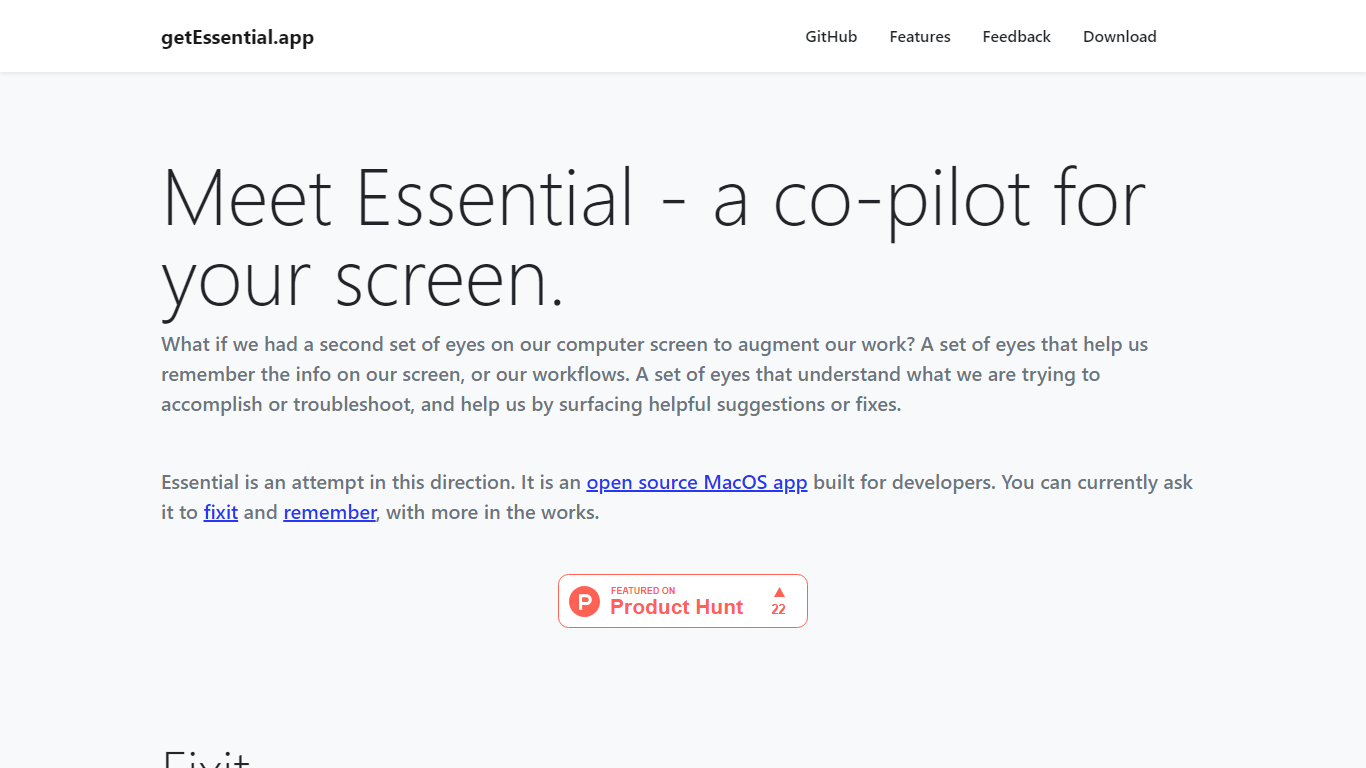

What is getEssential.app?
getEssential.app is an open source macOS companion that watches your screen and helps developers fix errors or save work context. Its Fixit mode keeps the last five minutes of screen activity, reads IDE build failures, terminal stack traces, and browser errors with computer vision plus OpenAI models, then suggests fixes in your project context. Remember mode captures summarized stories with screenshots for later recall using on-device OCR.
Generic ChatGPT tabs force you to copy error text out of your editor. Essential runs locally on the Mac, indexes recent screen history, and surfaces fixes when you Command-tab into the app without pasting logs into a browser. Remember also stores categorized story threads entirely on your machine, which is a different privacy trade-off than cloud note tools.
Mac developers debugging builds, exploring unfamiliar codebases, or documenting troubleshooting steps use Essential as a second set of eyes. The project is open source on GitHub and distributed as a direct Mac download from getessential.app.
Gorilla Terminal

What is Gorilla Terminal?
Gorilla Terminal pulls stock data, SEC filings, macro indicators, and earnings call transcripts into one terminal-style dashboard in your browser. Search by ticker and you get charts, quarterly reports, insider trades, Twitter sentiment, and live futures without hopping between Bloomberg tabs and scattered finance sites.
Most research terminals either dump raw data tables or lean on generic summaries. Gorilla Terminal focuses on earnings calls: it runs sentiment analysis on what executives actually said, flags positive and negative statements, and lets you filter by quarter. That transcript-first angle is the trade-off. You get deeper call breakdowns than a charting site, but the product is built for equity research rather than crypto or forex.
Portfolio managers, solo investors, and finance students use this investment research tool to prep for earnings season, scan sector averages, and stress-test holdings with value-at-risk and regression tools. The macro panel covers CPI, unemployment, retail sales, and consumer sentiment in one click.
getEssential.app Upvotes
Gorilla Terminal Upvotes
getEssential.app Top Features
Fixit mode tracks the last 5 minutes of screen activity for contextual error help
Suggests fixes for IDE build failures, terminal stack traces, and browser errors
Remember mode saves summarized stories with screenshots via on-device OCR
Open source Mac app with source code on GitHub
All Remember data stays on your Mac with no cloud upload
Command-tab workflow without copying error text into a separate chat window
Gorilla Terminal Top Features
Earnings call transcripts with AI sentiment scoring and positive/negative statement filters per quarter
Macro dashboard covering CPI, unemployment, retail sales, and consumer sentiment in one view
Stock search returns charts, 10-Ks, 10-Qs, insider buying, and Twitter sentiment on one page
Value-at-risk and regression analysis for portfolio risk modeling
Industry average metrics across revenue growth, margins, and tax rates by sector
Pro plan at $29 per month, down from a listed $49 per month on the pricing page
7-day pass at $9.99 for short-term access without a monthly commitment
getEssential.app Category
- Code Assistant
Gorilla Terminal Category
- Code Assistant
getEssential.app Pricing Type
- Free
Gorilla Terminal Pricing Type
- Paid