16x Prompt vs HuggingChat
In the clash of 16x Prompt vs HuggingChat, which AI Code Assistant tool emerges victorious? We assess reviews, pricing, alternatives, features, upvotes, and more.
When we put 16x Prompt and HuggingChat head to head, which one emerges as the victor?
Let's take a closer look at 16x Prompt and HuggingChat, both of which are AI-driven code assistant tools, and see what sets them apart. Both tools have received the same number of upvotes from aitools.fyi users. Join the aitools.fyi users in deciding the winner by casting your vote.
Not your cup of tea? Upvote your preferred tool and stir things up!
16x Prompt
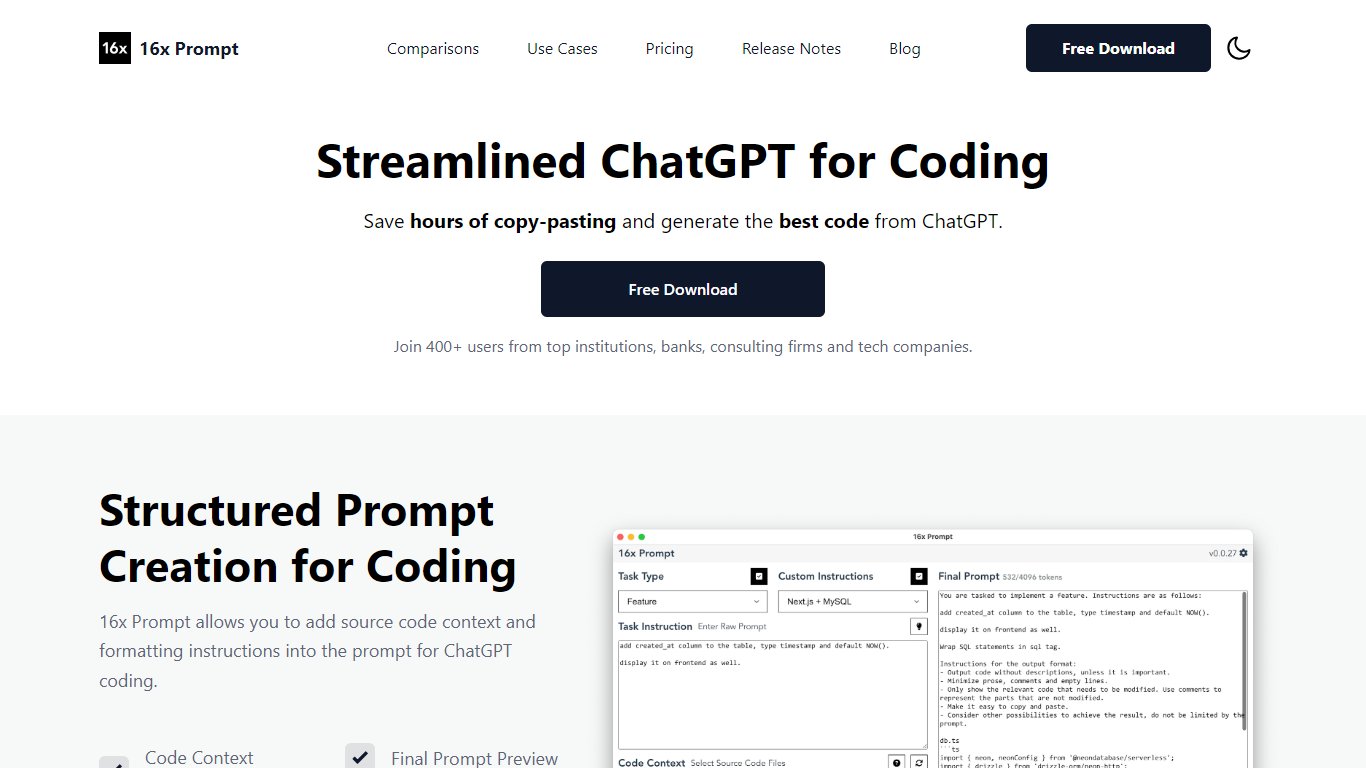

What is 16x Prompt ?
16x Prompt is a desktop app for developers who want more control over AI-assisted coding. You select source files, add task instructions and formatting rules, and the app assembles an optimized prompt with the right context for complex work on existing codebases.
You can copy the final prompt into ChatGPT, Claude, or any LLM, or send it directly through API integrations using your own keys. Supported providers include OpenAI, Anthropic Claude, Google Gemini, DeepSeek, OpenRouter, Ollama, and Azure OpenAI. The app also includes code edit mode with visual diffs, automatic backups, and side-by-side model comparison.
Prompt generation runs locally on your machine. Workspaces let you organize multiple repositories, save reusable task templates, and track token limits so prompts stay within model constraints. Available for macOS, Windows, and Linux.
HuggingChat
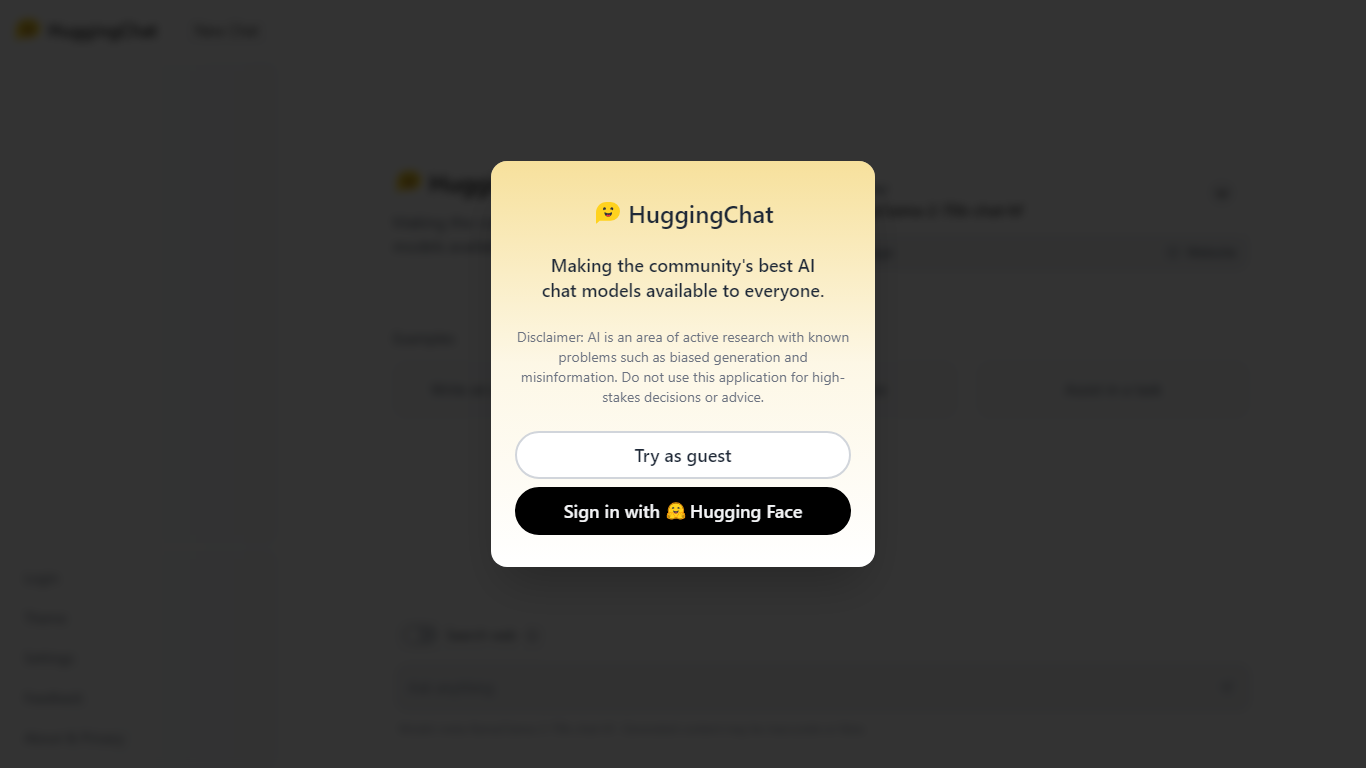
What is HuggingChat?
HuggingChat is a free chat assistant that runs open source AI models from the Hugging Face community. Pick a model directly or let Omni route your prompt to the best available option. The interface supports image generation, web tasks, dataset search, and MCP tool connections alongside standard text chat.
Closed chatbots lock you into one vendor model. HuggingChat exposes 137 open source models you can switch between mid-conversation, including newcomers like DeepSeek V4 Flash with a 1M-token context window. The trade-off is variable quality across models and a Hugging Face account requirement to save chats.
Developers, researchers, and curious users reach for it to test Llama, DeepSeek, and other community models without API keys or local GPU setup. Hugging Face positions it as making the community's best chat models available to everyone.
16x Prompt Upvotes
HuggingChat Upvotes
16x Prompt Top Features
Select source files and task instructions to build structured coding prompts
Copy prompts to any LLM or send via BYOK API to OpenAI, Claude, Gemini, and more
Apply AI code edits with visual diffs, automatic backups, and rollback
Compare responses from different LLM models side by side
Save reusable task instructions and custom formatting rules per tech stack
Organize multiple repositories in workspaces with token limit tracking
Runs locally on macOS, Windows, and Linux with dark mode support
HuggingChat Top Features
Choose from 137 open source chat models or let Omni auto-select the best fit
DeepSeek V4 Flash offers a 1M-token context window and adjustable thinking modes
MCP (Model Context Protocol) connections extend chat with external tools
Built-in prompts cover image generation, website building, and dataset search
Free to use with a Hugging Face account for chat history and settings
New Chat shortcut and per-model settings pages for application and Omni routing
Powered by Hugging Face with DR 91 on the parent domain
16x Prompt Category
- Code Assistant
HuggingChat Category
- Code Assistant
16x Prompt Pricing Type
- Freemium
HuggingChat Pricing Type
- Free