2D&3D Video Converter | iDatapp vs ScanTo3D | OpalAi
Explore the showdown between 2D&3D Video Converter | iDatapp vs ScanTo3D | OpalAi and find out which AI 3D Generation tool wins. We analyze upvotes, features, reviews, pricing, alternatives, and more.
When comparing 2D&3D Video Converter | iDatapp and ScanTo3D | OpalAi, which one rises above the other?
When we contrast 2D&3D Video Converter | iDatapp with ScanTo3D | OpalAi, both of which are exceptional AI-operated 3d generation tools, and place them side by side, we can spot several crucial similarities and divergences. Both tools are equally favored, as indicated by the identical upvote count. Your vote matters! Help us decide the winner among aitools.fyi users by casting your vote.
Disagree with the result? Upvote your favorite tool and help it win!
2D&3D Video Converter | iDatapp
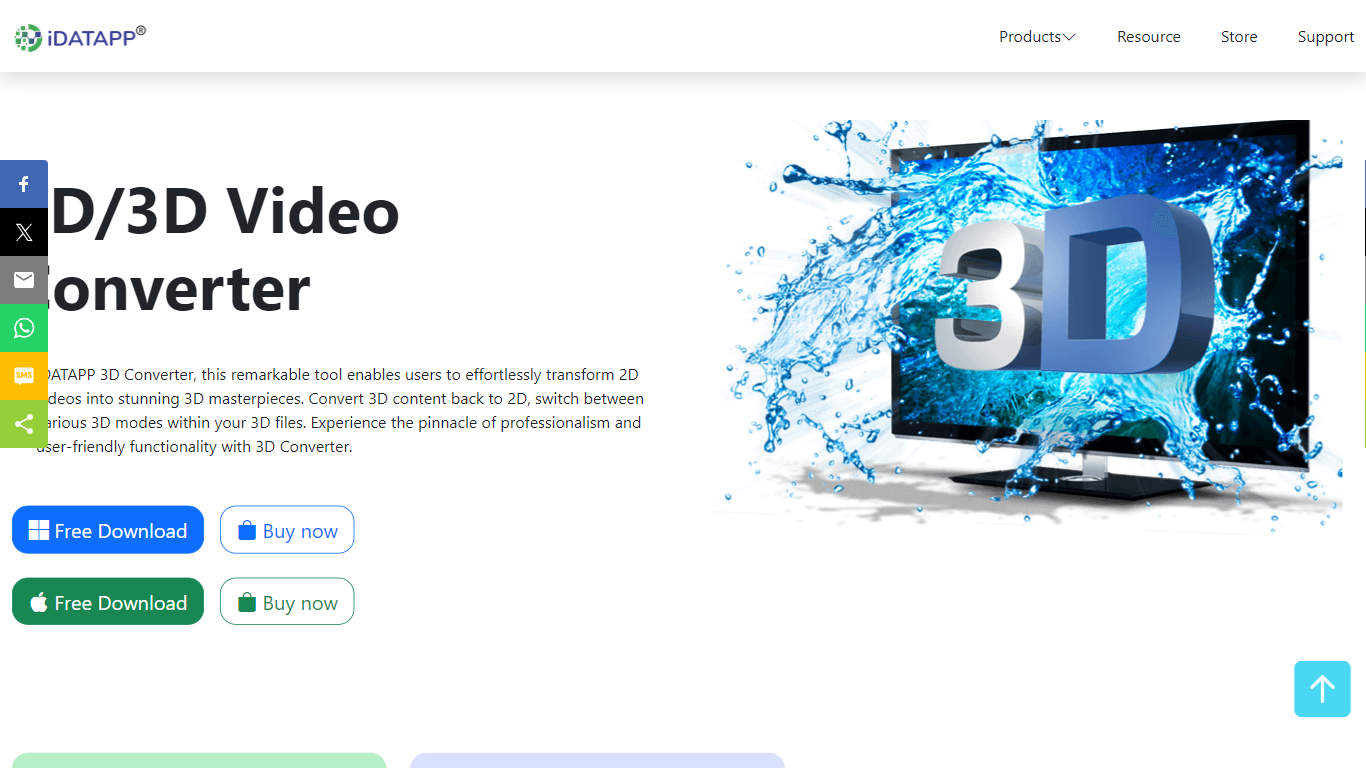

What is 2D&3D Video Converter | iDatapp?
iDatapp 2D and 3D Video Converter is desktop 3D generation software for turning flat videos into stereoscopic files and reshaping existing 3D footage for different screens. Pick 2D to 3D, 3D to 2D, or 3D to 3D, load MPEG-4, MKV, MOV, AVI, or other supported sources, choose a mode like Anaglyph or Side by Side, and export for VR headsets or regular 2D players.
Online clip converters rarely handle 3D mode swaps or Anaglyph color profiles. This tool supports five 3D output modes, lets you convert 720p Top-and-Bottom 3D into 1080p Side-by-Side, and previews effects in a real-time window before you commit. AMD APP and NVIDIA CUDA acceleration are listed for faster batch conversion on Windows and Mac.
Home viewers use it to watch 3D movies on a TV without a theater trip. iPad owners convert 3D downloads to 2D for playback on tablets. VR hobbyists turn standard footage into 3D for headsets. The installer advertises a green non-bundled setup, free download with trial access, and a 30-day refund policy.
ScanTo3D | OpalAi
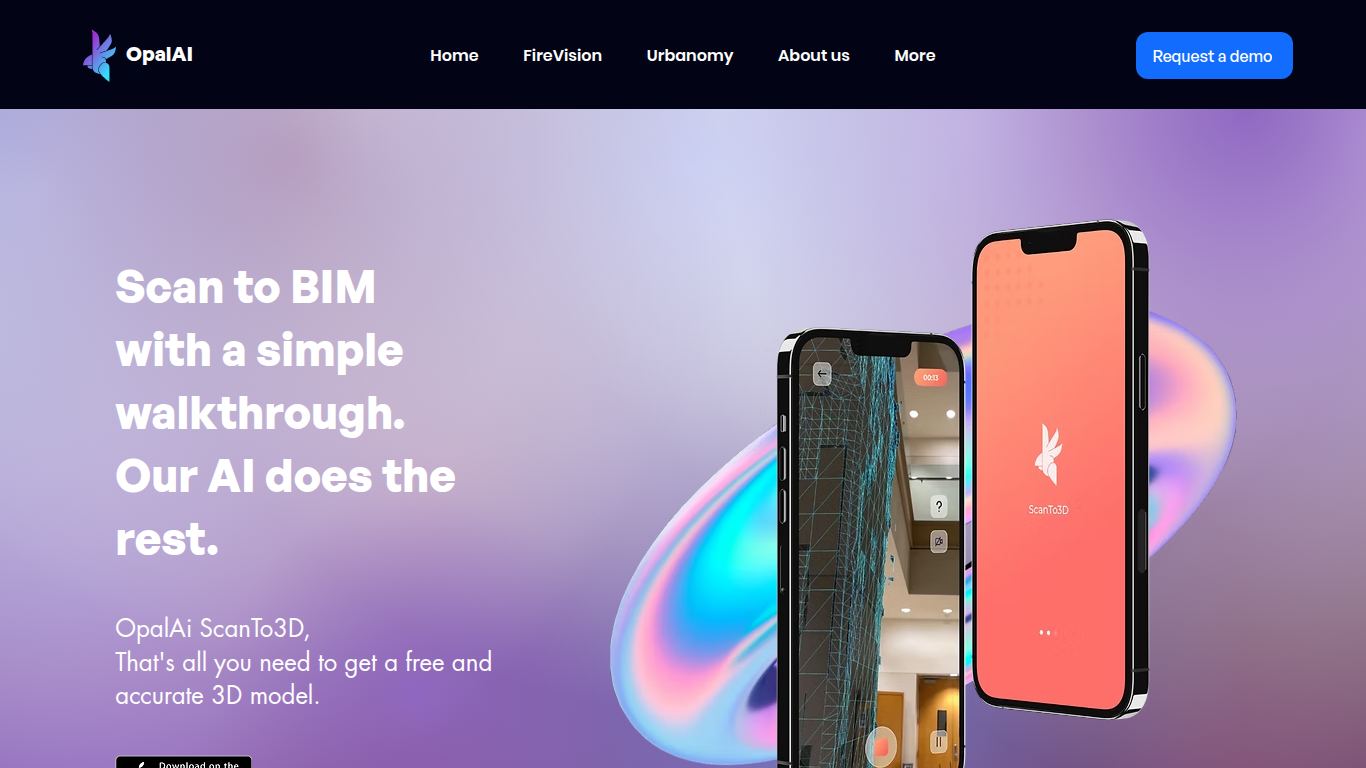
What is ScanTo3D | OpalAi?
ScanTo3D by OpalAi is a 3D generation app for iPhone Pro and iPad Pro that turns LiDAR walkthrough scans into floor plans, point clouds, and BIM-ready models. You walk through a space with your phone, capture geometry in InstaCAD or LiDAR mode, and export digital twins in formats like OBJ, GLTF, STL, and USDZ. It targets property owners, contractors, and facility teams who need as-built documentation without hauling a dedicated scanner.
Compared to renting tripod LiDAR hardware, ScanTo3D trades equipment cost for device requirements and optional cloud processing. InstaCAD mode builds 2D floor plans and 3D CAD models in real time for spaces under 2,000 square feet, while LiDAR mode handles larger environments with no hard size cap though OpalAi recommends keeping each scan under about 5,000 square feet.
Site managers, real estate teams, and construction sales staff use it for quick floor plans, ANSI-compliant gross living area calculations, and textured 3D exports. OpalAi claims less than 1 inch of error per 30 feet and about 98% accuracy on generated floor plans and BIM objects.
2D&3D Video Converter | iDatapp Upvotes
ScanTo3D | OpalAi Upvotes
2D&3D Video Converter | iDatapp Top Features
Three conversion paths: 2D to 3D, 3D to 2D, and 3D to 3D mode switching
Five 3D modes including Anaglyph, Side by Side (half and full), and Top and Bottom (half and full)
Input support for MPEG-4, H.264, MOV, AVI, WMV, MKV, FLV, VOB, and HD sources
Real-time preview window to check 3D or 2D effects before exporting
AMD APP and NVIDIA CUDA acceleration listed for faster conversion
Anaglyph color options include red/cyan, monochrome, half color, full color, and Dubois profiles
30-day refund policy and non-bundled installer advertised on the product page
ScanTo3D | OpalAi Top Features
InstaCAD mode builds 2D floor plans and 3D CAD models in real time while you scan
LiDAR mode captures point clouds with no property size limit on supported devices
Exports OBJ, GLTF, GLB, STL, FBX, USDZ, PCD, PLY, LAS, and e57 formats on Pro
Accuracy under 1 inch per 30 feet with about 98% floor plan accuracy claimed
Works on iPhone Pro and iPad Pro devices with built-in LiDAR cameras
Cloud upload delivers processed 2D and 3D floor plans in 1 to 2 business days
ANSI-compliant gross living area calculations included with uploaded scans
2D&3D Video Converter | iDatapp Category
- 3D Generation
ScanTo3D | OpalAi Category
- 3D Generation
2D&3D Video Converter | iDatapp Pricing Type
- Freemium
ScanTo3D | OpalAi Pricing Type
- Freemium