
Last updated 08-13-2026
Category:
Reviews:
Join thousands of AI enthusiasts in the World of AI!
2D&3D Video Converter | iDatapp
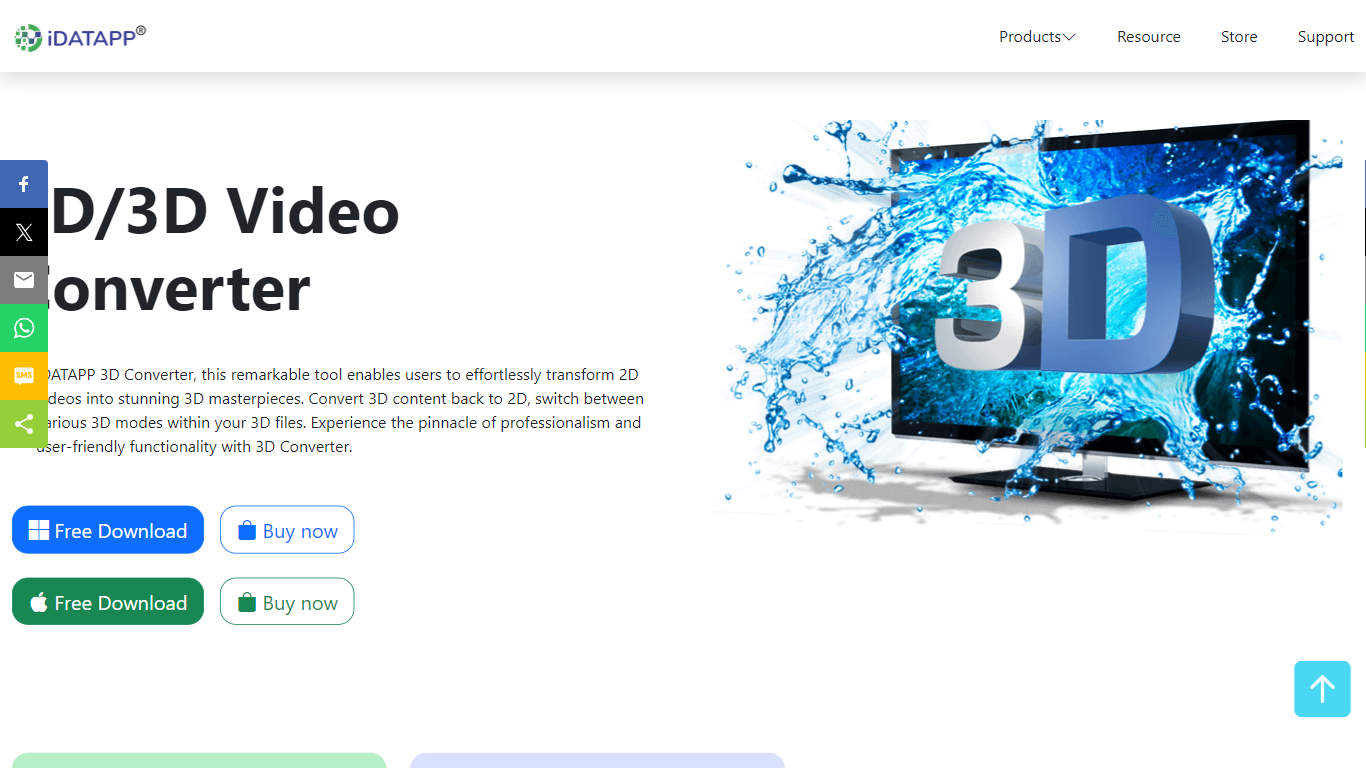
iDatapp 2D and 3D Video Converter is desktop 3D generation software for turning flat videos into stereoscopic files and reshaping existing 3D footage for different screens. Pick 2D to 3D, 3D to 2D, or 3D to 3D, load MPEG-4, MKV, MOV, AVI, or other supported sources, choose a mode like Anaglyph or Side by Side, and export for VR headsets or regular 2D players.
Online clip converters rarely handle 3D mode swaps or Anaglyph color profiles. This tool supports five 3D output modes, lets you convert 720p Top-and-Bottom 3D into 1080p Side-by-Side, and previews effects in a real-time window before you commit. AMD APP and NVIDIA CUDA acceleration are listed for faster batch conversion on Windows and Mac.
Home viewers use it to watch 3D movies on a TV without a theater trip. iPad owners convert 3D downloads to 2D for playback on tablets. VR hobbyists turn standard footage into 3D for headsets. The installer advertises a green non-bundled setup, free download with trial access, and a 30-day refund policy.
Three conversion paths: 2D to 3D, 3D to 2D, and 3D to 3D mode switching
Five 3D modes including Anaglyph, Side by Side (half and full), and Top and Bottom (half and full)
Input support for MPEG-4, H.264, MOV, AVI, WMV, MKV, FLV, VOB, and HD sources
Real-time preview window to check 3D or 2D effects before exporting
AMD APP and NVIDIA CUDA acceleration listed for faster conversion
Anaglyph color options include red/cyan, monochrome, half color, full color, and Dubois profiles
30-day refund policy and non-bundled installer advertised on the product page
Covers 2D-to-3D, 3D-to-2D, and 3D-to-3D workflows in one desktop app rather than separate online tools
Five 3D modes plus Anaglyph color profiles handle glasses-based and SBS/TAB outputs
Real-time preview reduces wasted exports when tuning 3D effects
Broad codec support spans MPEG-4, MKV, MOV, AVI, WMV, FLV, and HD inputs
Advertised CUDA and AMD APP acceleration targets faster batch conversion on supported GPUs
Product page lists Buy now but does not publish a dollar price on the marketing site
Desktop-only Windows and Mac app with no browser-based workflow
Marketing copy is repetitive and light on technical benchmarks beyond hardware acceleration claims
Can iDatapp convert 2D video to 3D?
Yes. The 2D&3D Video Converter from iDatapp converts standard video files into 3D modes for home viewing or VR devices. Supported inputs include MPEG-4, H.264, MOV, AVI, DivX, WMV, MKV, FLV, VOB, and HD formats.
Which 3D modes does iDatapp support?
The 2D&3D Video Converter lists five 3D modes: Anaglyph 3D, Side by Side (Half-Width), Side by Side (Full), Top and Bottom (Half-Height), and Top and Bottom (Full). iDatapp lets you switch between modes when converting 3D to 3D files.
Does iDatapp run on Mac and Windows?
Yes. iDatapp publishes Windows and Mac downloads for the 2D&3D Video Converter, and its tips section covers converting 2D videos to 3D on both operating systems.
Can iDatapp play 3D video on a 2D iPad?
Yes. The 2D&3D Video Converter converts 3D videos to standard 2D formats such as MP4, MOV, AVI, MKV, WMV, and FLV so 2D devices like an iPad can play files that were originally 3D.
Does the 2D&3D Video Converter offer a free trial?
Yes. The iDatapp 2D&3D Video Converter page advertises a free download and trial plus a 30-day refund policy. A Buy now option is also listed for the full license.
Can iDatapp upscale 720p 3D to 1080p?
Yes. iDatapp documentation for the 2D&3D Video Converter describes converting 720p Top and Bottom 3D video into a 1080p Side by Side 3D file, with adjustable resolution, bitrate, frame rate, and aspect ratio settings.