pixcap.com vs 2D&3D Video Converter | iDatapp
In the clash of pixcap.com vs 2D&3D Video Converter | iDatapp, which AI 3D Generation tool emerges victorious? We assess reviews, pricing, alternatives, features, upvotes, and more.
When we put pixcap.com and 2D&3D Video Converter | iDatapp head to head, which one emerges as the victor?
Let's take a closer look at pixcap.com and 2D&3D Video Converter | iDatapp, both of which are AI-driven 3d generation tools, and see what sets them apart. Neither tool takes the lead, as they both have the same upvote count. You can help us determine the winner by casting your vote and tipping the scales in favor of one of the tools.
Don't agree with the result? Cast your vote and be a part of the decision-making process!
pixcap.com


What is pixcap.com?
Pixcap is a browser-based 3D generation and editing platform for marketing and product design teams. It combines a marketplace of editable animated mockups, icons, characters, and illustrations with a web editor that needs no Blender or Maya install. The library lists 15,000+ 3D icons, 1,000+ characters, and 500+ mockups you can recolor, repose, and export. Upload a label to an animated device mockup, tweak materials, and download a 4K render in under five minutes.
Where most 3D libraries ship static PNG packs, Pixcap treats assets as editable scenes. You adjust animation styles, swap backgrounds, and run AI style transfer across 10,000+ mix-and-match elements instead of hunting new files for every variation. That trade-off favors marketing and UI work over deep modeling, and the tool deliberately skips rigging workflows found in full 3D suites.
Product teams, UX designers, and marketers use Pixcap for landing page icons, pitch decks, social posts, and branded mockups. Exports ship as GLB, MP4, GIF, or PNG for Figma, After Effects, PowerPoint, and other common tools, and a Figma plugin drops customized 3D assets straight into frames.
2D&3D Video Converter | iDatapp
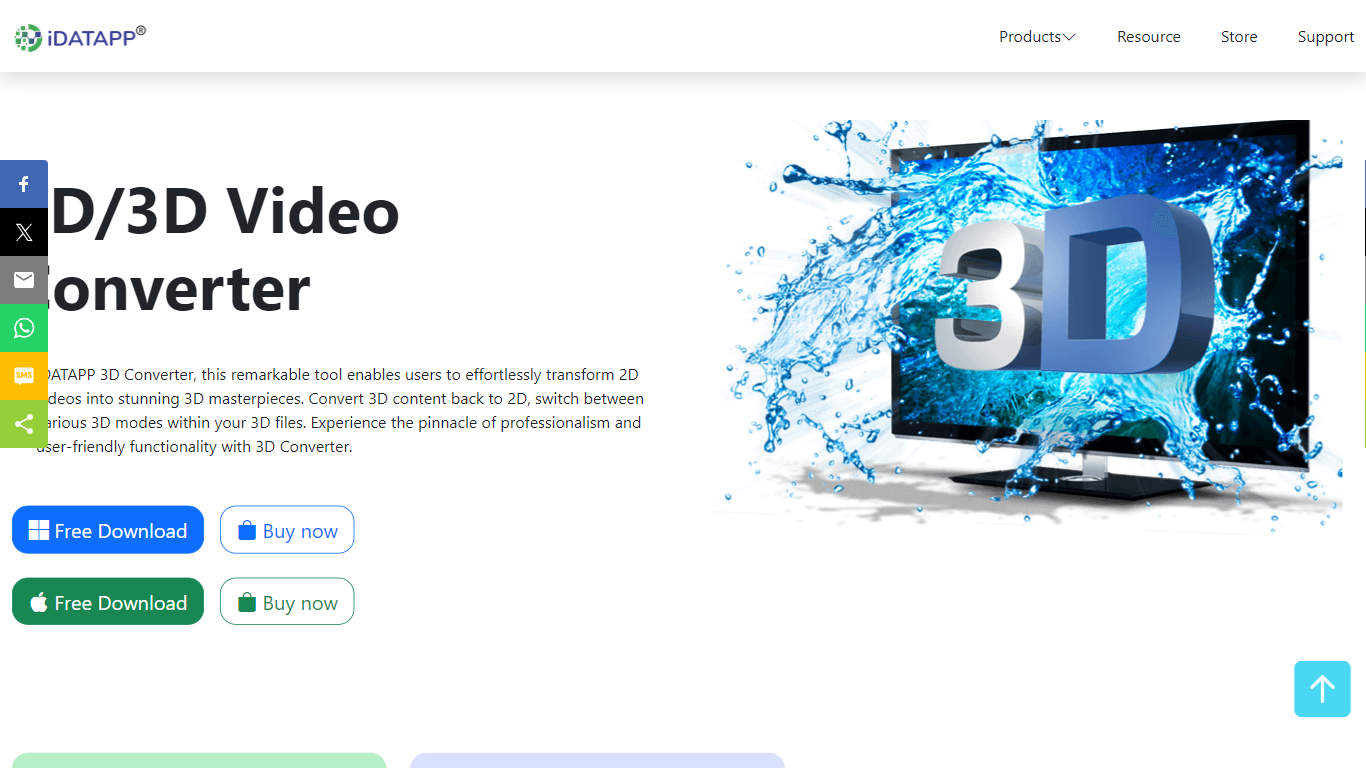
What is 2D&3D Video Converter | iDatapp?
iDatapp 2D and 3D Video Converter is desktop 3D generation software for turning flat videos into stereoscopic files and reshaping existing 3D footage for different screens. Pick 2D to 3D, 3D to 2D, or 3D to 3D, load MPEG-4, MKV, MOV, AVI, or other supported sources, choose a mode like Anaglyph or Side by Side, and export for VR headsets or regular 2D players.
Online clip converters rarely handle 3D mode swaps or Anaglyph color profiles. This tool supports five 3D output modes, lets you convert 720p Top-and-Bottom 3D into 1080p Side-by-Side, and previews effects in a real-time window before you commit. AMD APP and NVIDIA CUDA acceleration are listed for faster batch conversion on Windows and Mac.
Home viewers use it to watch 3D movies on a TV without a theater trip. iPad owners convert 3D downloads to 2D for playback on tablets. VR hobbyists turn standard footage into 3D for headsets. The installer advertises a green non-bundled setup, free download with trial access, and a 30-day refund policy.
pixcap.com Upvotes
2D&3D Video Converter | iDatapp Upvotes
pixcap.com Top Features
Browse 15,000+ 3D icons, 1,000+ characters, and 500+ mockups with in-browser color and material edits
Download exports as GLB, MP4, GIF, or PNG for Figma, Blender, After Effects, and PowerPoint
Upload designs to animated mockups and export 4K renders in under 5 minutes
Free plan includes 5 high-quality image exports per month; Pro includes 50 HQ images and 10 HQ videos monthly
Mix 10,000+ 3D elements and restyle scenes with AI prompts through Pixcap AI
Figma plugin inserts customized 3D icons and posed characters directly into design files (Elite plan)
2D&3D Video Converter | iDatapp Top Features
Three conversion paths: 2D to 3D, 3D to 2D, and 3D to 3D mode switching
Five 3D modes including Anaglyph, Side by Side (half and full), and Top and Bottom (half and full)
Input support for MPEG-4, H.264, MOV, AVI, WMV, MKV, FLV, VOB, and HD sources
Real-time preview window to check 3D or 2D effects before exporting
AMD APP and NVIDIA CUDA acceleration listed for faster conversion
Anaglyph color options include red/cyan, monochrome, half color, full color, and Dubois profiles
30-day refund policy and non-bundled installer advertised on the product page
pixcap.com Category
- 3D Generation
2D&3D Video Converter | iDatapp Category
- 3D Generation
pixcap.com Pricing Type
- Freemium
2D&3D Video Converter | iDatapp Pricing Type
- Freemium