
Last updated 08-13-2026
Category:
Reviews:
Join thousands of AI enthusiasts in the World of AI!
Draw3D
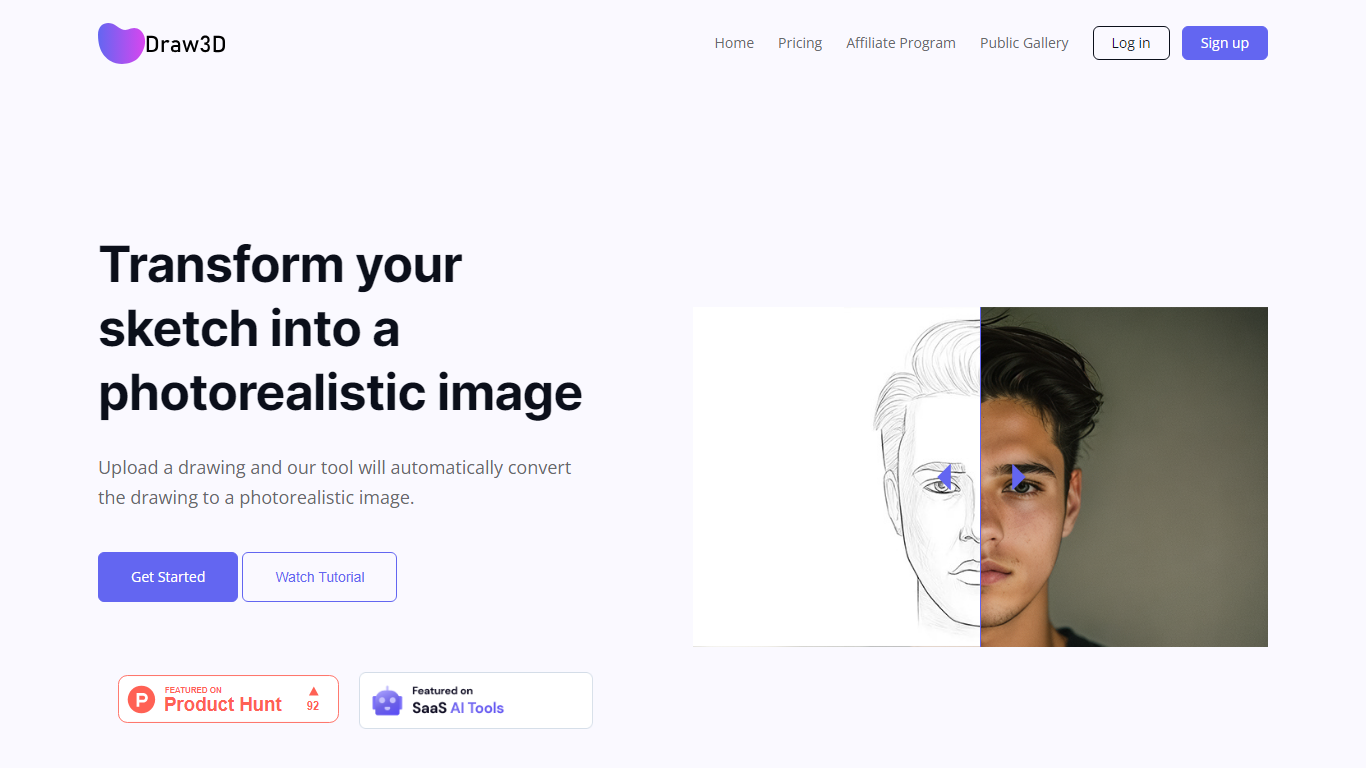
Draw3D is a 3D generation and image toolkit that turns sketches and spatial blockouts into photoreal renders and cinematic video. You draw on a 2D canvas or place dummies in 3D space, hit generate, and the model respects your composition instead of guessing from a text prompt alone.
Text-to-image tools make you describe perspective and layout in words. Draw3D starts from your lines and 3D blockouts, then adds storyboard-to-video, AI inpainting, sculpture-to-photo conversion, and up to 8x upscaling for production exports. That workflow fits directors, architects, and product designers who already think in frames and volumes.
More than 80,000 creators have used the platform with 7.2 million images created, per the homepage stats. Free accounts include 5 generations per month; paid plans start at $9 per month for 120 generations with private gallery mode and commercial rights on every tier.
Convert 2D sketches and 3D spatial blockouts into photoreal images
Storyboard-to-cinematic-video pipeline with consistent characters
AI video generation with camera motion from still renders
8x AI upscaling on exports for production-resolution PNG and JPEG
Free plan includes 5 generations per month with commercial license
Starter plan at $9 per month includes 120 generations and private gallery
Touch and pen optimized for iPad and tablet sketching workflows
Drawing-first workflow gives direct control over composition versus text-only generators.
Storyboard-to-video and 3D blockout tools cover ideation through motion in one app.
Commercial rights included on all plans including the free tier.
Free plan limits users to 5 generations per month.
Default free-tier outputs appear in the public showcase gallery.
Pricing page lists 4x upscale on plans while marketing mentions 8x export upscaling.
What is Draw3D?
Draw3D is an AI creative toolkit that turns drawings and 3D blockouts into photoreal images and cinematic videos while preserving your composition, perspective, and spatial layout.
Is Draw3D free to use?
Yes, Draw3D offers a free plan with 5 generations per month, public gallery sharing, and commercial usage rights. Paid plans start at $9 per month for 120 generations.
How is Draw3D different from Midjourney?
Midjourney starts from text prompts. Draw3D starts from your sketch or 3D scene layout so you control composition and perspective directly before AI renders the final image.
Can I use Draw3D outputs commercially?
Yes, Draw3D grants full commercial usage rights on generated images and videos across free and paid plans, according to its FAQ.
Does Draw3D work on iPad?
Yes, Draw3D is optimized for touch and pen input, including Apple Pencil sketching on iPad and similar tablets.
What file formats does Draw3D export?
Draw3D exports images as high-quality PNG or JPEG and videos as cinematic MP4 files at production-ready resolutions.