Apera AI vs Draw3D
In the battle of Apera AI vs Draw3D, which AI 3D Generation tool comes out on top? We compare reviews, pricing, alternatives, upvotes, features, and more.
Which one is better? Apera AI or Draw3D?
Upon comparing Apera AI with Draw3D, which are both AI-powered 3d generation tools, Both tools have received the same number of upvotes from aitools.fyi users. You can help us determine the winner by casting your vote and tipping the scales in favor of one of the tools.
Disagree with the result? Upvote your favorite tool and help it win!
Apera AI

What is Apera AI?
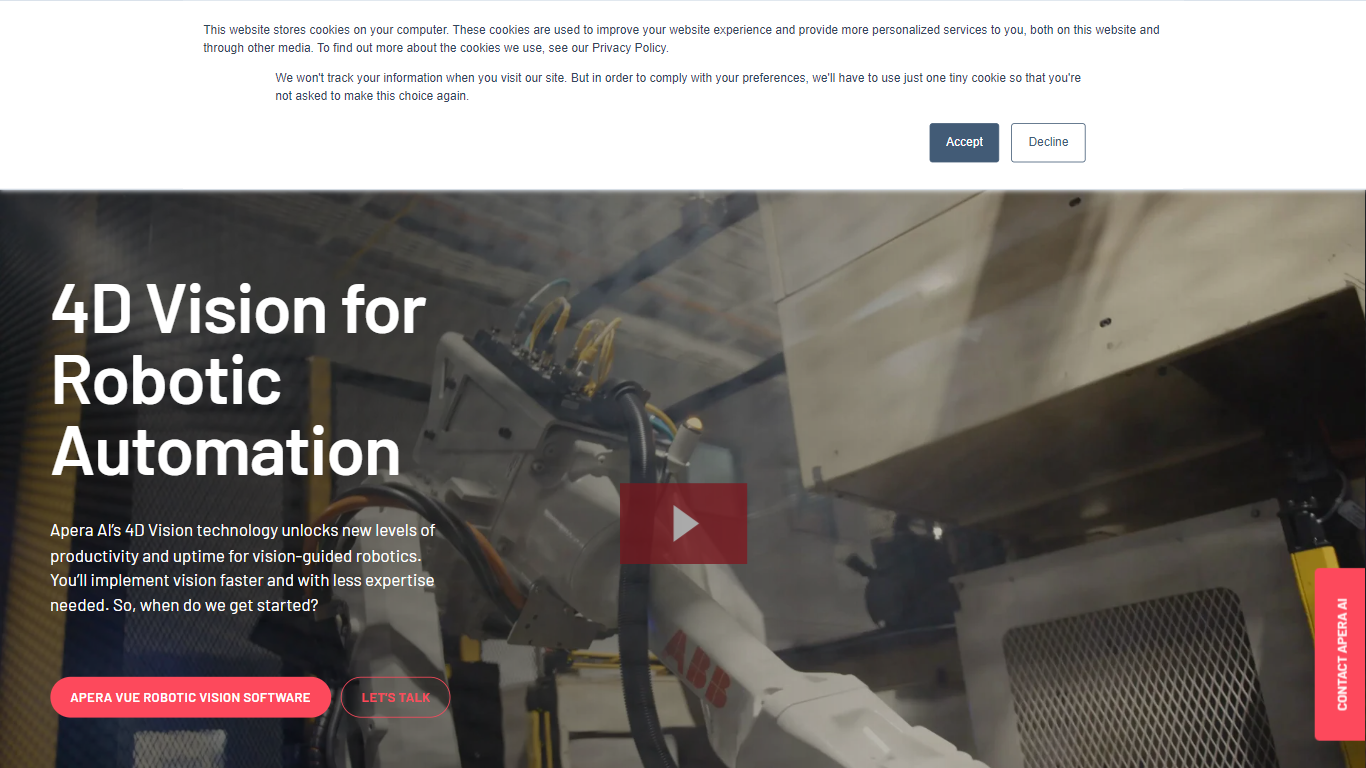
Apera AI sells 4D Vision software and hardware that guides industrial robots through bin picking, assembly, machine tending, sorting, and packaging tasks. Its Vue robotic vision platform combines pairs of 2D cameras into a 3D scene model, then runs proprietary neural networks to pick the most graspable part and send path plans to the robot controller in as little as 0.3 seconds.
Traditional machine vision often needs reference photos or fails on shiny, clear, or randomly piled parts. Apera AI trains objects from CAD models or 3D scans using synthetic data, targets 99.99% reliability before delivery, and handles clear, translucent, and reflective parts in bright, dark, or outdoor lighting. One Vue computer can run up to four camera pairs, and commissioning after training takes about 15 minutes of calibration.
The company targets automotive, medical device, and metal fabrication plants plus the system integrators who build their cells. Projects follow a four-step Scope, Design, Install, and Support process with certified partners, a spec-based refund guarantee on vision programs, and a 30-minute support callback pledge during business hours.
Draw3D
What is Draw3D?
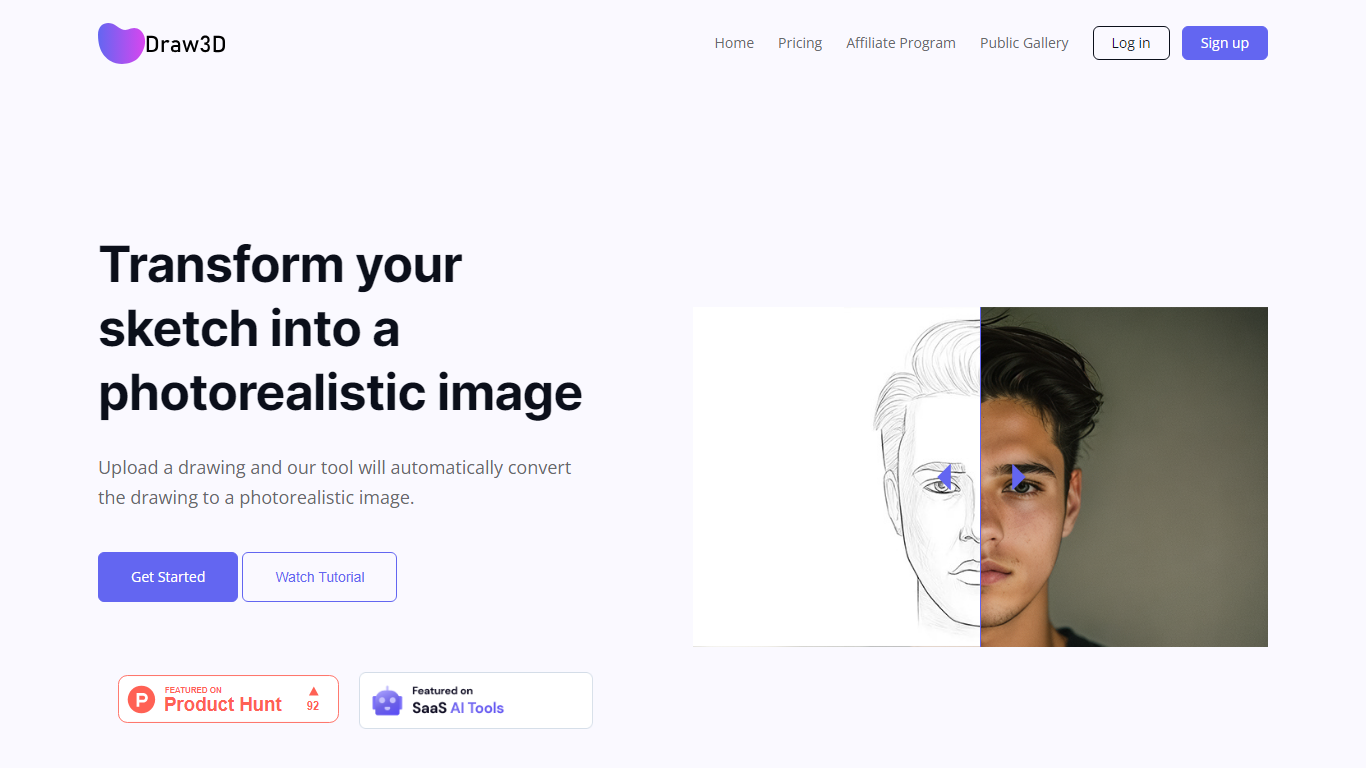
Draw3D is a 3D generation and image toolkit that turns sketches and spatial blockouts into photoreal renders and cinematic video. You draw on a 2D canvas or place dummies in 3D space, hit generate, and the model respects your composition instead of guessing from a text prompt alone.
Text-to-image tools make you describe perspective and layout in words. Draw3D starts from your lines and 3D blockouts, then adds storyboard-to-video, AI inpainting, sculpture-to-photo conversion, and up to 8x upscaling for production exports. That workflow fits directors, architects, and product designers who already think in frames and volumes.
More than 80,000 creators have used the platform with 7.2 million images created, per the homepage stats. Free accounts include 5 generations per month; paid plans start at $9 per month for 120 generations with private gallery mode and commercial rights on every tier.
Apera AI Upvotes
Draw3D Upvotes
Apera AI Top Features
Vue software runs up to 4 pairs of 2D cameras on one computer for large workcell coverage
Synthetic data training from CAD or 3D scans targets 99.99% reliability before the vision program ships
Part identification and robot path planning completes in as little as 0.3 seconds at 3 Hz cycle rates
Handles clear, translucent, shiny, and randomly piled parts in bright, dark, and outdoor lighting
Forge Lab provides web-based AI training and simulation so engineers test cells before installation
Foresight processing method accelerates total robot cycle time on complex sorting tasks
Draw3D Top Features
Convert 2D sketches and 3D spatial blockouts into photoreal images
Storyboard-to-cinematic-video pipeline with consistent characters
AI video generation with camera motion from still renders
8x AI upscaling on exports for production-resolution PNG and JPEG
Free plan includes 5 generations per month with commercial license
Starter plan at $9 per month includes 120 generations and private gallery
Touch and pen optimized for iPad and tablet sketching workflows
Apera AI Category
- 3D Generation
Draw3D Category
- 3D Generation
Apera AI Pricing Type
- Paid
Draw3D Pricing Type
- Freemium