StyleFrame (formerly Glyf) vs Draw3D
In the battle of StyleFrame (formerly Glyf) vs Draw3D, which AI 3D Generation tool comes out on top? We compare reviews, pricing, alternatives, upvotes, features, and more.
Between StyleFrame (formerly Glyf) and Draw3D, which one is superior?
Upon comparing StyleFrame (formerly Glyf) with Draw3D, which are both AI-powered 3d generation tools, There's no clear winner in terms of upvotes, as both tools have received the same number. Since other aitools.fyi users could decide the winner, the ball is in your court now to cast your vote and help us determine the winner.
Think we got it wrong? Cast your vote and show us who's boss!
StyleFrame (formerly Glyf)
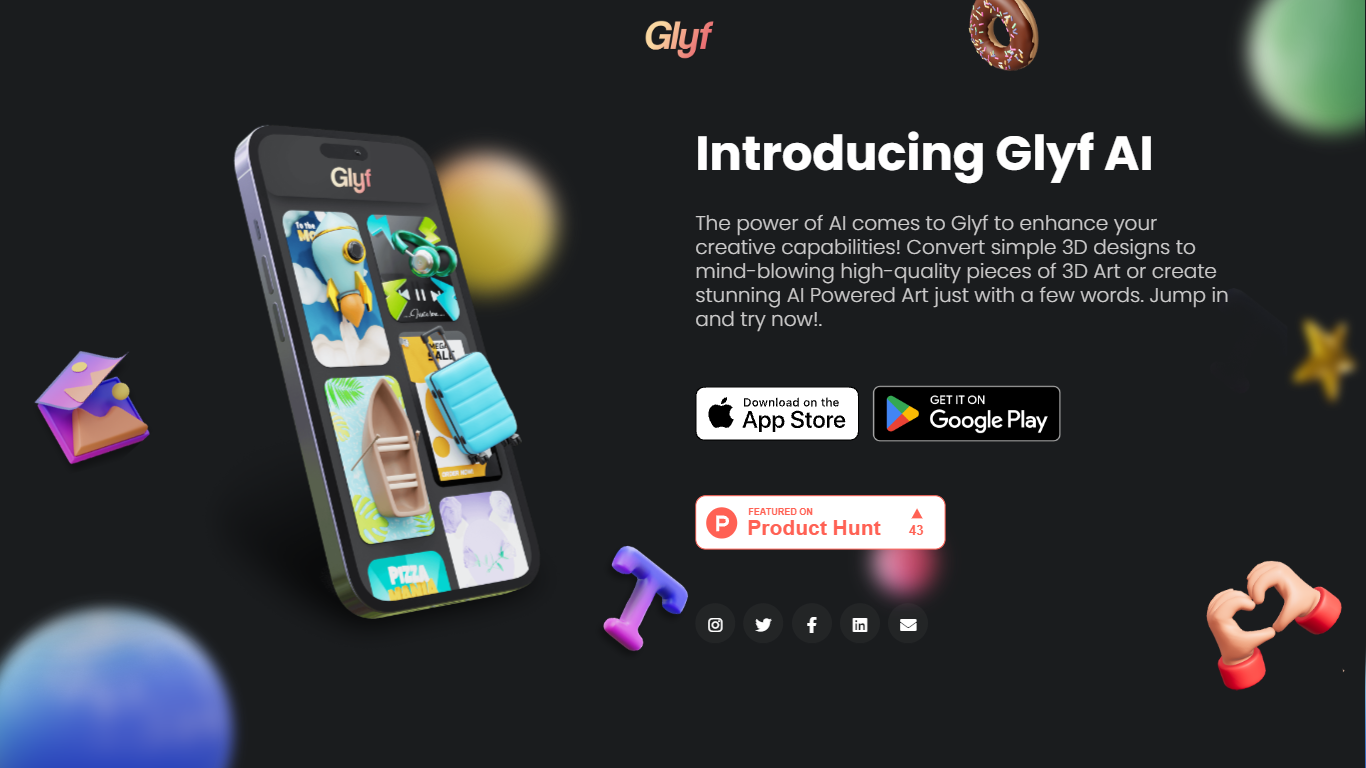

What is StyleFrame (formerly Glyf)?
StyleFrame is a 3D and video generation toolkit for motion designers and animators. It grew out of Glyf, whose original glyf.in domain now hosts unrelated blog content. StyleFrame puts keyframes on a timeline so you can animate with up to 9 frames, transfer motion from reference videos, and run 3D previsualization with style transfer across up to 9 references.
Most AI video tools generate a single clip from one prompt. StyleFrame is built around procedural, timeline-driven control: storyboards, inbetweening, motion references, restyle passes, and frames-to-video workflows sit in one editor. It also ships image tools for create, restyle, edit, background removal, and upscaling, with models including Seedance 2.5, MiniMax H3, and Gemini Omni Flash.
StyleFrame targets motion designers, animators, and studios who need frame-level control rather than one-shot generation. Credit-based plans start at $9 per month for Basic with 1,000 credits, scaling to Studio at $99 per month for 15,000 credits. Enterprise plans offer unlimited output with custom pricing.
Draw3D
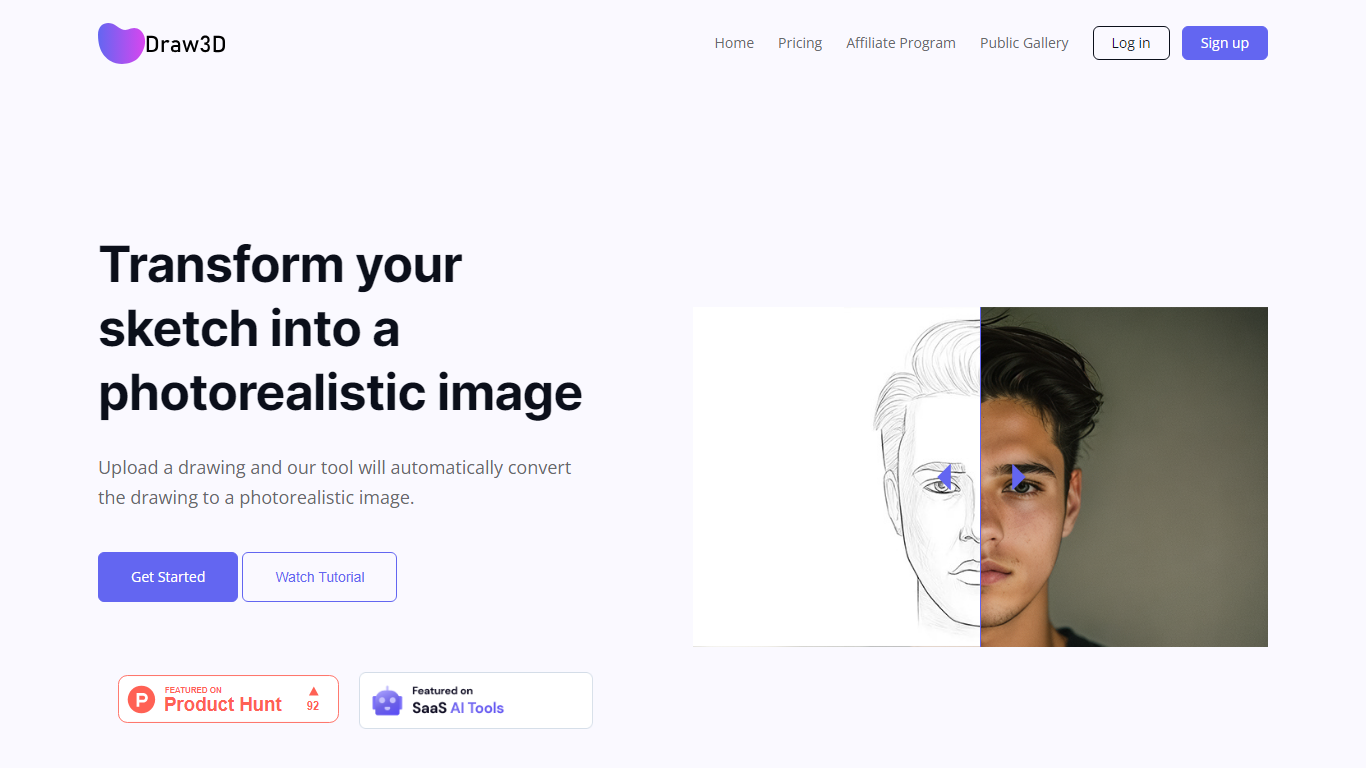
What is Draw3D?
Draw3D is a 3D generation and image toolkit that turns sketches and spatial blockouts into photoreal renders and cinematic video. You draw on a 2D canvas or place dummies in 3D space, hit generate, and the model respects your composition instead of guessing from a text prompt alone.
Text-to-image tools make you describe perspective and layout in words. Draw3D starts from your lines and 3D blockouts, then adds storyboard-to-video, AI inpainting, sculpture-to-photo conversion, and up to 8x upscaling for production exports. That workflow fits directors, architects, and product designers who already think in frames and volumes.
More than 80,000 creators have used the platform with 7.2 million images created, per the homepage stats. Free accounts include 5 generations per month; paid plans start at $9 per month for 120 generations with private gallery mode and commercial rights on every tier.
StyleFrame (formerly Glyf) Upvotes
Draw3D Upvotes
StyleFrame (formerly Glyf) Top Features
Timeline supports up to 9 keyframes for frames-to-video animation
3D-Previz and 2D-to-3D style transfer with up to 9 reference images
Visual effects mode transfers motion from a reference video onto a still image
Basic plan includes 1,000 credits per month at $9 monthly or $7 billed annually
Pro plan includes 5,000 credits; Studio plan includes 15,000 credits
Built-in image create, restyle, edit, background removal, and upscaler tools
Draw3D Top Features
Convert 2D sketches and 3D spatial blockouts into photoreal images
Storyboard-to-cinematic-video pipeline with consistent characters
AI video generation with camera motion from still renders
8x AI upscaling on exports for production-resolution PNG and JPEG
Free plan includes 5 generations per month with commercial license
Starter plan at $9 per month includes 120 generations and private gallery
Touch and pen optimized for iPad and tablet sketching workflows
StyleFrame (formerly Glyf) Category
- 3D Generation
Draw3D Category
- 3D Generation
StyleFrame (formerly Glyf) Pricing Type
- Paid
Draw3D Pricing Type
- Freemium