ScanTo3D | OpalAi vs Draw3D
Compare ScanTo3D | OpalAi vs Draw3D and see which AI 3D Generation tool is better when we compare features, reviews, pricing, alternatives, upvotes, etc.
Which one is better? ScanTo3D | OpalAi or Draw3D?
When we compare ScanTo3D | OpalAi with Draw3D, which are both AI-powered 3d generation tools, Both tools are equally favored, as indicated by the identical upvote count. Every vote counts! Cast yours and contribute to the decision of the winner.
Think we got it wrong? Cast your vote and show us who's boss!
ScanTo3D | OpalAi

What is ScanTo3D | OpalAi?
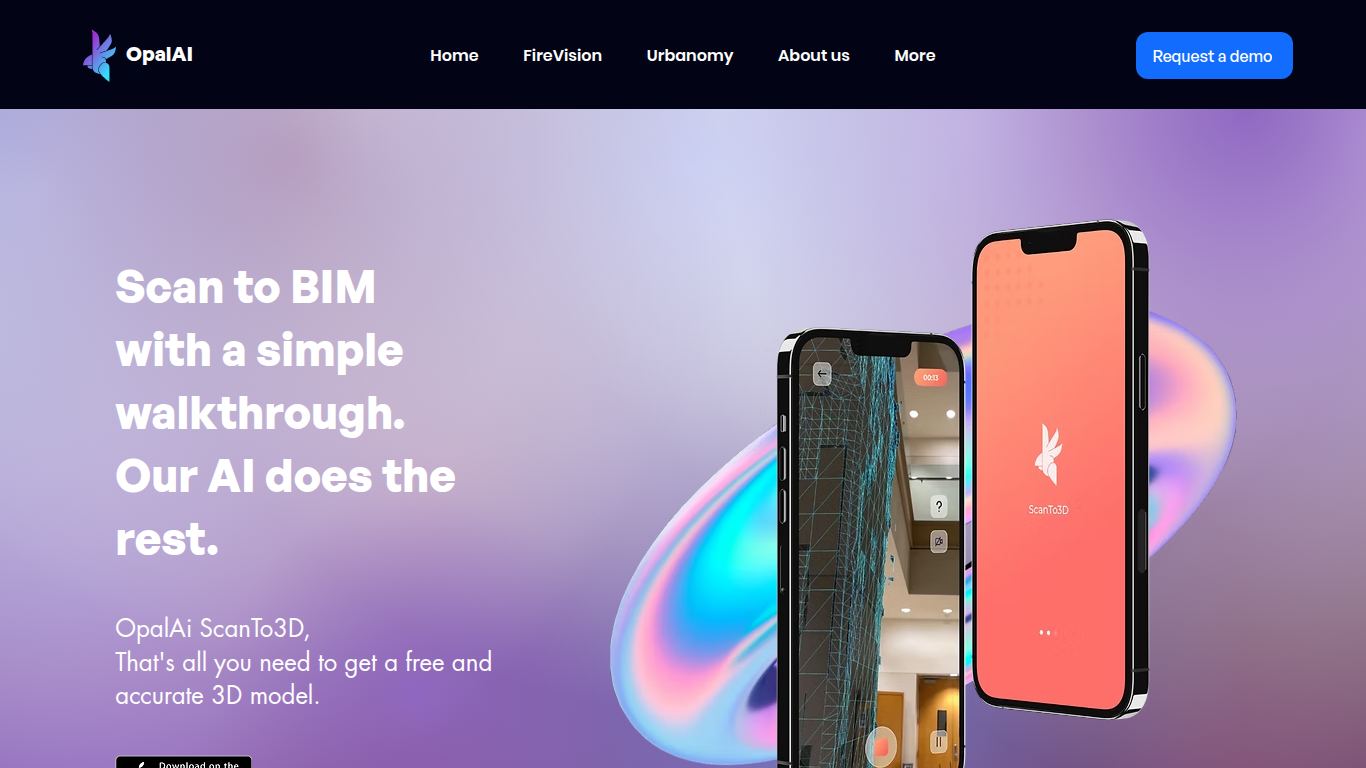
ScanTo3D by OpalAi is a 3D generation app for iPhone Pro and iPad Pro that turns LiDAR walkthrough scans into floor plans, point clouds, and BIM-ready models. You walk through a space with your phone, capture geometry in InstaCAD or LiDAR mode, and export digital twins in formats like OBJ, GLTF, STL, and USDZ. It targets property owners, contractors, and facility teams who need as-built documentation without hauling a dedicated scanner.
Compared to renting tripod LiDAR hardware, ScanTo3D trades equipment cost for device requirements and optional cloud processing. InstaCAD mode builds 2D floor plans and 3D CAD models in real time for spaces under 2,000 square feet, while LiDAR mode handles larger environments with no hard size cap though OpalAi recommends keeping each scan under about 5,000 square feet.
Site managers, real estate teams, and construction sales staff use it for quick floor plans, ANSI-compliant gross living area calculations, and textured 3D exports. OpalAi claims less than 1 inch of error per 30 feet and about 98% accuracy on generated floor plans and BIM objects.
Draw3D
What is Draw3D?
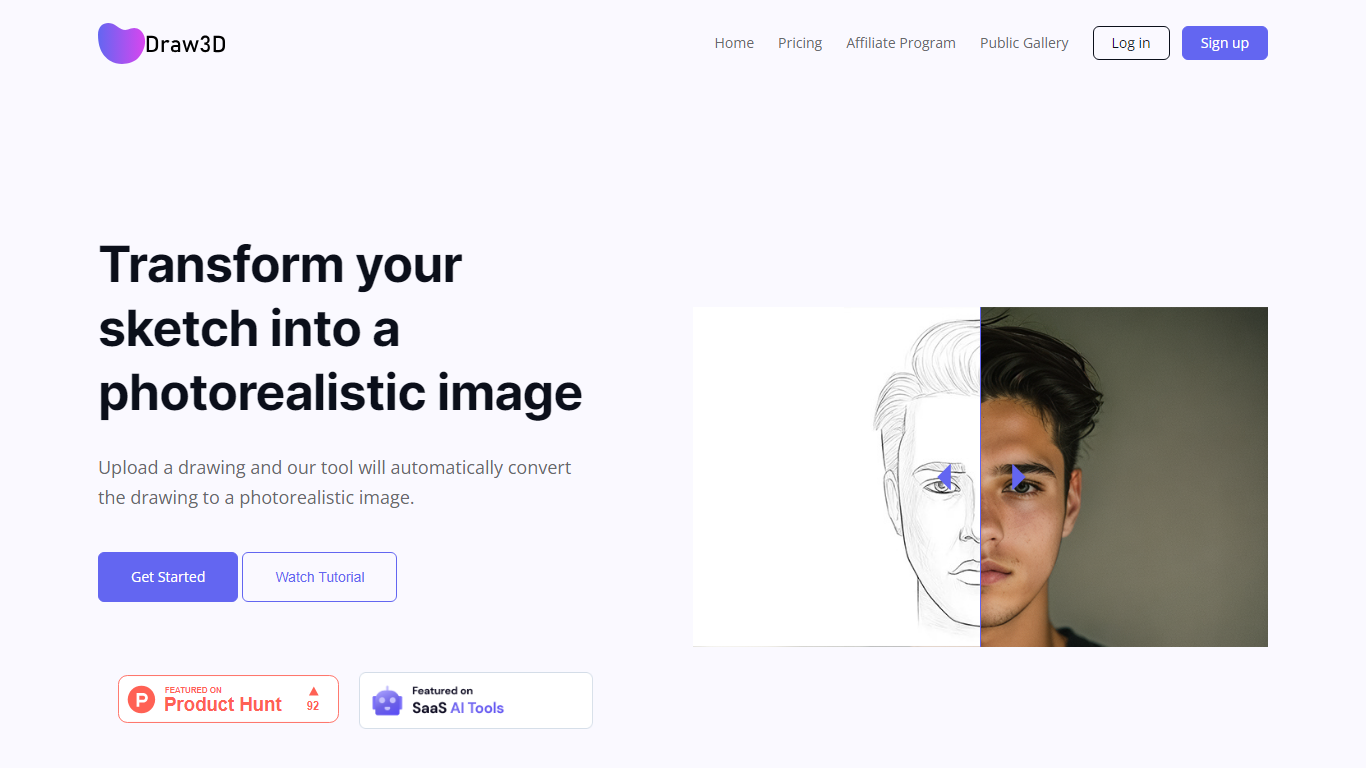
Draw3D is a 3D generation and image toolkit that turns sketches and spatial blockouts into photoreal renders and cinematic video. You draw on a 2D canvas or place dummies in 3D space, hit generate, and the model respects your composition instead of guessing from a text prompt alone.
Text-to-image tools make you describe perspective and layout in words. Draw3D starts from your lines and 3D blockouts, then adds storyboard-to-video, AI inpainting, sculpture-to-photo conversion, and up to 8x upscaling for production exports. That workflow fits directors, architects, and product designers who already think in frames and volumes.
More than 80,000 creators have used the platform with 7.2 million images created, per the homepage stats. Free accounts include 5 generations per month; paid plans start at $9 per month for 120 generations with private gallery mode and commercial rights on every tier.
ScanTo3D | OpalAi Upvotes
Draw3D Upvotes
ScanTo3D | OpalAi Top Features
InstaCAD mode builds 2D floor plans and 3D CAD models in real time while you scan
LiDAR mode captures point clouds with no property size limit on supported devices
Exports OBJ, GLTF, GLB, STL, FBX, USDZ, PCD, PLY, LAS, and e57 formats on Pro
Accuracy under 1 inch per 30 feet with about 98% floor plan accuracy claimed
Works on iPhone Pro and iPad Pro devices with built-in LiDAR cameras
Cloud upload delivers processed 2D and 3D floor plans in 1 to 2 business days
ANSI-compliant gross living area calculations included with uploaded scans
Draw3D Top Features
Convert 2D sketches and 3D spatial blockouts into photoreal images
Storyboard-to-cinematic-video pipeline with consistent characters
AI video generation with camera motion from still renders
8x AI upscaling on exports for production-resolution PNG and JPEG
Free plan includes 5 generations per month with commercial license
Starter plan at $9 per month includes 120 generations and private gallery
Touch and pen optimized for iPad and tablet sketching workflows
ScanTo3D | OpalAi Category
- 3D Generation
Draw3D Category
- 3D Generation
ScanTo3D | OpalAi Pricing Type
- Freemium
Draw3D Pricing Type
- Freemium