Draw3D vs Make3D
In the contest of Draw3D vs Make3D, which AI 3D Generation tool is the champion? We evaluate pricing, alternatives, upvotes, features, reviews, and more.
If you had to choose between Draw3D and Make3D, which one would you go for?
When we examine Draw3D and Make3D, both of which are AI-enabled 3d generation tools, what unique characteristics do we discover? Make3D is the clear winner in terms of upvotes. Make3D has been upvoted 17 times by aitools.fyi users, and Draw3D has been upvoted 6 times.
Don't agree with the result? Cast your vote and be a part of the decision-making process!
Draw3D
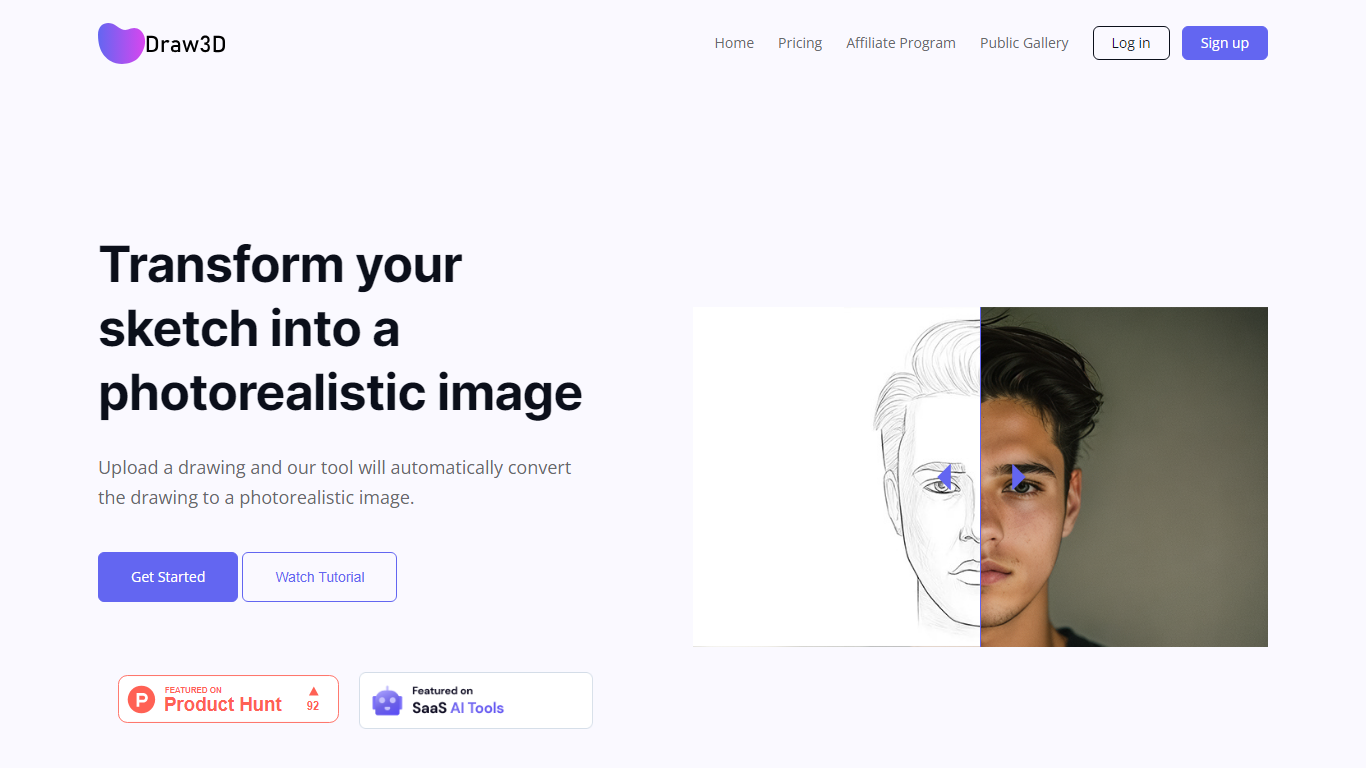

What is Draw3D?
Draw3D is a 3D generation and image toolkit that turns sketches and spatial blockouts into photoreal renders and cinematic video. You draw on a 2D canvas or place dummies in 3D space, hit generate, and the model respects your composition instead of guessing from a text prompt alone.
Text-to-image tools make you describe perspective and layout in words. Draw3D starts from your lines and 3D blockouts, then adds storyboard-to-video, AI inpainting, sculpture-to-photo conversion, and up to 8x upscaling for production exports. That workflow fits directors, architects, and product designers who already think in frames and volumes.
More than 80,000 creators have used the platform with 7.2 million images created, per the homepage stats. Free accounts include 5 generations per month; paid plans start at $9 per month for 120 generations with private gallery mode and commercial rights on every tier.
Make3D
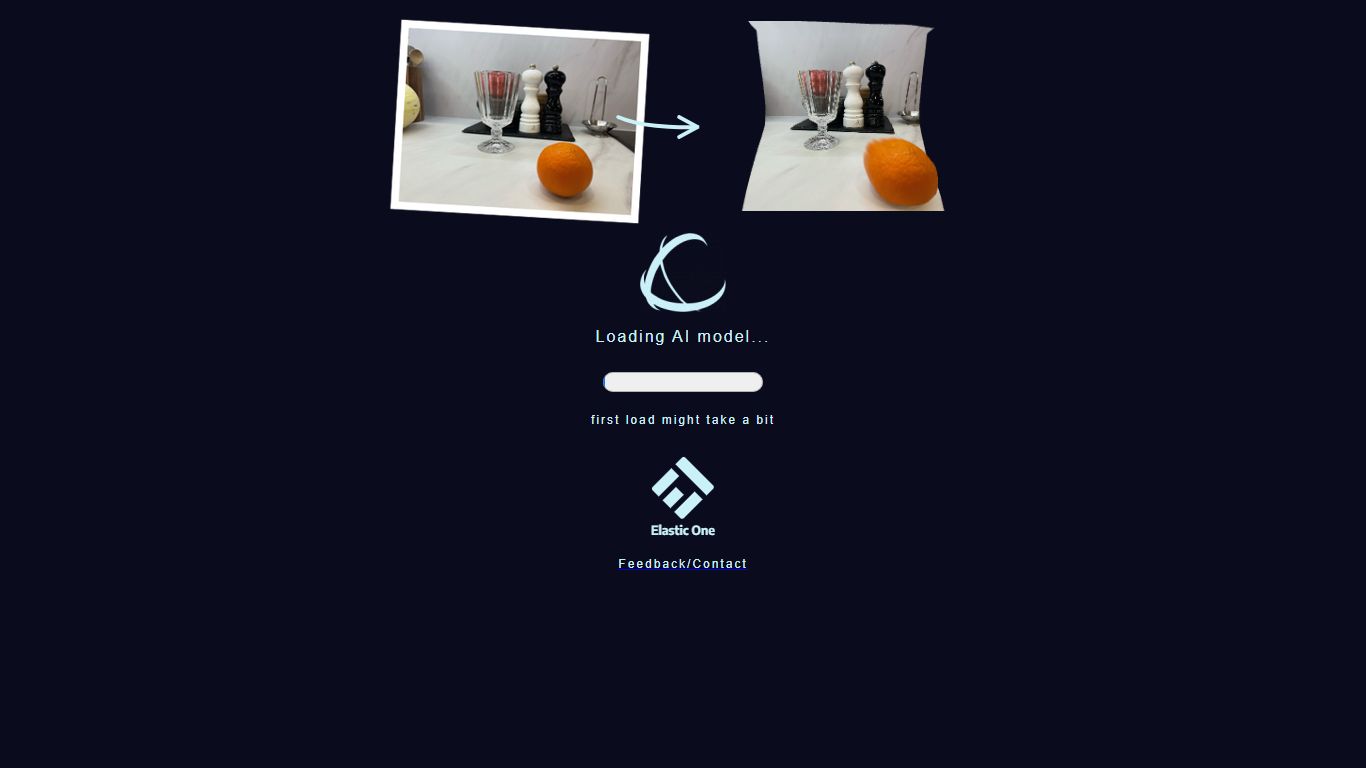
What is Make3D?
Converts 2D images into 3D images or embeds.
Draw3D Upvotes
Make3D Upvotes
Draw3D Top Features
Convert 2D sketches and 3D spatial blockouts into photoreal images
Storyboard-to-cinematic-video pipeline with consistent characters
AI video generation with camera motion from still renders
8x AI upscaling on exports for production-resolution PNG and JPEG
Free plan includes 5 generations per month with commercial license
Starter plan at $9 per month includes 120 generations and private gallery
Touch and pen optimized for iPad and tablet sketching workflows
Make3D Top Features
No top features listedDraw3D Category
- 3D Generation
Make3D Category
- 3D Generation
Draw3D Pricing Type
- Freemium
Make3D Pricing Type
- Free