MakePose vs Draw3D
In the battle of MakePose vs Draw3D, which AI 3D Generation tool comes out on top? We compare reviews, pricing, alternatives, upvotes, features, and more.
Between MakePose and Draw3D, which one is superior?
Upon comparing MakePose with Draw3D, which are both AI-powered 3d generation tools, Interestingly, both tools have managed to secure the same number of upvotes. Join the aitools.fyi users in deciding the winner by casting your vote.
Does the result make you go "hmm"? Cast your vote and turn that frown upside down!
MakePose
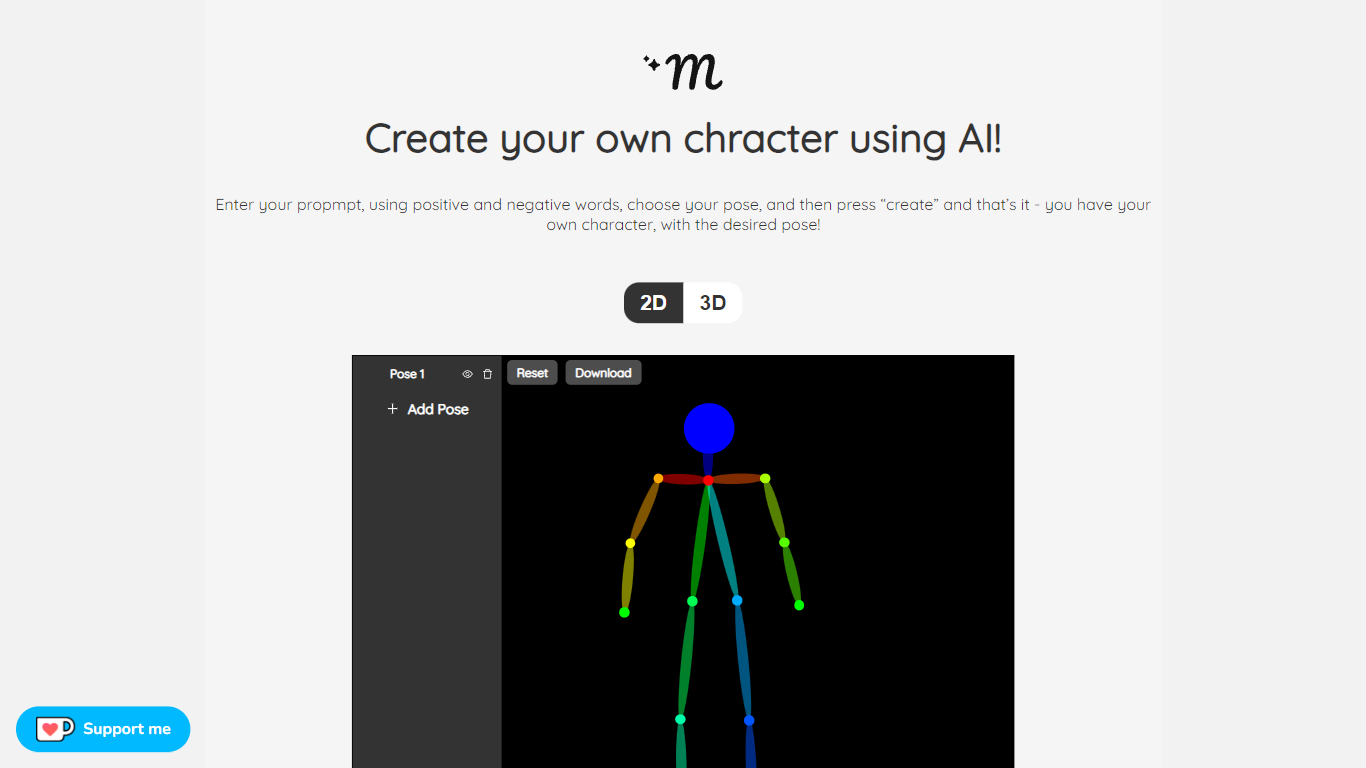

What is MakePose?
MakePose is an innovative online platform that enables users to create unique characters using advanced AI technology. With the simple click of a button, you can generate a personalized character by entering specific attributes through positive and negative prompts. You have the versatility to choose between 2D and 3D representations, add custom poses, and layer various elements to craft the perfect avatar. Once you are satisfied with your creation, MakePose allows you to easily download your character. Whether for gaming, storytelling, or digital art, MakePose offers a user-friendly interface that caters to both beginners and professionals. The service is always evolving, and user feedback is highly welcomed to enhance the experience further.
Draw3D
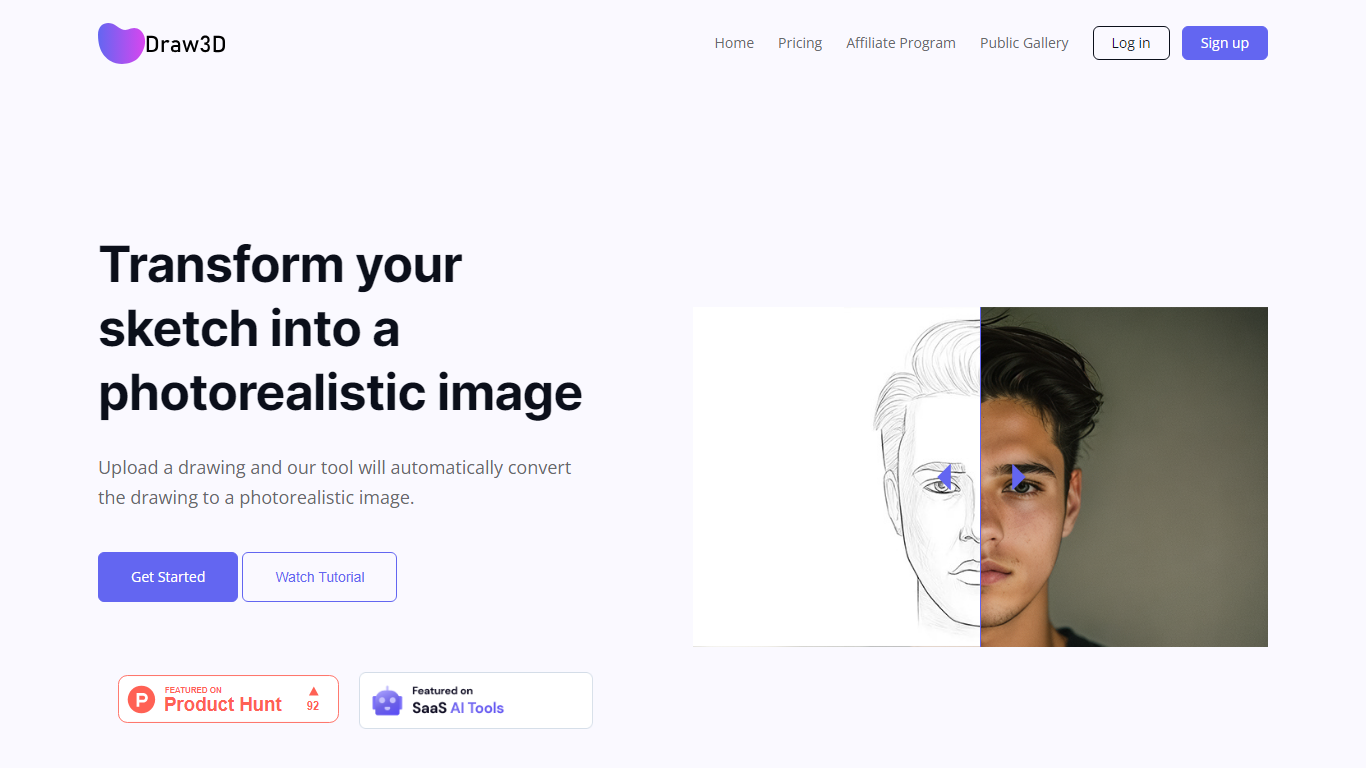
What is Draw3D?
Draw3D is a 3D generation and image toolkit that turns sketches and spatial blockouts into photoreal renders and cinematic video. You draw on a 2D canvas or place dummies in 3D space, hit generate, and the model respects your composition instead of guessing from a text prompt alone.
Text-to-image tools make you describe perspective and layout in words. Draw3D starts from your lines and 3D blockouts, then adds storyboard-to-video, AI inpainting, sculpture-to-photo conversion, and up to 8x upscaling for production exports. That workflow fits directors, architects, and product designers who already think in frames and volumes.
More than 80,000 creators have used the platform with 7.2 million images created, per the homepage stats. Free accounts include 5 generations per month; paid plans start at $9 per month for 120 generations with private gallery mode and commercial rights on every tier.
MakePose Upvotes
Draw3D Upvotes
MakePose Top Features
Custom Character Generation: Utilize AI to create distinctive characters based on input prompts.
Positive and Negative Prompt System: Fine-tune your character's attributes with positive and negative keywords.
2D and 3D Options: Choose between two-dimensional or three-dimensional character representations.
Pose Customization: Adjust and add custom poses to bring your character to life.
Downloadable Creations: Conveniently download your AI-generated character for various uses.
Draw3D Top Features
Convert 2D sketches and 3D spatial blockouts into photoreal images
Storyboard-to-cinematic-video pipeline with consistent characters
AI video generation with camera motion from still renders
8x AI upscaling on exports for production-resolution PNG and JPEG
Free plan includes 5 generations per month with commercial license
Starter plan at $9 per month includes 120 generations and private gallery
Touch and pen optimized for iPad and tablet sketching workflows
MakePose Category
- 3D Generation
Draw3D Category
- 3D Generation
MakePose Pricing Type
- Freemium
Draw3D Pricing Type
- Freemium