Draw3D vs DeepMotion
Compare Draw3D vs DeepMotion and see which AI 3D Generation tool is better when we compare features, reviews, pricing, alternatives, upvotes, etc.
Which one is better? Draw3D or DeepMotion?
When we compare Draw3D with DeepMotion, which are both AI-powered 3d generation tools, The community has spoken, DeepMotion leads with more upvotes. DeepMotion has 8 upvotes, and Draw3D has 6 upvotes.
You don't agree with the result? Cast your vote to help us decide!
Draw3D
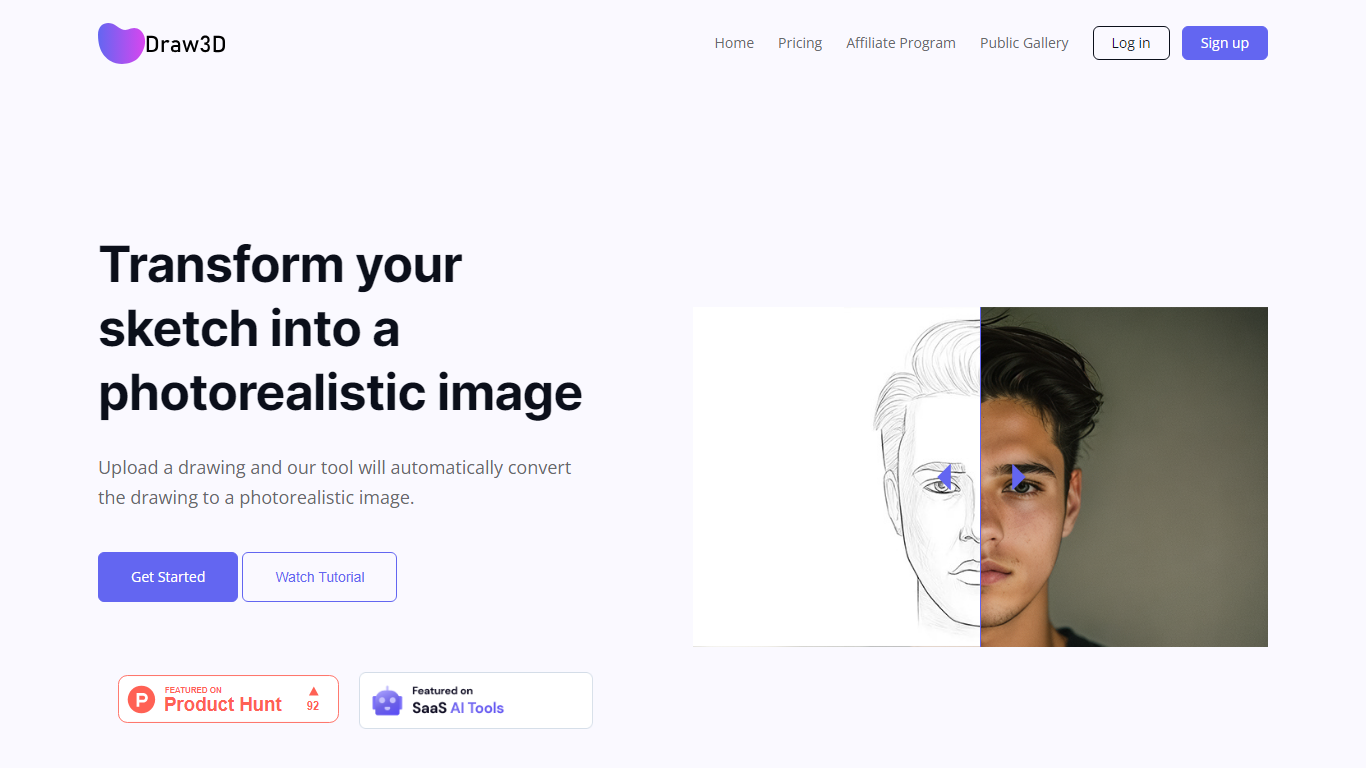

What is Draw3D?
Draw3D is a 3D generation and image toolkit that turns sketches and spatial blockouts into photoreal renders and cinematic video. You draw on a 2D canvas or place dummies in 3D space, hit generate, and the model respects your composition instead of guessing from a text prompt alone.
Text-to-image tools make you describe perspective and layout in words. Draw3D starts from your lines and 3D blockouts, then adds storyboard-to-video, AI inpainting, sculpture-to-photo conversion, and up to 8x upscaling for production exports. That workflow fits directors, architects, and product designers who already think in frames and volumes.
More than 80,000 creators have used the platform with 7.2 million images created, per the homepage stats. Free accounts include 5 generations per month; paid plans start at $9 per month for 120 generations with private gallery mode and commercial rights on every tier.
DeepMotion
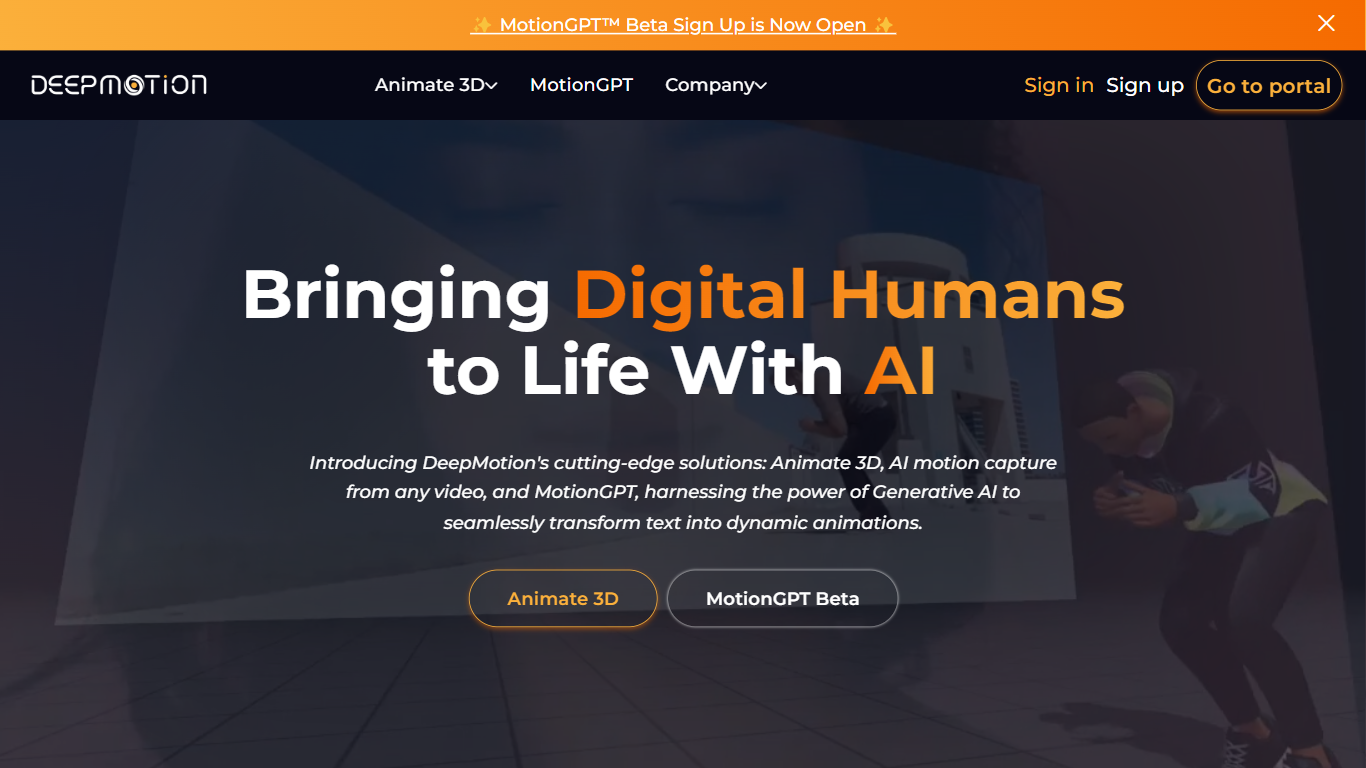
What is DeepMotion?
DeepMotion builds 3D character animation from text prompts or reference video through a browser, with no mocap suit required. Its two products, SayMotion and Animate 3D, turn written motion descriptions or uploaded MP4, MOV, and AVI clips into exportable skeleton data for game and film pipelines. Output ships as FBX, BVH, GLB, or MP4 files you can retarget to custom characters.
Traditional motion capture needs specialized hardware and studio space. DeepMotion runs markerless full-body tracking in the cloud, so indie studios and solo animators can produce fight choreography or dance moves from a phone video. SayMotion adds generative inpainting to extend or blend motions beyond stock libraries, which stock animation sites cannot match without manual editing.
Game developers, XR artists, film students, and educators use it to prototype character motion before committing to a full rigging pass. The Free Animation Credit Program lets users earn back credits by labeling motion descriptions or correcting poses in the Rotoscope editor.
Draw3D Upvotes
DeepMotion Upvotes
Draw3D Top Features
Convert 2D sketches and 3D spatial blockouts into photoreal images
Storyboard-to-cinematic-video pipeline with consistent characters
AI video generation with camera motion from still renders
8x AI upscaling on exports for production-resolution PNG and JPEG
Free plan includes 5 generations per month with commercial license
Starter plan at $9 per month includes 120 generations and private gallery
Touch and pen optimized for iPad and tablet sketching workflows
DeepMotion Top Features
SayMotion generates 3D motion from text prompts with inpainting to extend animations
Animate 3D converts MP4, MOV, and AVI video into FBX, BVH, GLB, or MP4 exports
Freemium tier includes 60 seconds of animation per month with no credit card
1 animation credit equals 1 second of motion; face and hand tracking add 0.5 credit each
Studio plan offers unlimited credits with 7,200 high-priority jobs per month
Custom character support via uploaded FBX or GLB models plus Wolf3D integration
Rotoscope Pose Editor corrects joint tracking frame by frame in the browser
Draw3D Category
- 3D Generation
DeepMotion Category
- 3D Generation
Draw3D Pricing Type
- Freemium
DeepMotion Pricing Type
- Freemium