pixcap.com vs Draw3D
In the contest of pixcap.com vs Draw3D, which AI 3D Generation tool is the champion? We evaluate pricing, alternatives, upvotes, features, reviews, and more.
If you had to choose between pixcap.com and Draw3D, which one would you go for?
When we examine pixcap.com and Draw3D, both of which are AI-enabled 3d generation tools, what unique characteristics do we discover? There's no clear winner in terms of upvotes, as both tools have received the same number. Every vote counts! Cast yours and contribute to the decision of the winner.
Want to flip the script? Upvote your favorite tool and change the game!
pixcap.com


What is pixcap.com?
Pixcap is a browser-based 3D generation and editing platform for marketing and product design teams. It combines a marketplace of editable animated mockups, icons, characters, and illustrations with a web editor that needs no Blender or Maya install. The library lists 15,000+ 3D icons, 1,000+ characters, and 500+ mockups you can recolor, repose, and export. Upload a label to an animated device mockup, tweak materials, and download a 4K render in under five minutes.
Where most 3D libraries ship static PNG packs, Pixcap treats assets as editable scenes. You adjust animation styles, swap backgrounds, and run AI style transfer across 10,000+ mix-and-match elements instead of hunting new files for every variation. That trade-off favors marketing and UI work over deep modeling, and the tool deliberately skips rigging workflows found in full 3D suites.
Product teams, UX designers, and marketers use Pixcap for landing page icons, pitch decks, social posts, and branded mockups. Exports ship as GLB, MP4, GIF, or PNG for Figma, After Effects, PowerPoint, and other common tools, and a Figma plugin drops customized 3D assets straight into frames.
Draw3D
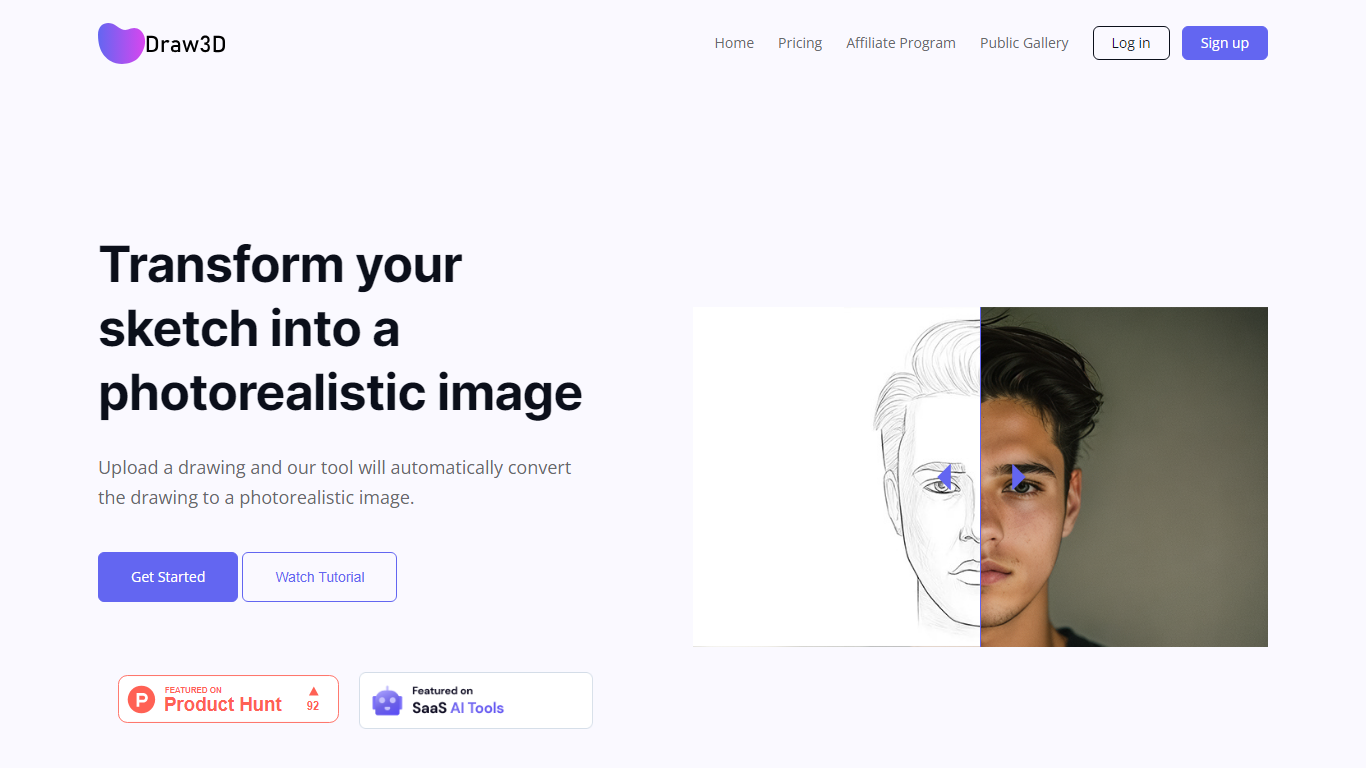
What is Draw3D?
Draw3D is a 3D generation and image toolkit that turns sketches and spatial blockouts into photoreal renders and cinematic video. You draw on a 2D canvas or place dummies in 3D space, hit generate, and the model respects your composition instead of guessing from a text prompt alone.
Text-to-image tools make you describe perspective and layout in words. Draw3D starts from your lines and 3D blockouts, then adds storyboard-to-video, AI inpainting, sculpture-to-photo conversion, and up to 8x upscaling for production exports. That workflow fits directors, architects, and product designers who already think in frames and volumes.
More than 80,000 creators have used the platform with 7.2 million images created, per the homepage stats. Free accounts include 5 generations per month; paid plans start at $9 per month for 120 generations with private gallery mode and commercial rights on every tier.
pixcap.com Upvotes
Draw3D Upvotes
pixcap.com Top Features
Browse 15,000+ 3D icons, 1,000+ characters, and 500+ mockups with in-browser color and material edits
Download exports as GLB, MP4, GIF, or PNG for Figma, Blender, After Effects, and PowerPoint
Upload designs to animated mockups and export 4K renders in under 5 minutes
Free plan includes 5 high-quality image exports per month; Pro includes 50 HQ images and 10 HQ videos monthly
Mix 10,000+ 3D elements and restyle scenes with AI prompts through Pixcap AI
Figma plugin inserts customized 3D icons and posed characters directly into design files (Elite plan)
Draw3D Top Features
Convert 2D sketches and 3D spatial blockouts into photoreal images
Storyboard-to-cinematic-video pipeline with consistent characters
AI video generation with camera motion from still renders
8x AI upscaling on exports for production-resolution PNG and JPEG
Free plan includes 5 generations per month with commercial license
Starter plan at $9 per month includes 120 generations and private gallery
Touch and pen optimized for iPad and tablet sketching workflows
pixcap.com Category
- 3D Generation
Draw3D Category
- 3D Generation
pixcap.com Pricing Type
- Freemium
Draw3D Pricing Type
- Freemium