Acapella Extractor vs SpeechGPT
In the contest of Acapella Extractor vs SpeechGPT, which AI Audio Generation tool is the champion? We evaluate pricing, alternatives, upvotes, features, reviews, and more.
If you had to choose between Acapella Extractor and SpeechGPT, which one would you go for?
When we examine Acapella Extractor and SpeechGPT, both of which are AI-enabled audio generation tools, what unique characteristics do we discover? Both tools are equally favored, as indicated by the identical upvote count. Every vote counts! Cast yours and contribute to the decision of the winner.
Don't agree with the result? Cast your vote and be a part of the decision-making process!
Acapella Extractor

What is Acapella Extractor?
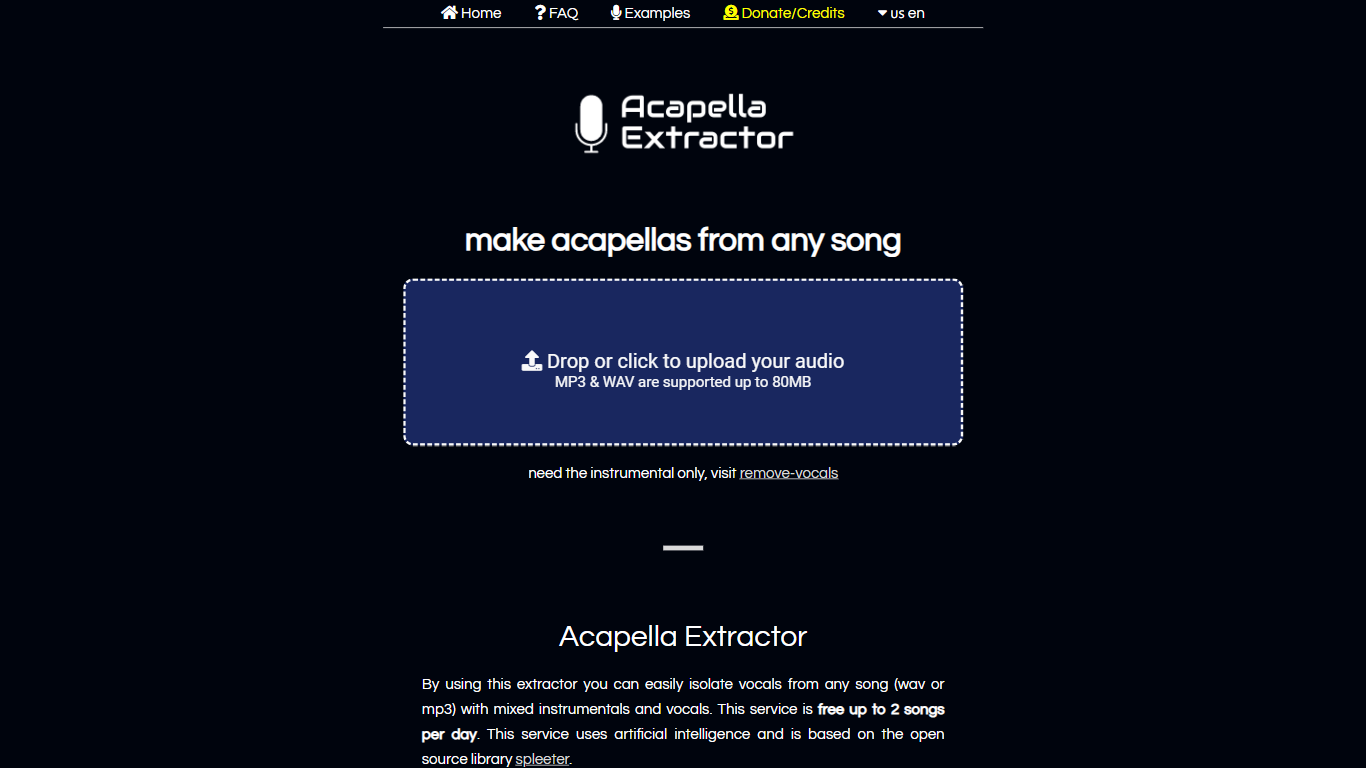
Acapella Extractor pulls isolated vocals out of mixed songs through a simple browser upload. Drop an MP3 or WAV up to 80MB and 10 minutes, wait for processing, then download the vocal stem from the results page. No account or desktop software is required.
Moises and LALAL.AI sell subscription dashboards with stem editors and mobile apps. Acapella Extractor keeps the workflow to one upload form, uses the open source Spleeter library from Deezer's research team, and caps free use at 2 songs per day. Paid credits stack on top of the daily allowance rather than replacing a monthly plan.
DJs, remix producers, and karaoke hobbyists use it when they need a quick vocal stem without installing a DAW plugin. The FAQ notes acoustic tracks separate cleaner than heavily processed pop vocals with autotune or distortion.
SpeechGPT

What is SpeechGPT?
SpeechGPT lets you hold voice conversations in the browser using your own OpenAI API key. You type or record messages, send them through a chat interface, and hear spoken replies without installing desktop software.
Unlike hosted TTS services that bundle model costs into a subscription, SpeechGPT runs in the browser and bills you only through the OpenAI, Azure Speech Services, or Amazon Polly accounts you connect. That makes it a lightweight option for developers and language learners who already have API access and want a simple voice chat front end.
The interface supports English, Spanish, and Chinese UI labels, includes a record button for speech input, and stores session data locally in the browser. It suits developers testing voice chat flows, language learners practicing spoken prompts, and anyone who wants a minimal ChatGPT voice client on mobile or desktop.
Acapella Extractor Upvotes
SpeechGPT Upvotes
Acapella Extractor Top Features
Isolates vocals from mixed MP3 and WAV uploads in the browser
Free tier allows 2 song extractions per day with no registration
Accepts files up to 80MB and 10 minutes long per upload
Built on Deezer's open source Spleeter separation library
Credit packs add 10 files for $5, 50 files for $10, or 30-day unlimited for $39
Uploaded audio is deleted immediately after processing finishes
SpeechGPT Top Features
Chat interface accepts typed messages or recorded speech input with Enter to send
Requires your OpenAI API key in settings before the app will run conversations
Optional Azure Speech Services or Amazon Polly access keys for alternate text-to-speech backends
UI available in English, Spanish, and Chinese from the in-app language selector
Shift plus Enter inserts a newline without sending the message
Runs as a web app on Vercel with no separate desktop install required
Acapella Extractor Category
- Audio Generation
SpeechGPT Category
- Audio Generation
Acapella Extractor Pricing Type
- Freemium
SpeechGPT Pricing Type
- Free