Ace vs Prisma Editor
In the contest of Ace vs Prisma Editor, which AI Developer tool is the champion? We evaluate pricing, alternatives, upvotes, features, reviews, and more.
If you had to choose between Ace and Prisma Editor, which one would you go for?
When we examine Ace and Prisma Editor, both of which are AI-enabled developer tools, what unique characteristics do we discover? There's no clear winner in terms of upvotes, as both tools have received the same number. The power is in your hands! Cast your vote and have a say in deciding the winner.
Disagree with the result? Upvote your favorite tool and help it win!
Ace
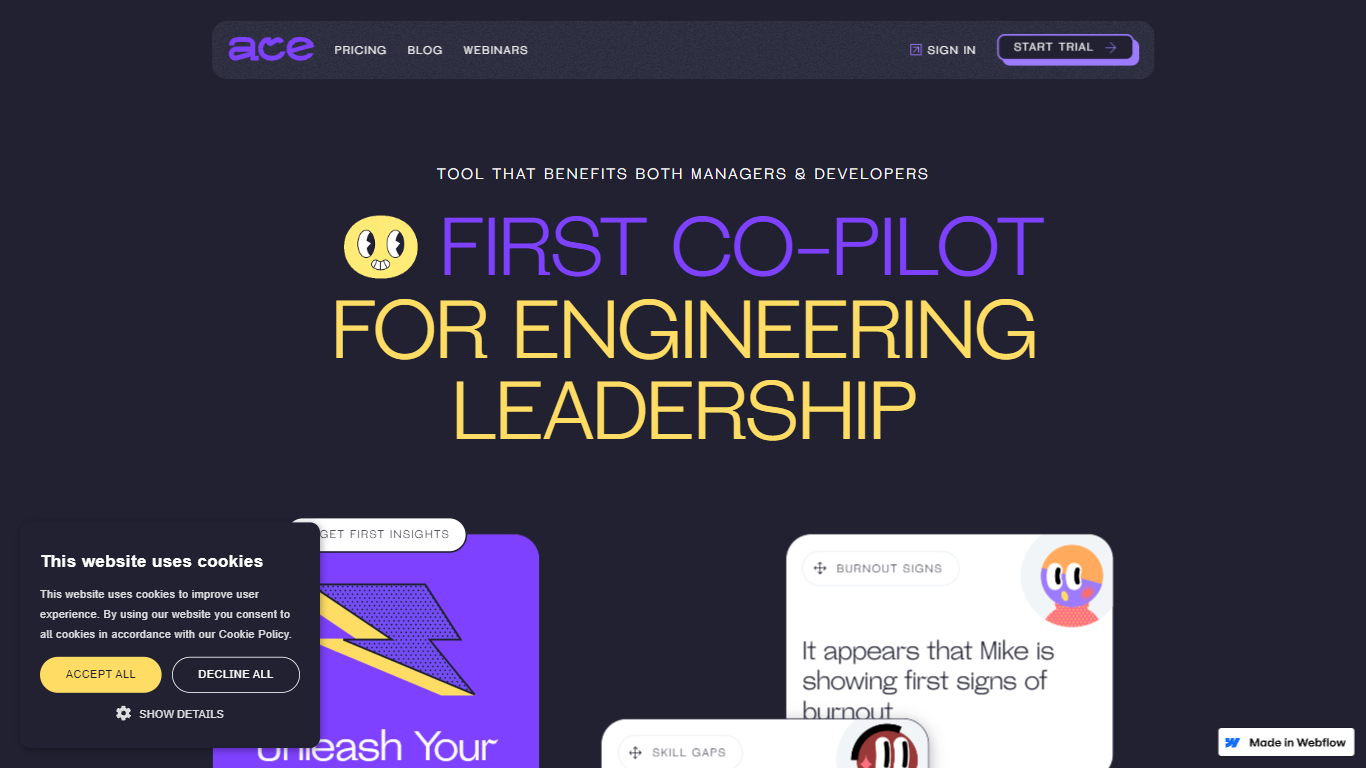

What is Ace?
Ace is an innovative AI co-pilot designed specifically for engineering leadership, providing engineering managers and developers with a comprehensive tool that streamlines teamwork and enhances performance. By automating mentorship, growth opportunities, and feedback, Ace aids both managers and developers in overcoming the challenges of monotonous routine, stagnation, and burnout. Its powerful features include skill matrix visualizations, customized growth plans, and insights into meeting productivity and team strengths. Ace utilizes data analytics to optimize team collaboration, identify skill gaps, and support career progression, thus contributing to a motivated and highly capable engineering team. Enjoy organized and efficient meetings with automated agenda creation, align individual goals with team OKRs, and take advantage of a curated knowledge base to keep your team growing and achieving their best.
Prisma Editor
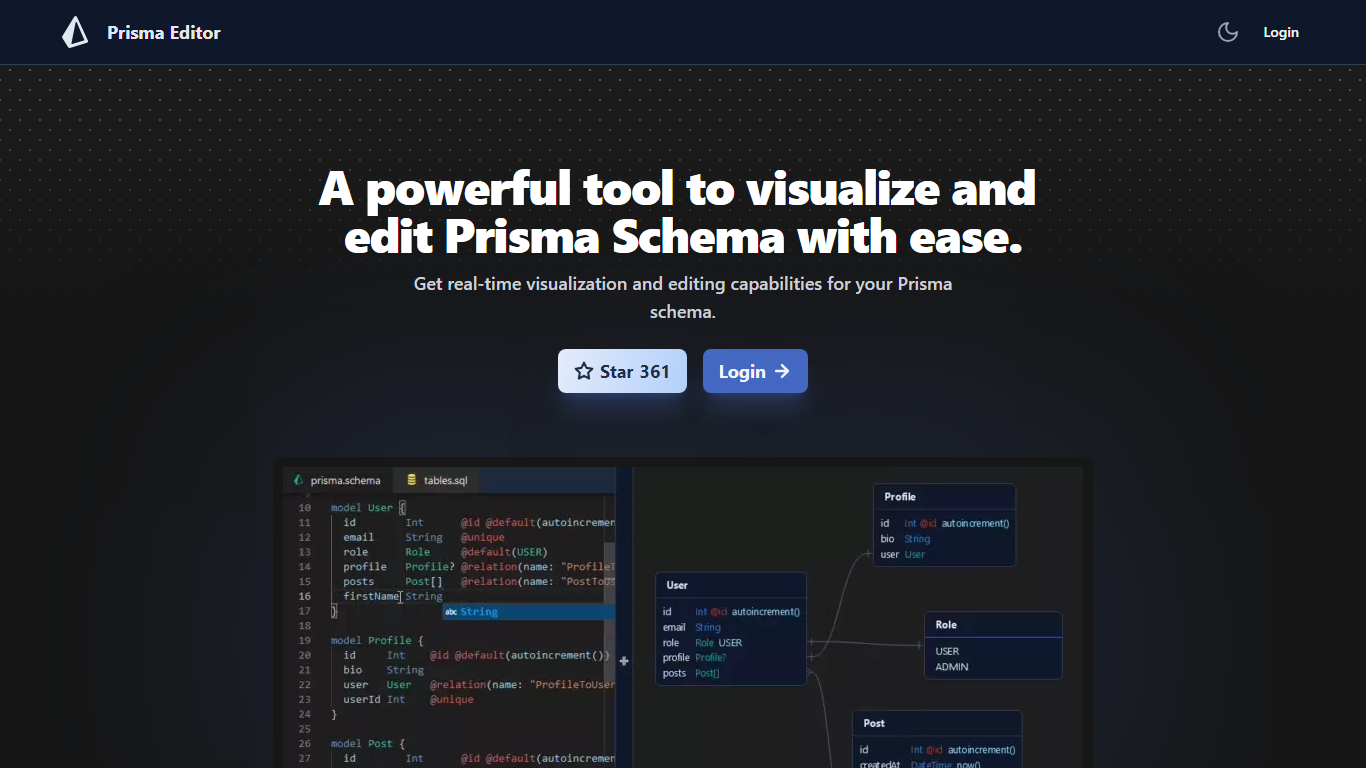
What is Prisma Editor?
Prisma Editor is a browser-based visual editor for Prisma schema files that renders your models as an interactive graph while you edit. Changes update the diagram in real time, and you can tweak fields directly on the graph instead of scrolling through plain text.
Prisma Studio shows data rows, while Prisma Editor focuses on schema design with shareable links and natural-language schema generation through OpenAI. The site labels itself a community project that is not affiliated with Prisma HQ, and the open-source repo on GitHub reports more than 1,000 stars.
TypeScript teams prototyping databases use it to whiteboard relations before committing schema.prisma changes. Login unlocks the editor, and shared links let teammates review the same graph without passing files around.
Ace Upvotes
Prisma Editor Upvotes
Ace Top Features
Skill Matrix Visualization: Highlight team strengths and areas for improvement.
Automated Growth Plans: Offer personalized development plans for each team member.
Meeting Productivity Insights: Analyze time spent in meetings versus coding to optimize productivity.
Predictive Burnout Alerts: Identify and prevent potential burnouts with automated checkups and surveys.
Feedback and Review System: Facilitate consistent and constructive feedback to support employee growth.
Prisma Editor Top Features
Real-time graph visualization updates as you create or modify Prisma models
Direct schema editing from the visual graph without leaving the diagram view
Shareable schema links for collaborative reviews across a team
OpenAI integration turns natural language prompts into boilerplate schema code
Open-source project on GitHub (mohammed-bahumaish/prisma-editor) with 1,035 stars listed on the homepage
Featured in Awesome Prisma, the T3 collection, and Product Hunt according to site badges
Ace Category
- Developer
Prisma Editor Category
- Developer
Ace Pricing Type
- Freemium
Prisma Editor Pricing Type
- Free