Aftershoot vs AI Image Upscaler on AI Image Enlarger
Dive into the comparison of Aftershoot vs AI Image Upscaler on AI Image Enlarger and discover which AI Photo Editing tool stands out. We examine alternatives, upvotes, features, reviews, pricing, and beyond.
In a comparison between Aftershoot and AI Image Upscaler on AI Image Enlarger, which one comes out on top?
When we compare Aftershoot and AI Image Upscaler on AI Image Enlarger, two exceptional photo editing tools powered by artificial intelligence, and place them side by side, several key similarities and differences come to light. Interestingly, both tools have managed to secure the same number of upvotes. Be a part of the decision-making process. Your vote could determine the winner.
Want to flip the script? Upvote your favorite tool and change the game!
Aftershoot

What is Aftershoot?
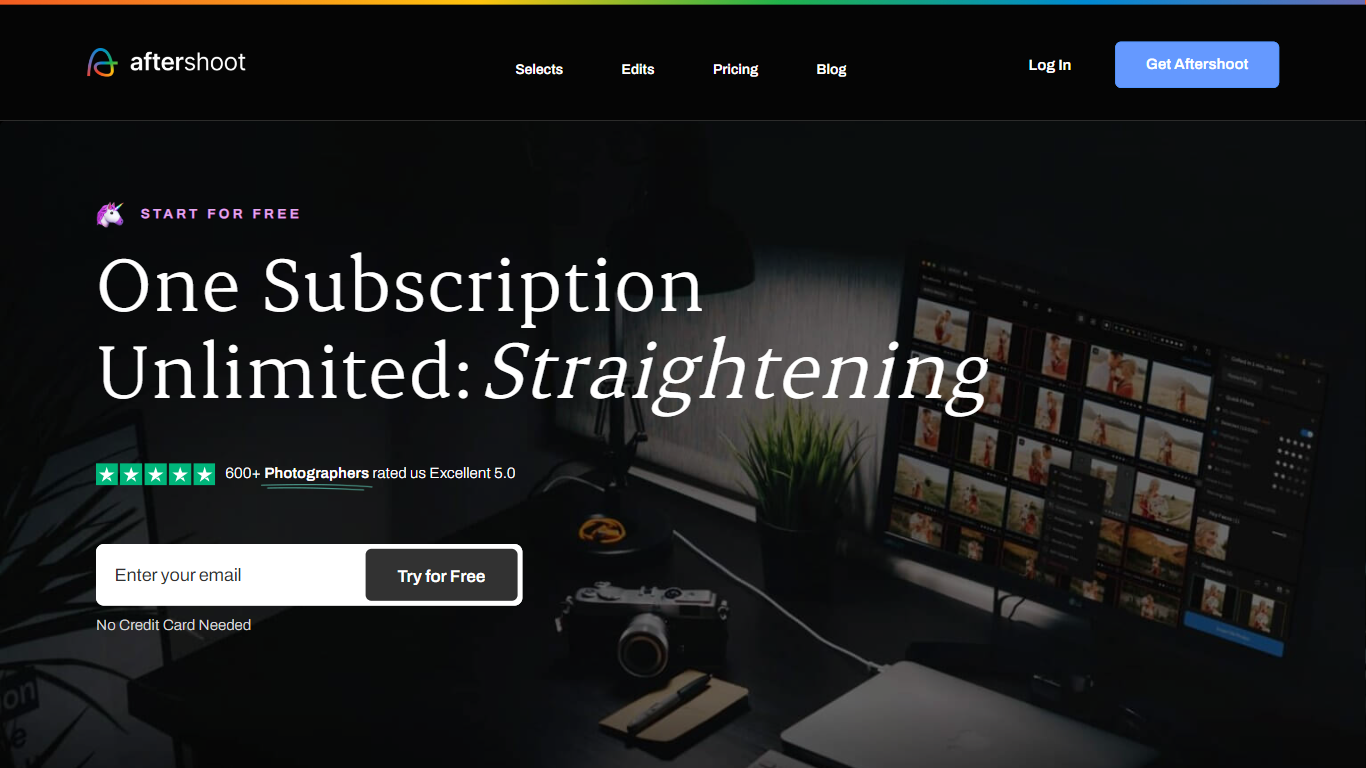
Aftershoot handles the post-shoot grind for professional photographers: culling thousands of RAW and JPEG files, applying your editing style across an album, retouching skin and backgrounds, and delivering branded client galleries. The desktop app runs locally on Windows and macOS, so images never leave your machine and you can work without an internet connection after install.
Lightroom and Capture One excel at manual editing but leave culling and batch retouching as separate, time-consuming steps. Aftershoot combines all four stages in one flat-fee subscription with no per-image charges. Its AI reads scene context to group true duplicates separately from creative variations, trains on your edited photos to match your look, and syncs retouching adjustments across an entire gallery in one pass.
Wedding, event, school, boudoir, family, and newborn photographers are the core audience. The company reports 100,000+ photographers using the platform, a 4.9 out of 5 rating from 1,700+ reviews, and an average of 39+ hours reclaimed per month per user.
AI Image Upscaler on AI Image Enlarger

What is AI Image Upscaler on AI Image Enlarger?
This Imglarger photo editing tool enlarges JPG, PNG, or WebP images to 2x or 4x resolution in your browser. You upload a file up to 10 MB and 1024 px wide, pick a scale factor, and the model sharpens edges and textures for 4K screens, product catalogs, or social posts. It handles portraits, AI art, anime frames, and product shots without installing desktop software.
Standard resize tools stretch pixels and leave blurry blocks. Imglarger's upscaler rebuilds detail with a focused workflow: upload, choose 200% or 400%, preview side by side, then download. You give up local batch power on the free tier and must trust cloud processing, though files auto-delete within six hours.
E-commerce teams batch-prepare catalog assets on paid plans. Digital artists upscale Midjourney or Stable Diffusion outputs, and photographers rescue compressed client files before print runs.
Aftershoot Upvotes
AI Image Upscaler on AI Image Enlarger Upvotes
Aftershoot Top Features
AI culling processes thousands of images with automated or assisted modes and duplicate grouping by scene context
Professional AI Profiles trained on your edited photos to replicate your style across lighting and venues
30+ pre-built AI editing styles from industry creators plus Instant AI Profiles from Lightroom presets
Batch retouching for skin, hair, glasses glare, backgrounds, and object removal with natural results
Client galleries with face detection, proofing, favorites, and built-in print store (100 GB free)
Complete plan at $45/month billed annually with unlimited culling, editing, and retouching
AI Image Upscaler on AI Image Enlarger Top Features
Upscale images to 200% or 400% with a single upload step
Accepts JPG, PNG, and WebP files up to 10 MB and 1024 px input width
Preview upscaled output beside the original before downloading
Batch upscale multiple images on paid plans starting at $4.99 per month
Processed files are automatically deleted within six hours
Dedicated anime upscaler and enlarger tools live on the same Imglarger site
Aftershoot Category
- Photo Editing
AI Image Upscaler on AI Image Enlarger Category
- Photo Editing
Aftershoot Pricing Type
- Freemium
AI Image Upscaler on AI Image Enlarger Pricing Type
- Freemium