
Last updated 08-10-2026
Category:
Reviews:
Join thousands of AI enthusiasts in the World of AI!
Aftershoot
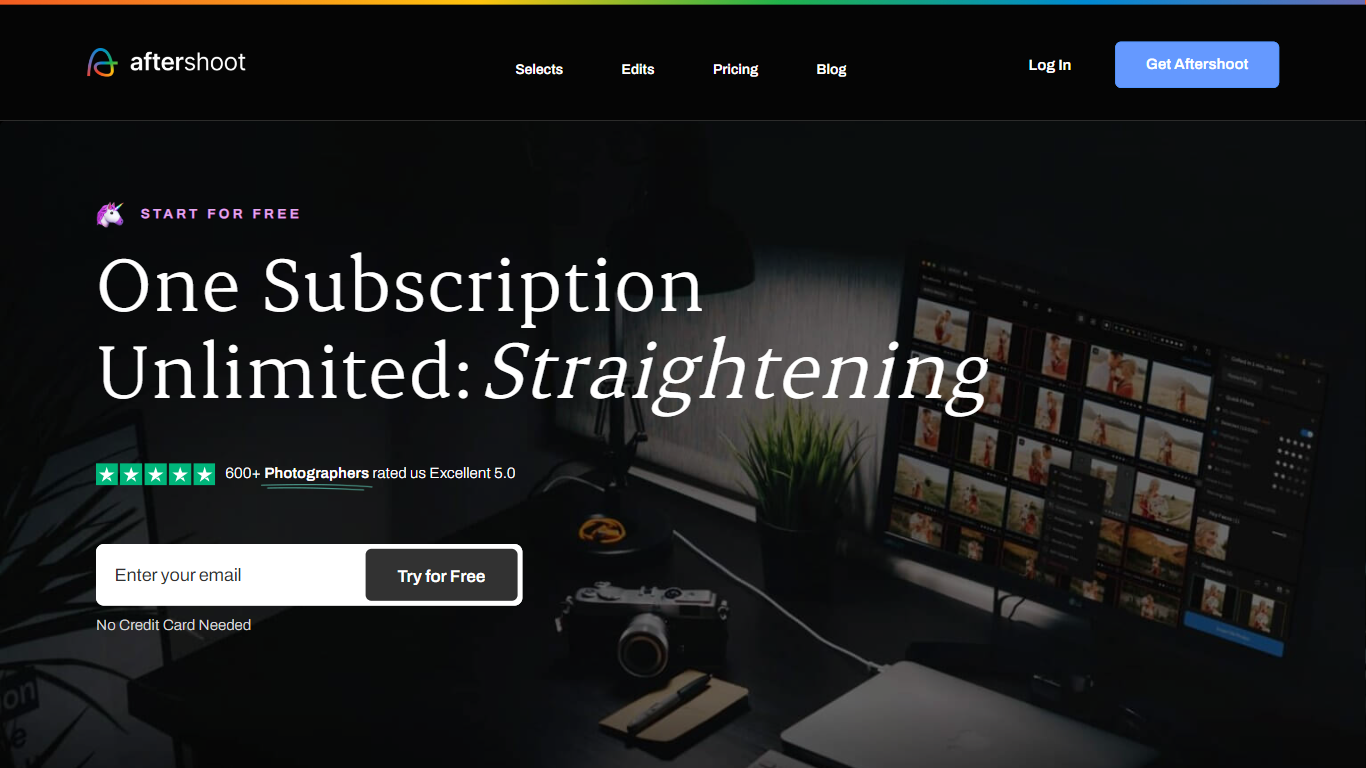
Aftershoot handles the post-shoot grind for professional photographers: culling thousands of RAW and JPEG files, applying your editing style across an album, retouching skin and backgrounds, and delivering branded client galleries. The desktop app runs locally on Windows and macOS, so images never leave your machine and you can work without an internet connection after install.
Lightroom and Capture One excel at manual editing but leave culling and batch retouching as separate, time-consuming steps. Aftershoot combines all four stages in one flat-fee subscription with no per-image charges. Its AI reads scene context to group true duplicates separately from creative variations, trains on your edited photos to match your look, and syncs retouching adjustments across an entire gallery in one pass.
Wedding, event, school, boudoir, family, and newborn photographers are the core audience. The company reports 100,000+ photographers using the platform, a 4.9 out of 5 rating from 1,700+ reviews, and an average of 39+ hours reclaimed per month per user.
AI culling processes thousands of images with automated or assisted modes and duplicate grouping by scene context
Professional AI Profiles trained on your edited photos to replicate your style across lighting and venues
30+ pre-built AI editing styles from industry creators plus Instant AI Profiles from Lightroom presets
Batch retouching for skin, hair, glasses glare, backgrounds, and object removal with natural results
Client galleries with face detection, proofing, favorites, and built-in print store (100 GB free)
Complete plan at $45/month billed annually with unlimited culling, editing, and retouching
Flat-fee unlimited processing with no per-image charges across all plans
Runs locally offline so files never leave your machine
Combines culling, editing, retouching, and gallery delivery in one app
4.9 out of 5 rating from 1,700+ reviews on the homepage
30-day free trial with full access and no credit card required
Desktop-only app for Windows and macOS with no mobile version
Retouching preview may not work on Intel integrated graphics under 2GB VRAM
Complete plan at $45/month is a significant annual commitment for hobbyists
What is Aftershoot?
Aftershoot is a desktop app for photographers that uses AI to cull, edit, retouch, and deliver photo albums. It runs locally on Windows and macOS so your files stay on your machine.
How much does Aftershoot cost?
Aftershoot Complete, which includes culling, editing, and retouching, starts at $45 per month billed annually ($540/year). Individual modules start at $10/month for Select, $30/month for Edit, and $20/month for Retouch.
Is there a free trial for Aftershoot?
Yes. Aftershoot offers a 30-day free trial with full access to all features. No credit card is required to start the trial.
Does Aftershoot work offline?
Yes. Aftershoot processes images locally on your computer without requiring cloud uploads or a constant internet connection. Your originals are never overwritten.
What file formats does Aftershoot support?
Aftershoot supports RAW, JPEG, and TIFF formats. It exports to Lightroom, Capture One, Lightroom CC, Adobe Bridge, and Adobe Camera RAW.
Does Aftershoot learn my editing style?
Yes. Aftershoot trains Professional AI Profiles on your edited photos so results match your look. You can also import Lightroom presets or choose from 30+ pre-built creator styles.