Aftershoot vs InPixio
Dive into the comparison of Aftershoot vs InPixio and discover which AI Photo Editing tool stands out. We examine alternatives, upvotes, features, reviews, pricing, and beyond.
When comparing Aftershoot and InPixio, which one rises above the other?
When we compare Aftershoot and InPixio, two exceptional photo editing tools powered by artificial intelligence, and place them side by side, several key similarities and differences come to light. There's no clear winner in terms of upvotes, as both tools have received the same number. You can help us determine the winner by casting your vote and tipping the scales in favor of one of the tools.
Think we got it wrong? Cast your vote and show us who's boss!
Aftershoot

What is Aftershoot?
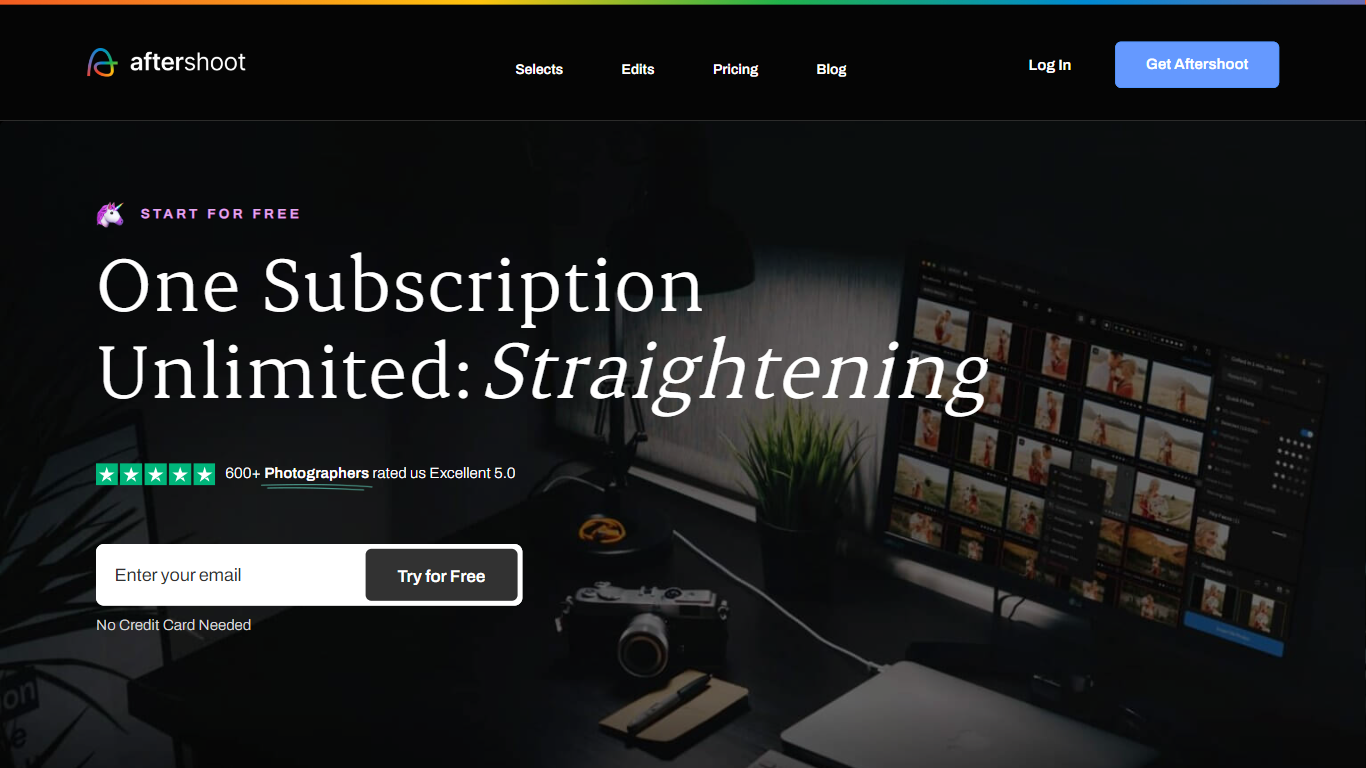
Aftershoot handles the post-shoot grind for professional photographers: culling thousands of RAW and JPEG files, applying your editing style across an album, retouching skin and backgrounds, and delivering branded client galleries. The desktop app runs locally on Windows and macOS, so images never leave your machine and you can work without an internet connection after install.
Lightroom and Capture One excel at manual editing but leave culling and batch retouching as separate, time-consuming steps. Aftershoot combines all four stages in one flat-fee subscription with no per-image charges. Its AI reads scene context to group true duplicates separately from creative variations, trains on your edited photos to match your look, and syncs retouching adjustments across an entire gallery in one pass.
Wedding, event, school, boudoir, family, and newborn photographers are the core audience. The company reports 100,000+ photographers using the platform, a 4.9 out of 5 rating from 1,700+ reviews, and an average of 39+ hours reclaimed per month per user.
InPixio

What is InPixio?
InPixio lets you remove backgrounds, erase objects, swap skies, and polish photos through a free online editor, a Windows desktop app, and a mobile app. Upload an image, click remove background, and the AI separates hair and fine edges without manual masking.
Where heavyweight editors assume you already know layers and masks, InPixio sells speed for ecommerce sellers and casual creators. The free web tools handle quick crops and background cuts, while paid plans unlock HD downloads and premium features across the same interface on desktop and phone.
The site cites more than 10 million users and targets small business owners, social sellers, and beginners who need product photos, transparent PNGs, and social-ready edits. You can edit in the browser instantly or download the Windows app for offline work.
Aftershoot Upvotes
InPixio Upvotes
Aftershoot Top Features
AI culling processes thousands of images with automated or assisted modes and duplicate grouping by scene context
Professional AI Profiles trained on your edited photos to replicate your style across lighting and venues
30+ pre-built AI editing styles from industry creators plus Instant AI Profiles from Lightroom presets
Batch retouching for skin, hair, glasses glare, backgrounds, and object removal with natural results
Client galleries with face detection, proofing, favorites, and built-in print store (100 GB free)
Complete plan at $45/month billed annually with unlimited culling, editing, and retouching
InPixio Top Features
One-click AI background remover handles hair and complex edges on JPG, PNG, and RAW files
Online editor runs in the browser with no install, while Windows software works offline
Magic eraser removes unwanted objects and reconstructs the background automatically
AI background generator swaps skies and dull backdrops for new scenes in seconds
Supports more than 50 image formats including JPEG, PNG, and RAW uploads
Mobile app mirrors quick edits for social posts and product photos on the go
Aftershoot Category
- Photo Editing
InPixio Category
- Photo Editing
Aftershoot Pricing Type
- Freemium
InPixio Pricing Type
- Freemium