Aftershoot vs Profile Picture Maker By Picsart
Dive into the comparison of Aftershoot vs Profile Picture Maker By Picsart and discover which AI Photo Editing tool stands out. We examine alternatives, upvotes, features, reviews, pricing, and beyond.
In a comparison between Aftershoot and Profile Picture Maker By Picsart, which one comes out on top?
When we compare Aftershoot and Profile Picture Maker By Picsart, two exceptional photo editing tools powered by artificial intelligence, and place them side by side, several key similarities and differences come to light. With more upvotes, Profile Picture Maker By Picsart is the preferred choice. Profile Picture Maker By Picsart has been upvoted 9 times by aitools.fyi users, and Aftershoot has been upvoted 6 times.
Does the result make you go "hmm"? Cast your vote and turn that frown upside down!
Aftershoot

What is Aftershoot?
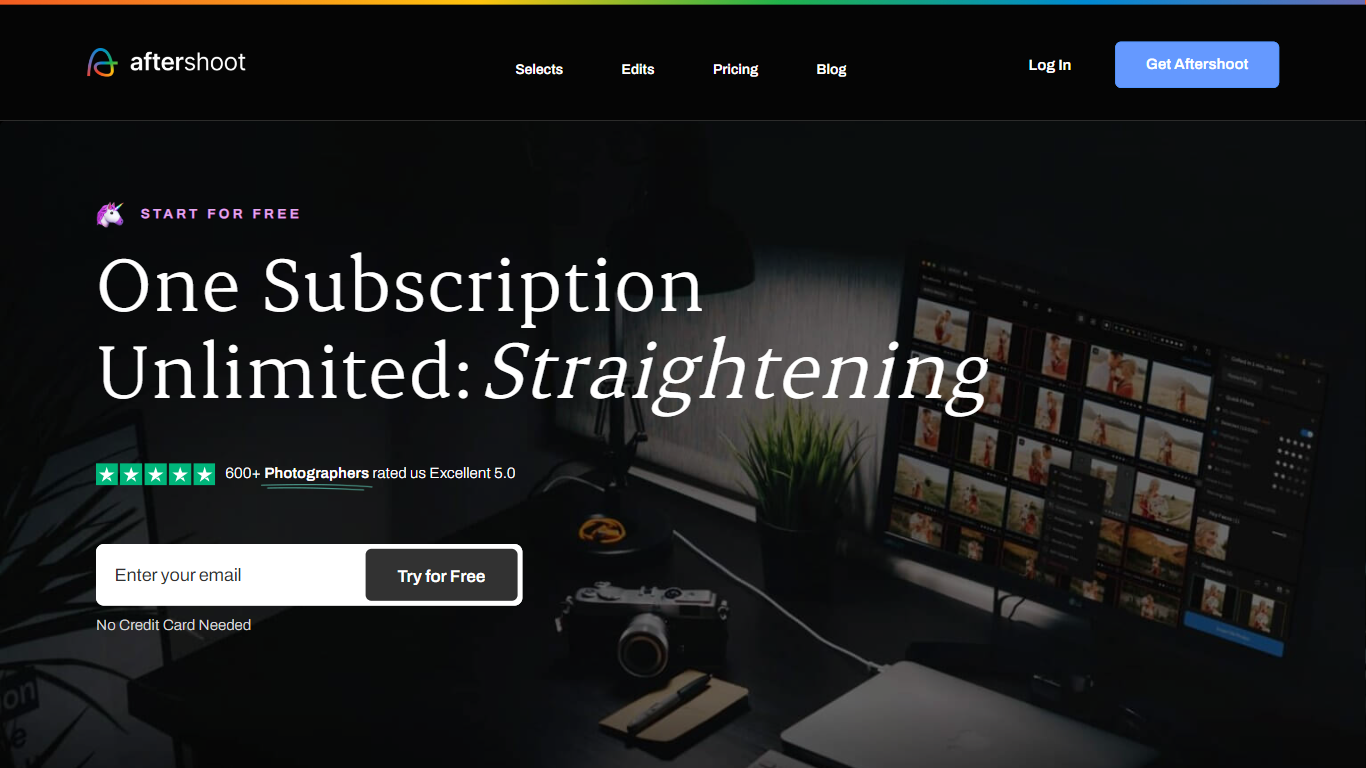
Aftershoot handles the post-shoot grind for professional photographers: culling thousands of RAW and JPEG files, applying your editing style across an album, retouching skin and backgrounds, and delivering branded client galleries. The desktop app runs locally on Windows and macOS, so images never leave your machine and you can work without an internet connection after install.
Lightroom and Capture One excel at manual editing but leave culling and batch retouching as separate, time-consuming steps. Aftershoot combines all four stages in one flat-fee subscription with no per-image charges. Its AI reads scene context to group true duplicates separately from creative variations, trains on your edited photos to match your look, and syncs retouching adjustments across an entire gallery in one pass.
Wedding, event, school, boudoir, family, and newborn photographers are the core audience. The company reports 100,000+ photographers using the platform, a 4.9 out of 5 rating from 1,700+ reviews, and an average of 39+ hours reclaimed per month per user.
Profile Picture Maker By Picsart

What is Profile Picture Maker By Picsart?
Profile Picture Maker By Picsart crops, reframes, and styles square avatars for social platforms inside the free Quicktools browser editor. You upload a photo, optionally swap the background, add borders or colors, then export preset sizes for Instagram, LinkedIn, Discord, and other networks.
Most avatar editors auto-remove backgrounds whether you want that or not. Picsart's version lets you keep or replace the backdrop, then rotate, scale, and position the subject before picking platform-specific dimensions like 400x400 for LinkedIn or 128x128 for Discord.
Creators refreshing Instagram, Zoom, or Slack avatars use it because it needs no account, stores no images, and advertises 1 to 2 minute results. The page rates 4.8 out of 5 from 51 reviews and sits inside Picsart's broader Quicktools suite launched in 2021.
Aftershoot Upvotes
Profile Picture Maker By Picsart Upvotes
Aftershoot Top Features
AI culling processes thousands of images with automated or assisted modes and duplicate grouping by scene context
Professional AI Profiles trained on your edited photos to replicate your style across lighting and venues
30+ pre-built AI editing styles from industry creators plus Instant AI Profiles from Lightroom presets
Batch retouching for skin, hair, glasses glare, backgrounds, and object removal with natural results
Client galleries with face detection, proofing, favorites, and built-in print store (100 GB free)
Complete plan at $45/month billed annually with unlimited culling, editing, and retouching
Profile Picture Maker By Picsart Top Features
100% free profile picture editor with no sign-up required
Optional background removal or custom colored and patterned backdrops
Border and fine-tune controls for rotate, scale, and positioning
Preset export sizes for Instagram (320x320), LinkedIn (400x400), Discord (128x128), and more
Drag-and-drop upload with advertised 1 to 2 minute processing
No image storage policy stated on the tool page
4.8 star Quicktools rating from 51 reviews
Aftershoot Category
- Photo Editing
Profile Picture Maker By Picsart Category
- Photo Editing
Aftershoot Pricing Type
- Freemium
Profile Picture Maker By Picsart Pricing Type
- Free