AI Anime 16K on AI Image Enlarger vs Instant AI for Google Slides
When comparing AI Anime 16K on AI Image Enlarger vs Instant AI for Google Slides, which AI Photo Editing tool shines brighter? We look at pricing, alternatives, upvotes, features, reviews, and more.
In a comparison between AI Anime 16K on AI Image Enlarger and Instant AI for Google Slides, which one comes out on top?
When we put AI Anime 16K on AI Image Enlarger and Instant AI for Google Slides side by side, both being AI-powered photo editing tools, In the race for upvotes, AI Anime 16K on AI Image Enlarger takes the trophy. AI Anime 16K on AI Image Enlarger has attracted 8 upvotes from aitools.fyi users, and Instant AI for Google Slides has attracted 7 upvotes.
Want to flip the script? Upvote your favorite tool and change the game!
AI Anime 16K on AI Image Enlarger
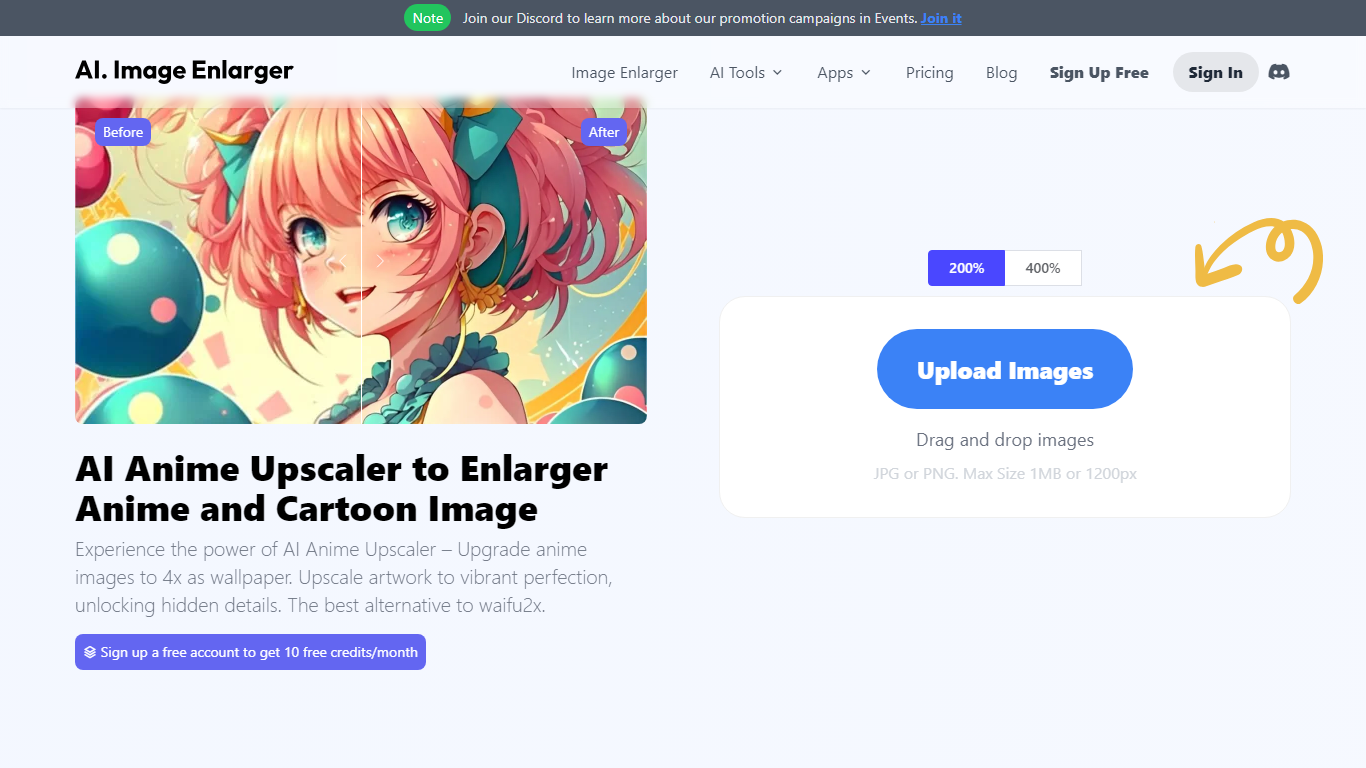

What is AI Anime 16K on AI Image Enlarger?
AI Anime 16K revolutionizes the world of digital art with its avant-garde AI-powered upscaling tool, dedicated to enhancing anime and cartoon images. With AI Anime16K, users can effortlessly enlarge and ameliorate their favorite anime and cartoon pictures to create stunning 4K wallpapers. Leveraging superior technology to outclass similar tools like Waifu2x, this online picture upscaler not only magnifies images by 400% but also maintains impeccable image quality, delivering results that surpass expectations. Ideal for anime enthusiasts, graphic designers, and photographers, the platform provides free enlargements and allows for drag-and-drop uploads in JPG or PNG format, with a maximum size of 1MB or 1200px. Users can even take advantage of added perks such as image denoising, sharpening, colorization, background removal, and object removal. Their passion for quality is echoed by over a million users from 60 countries and validated by glowing testimonials from reputable sources in the industry. Experience the future of image enhancement with AI Anime16K's intuitive tools at your fingertips.
Instant AI for Google Slides
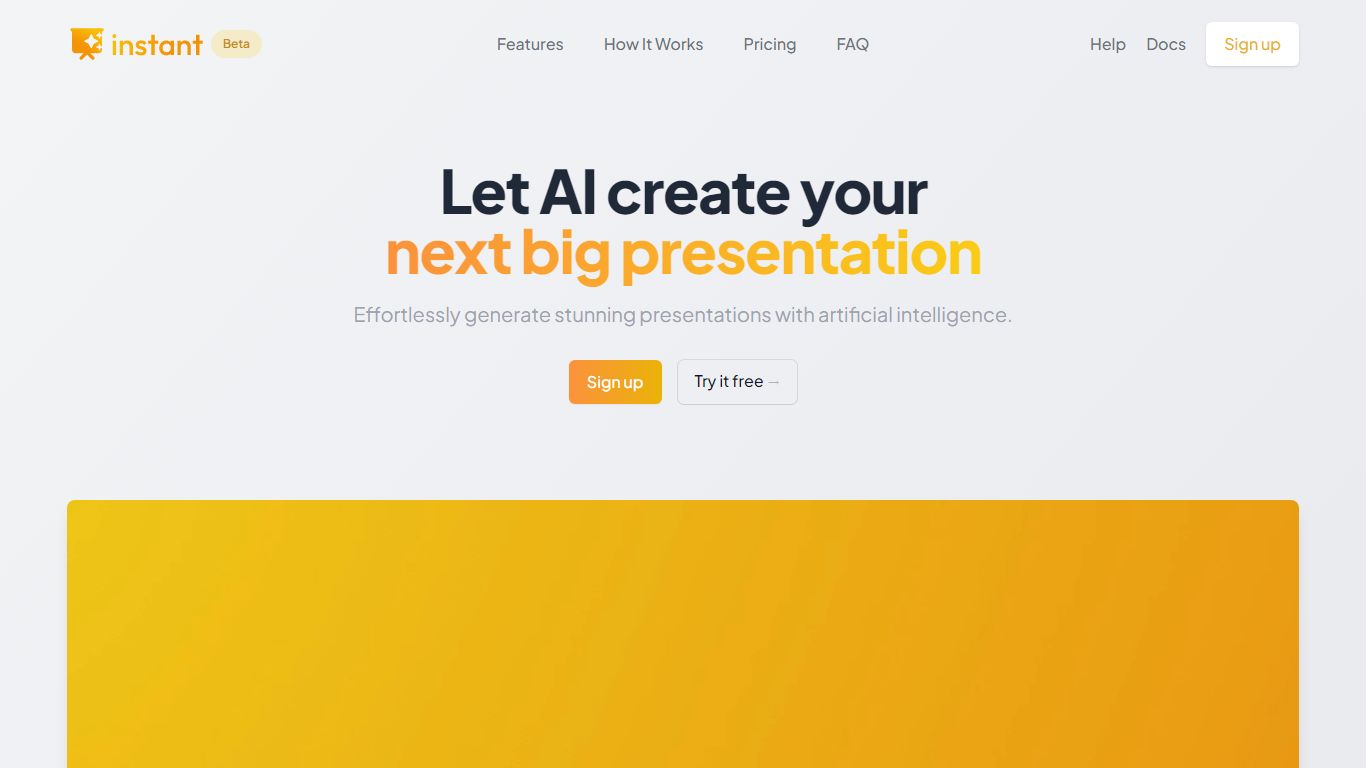
What is Instant AI for Google Slides?
Use our AI presentation tool to create fully-editable slides directly in Google Slides™. Skip the learning curve and automagically create slides in a familiar workflow. Simply type in your topic, and let Instant handle the rest!
Whether you're pitching investors, delivering a speech, or making a sales presentation, Instant AI has you covered. Simply enter your topic, presentation type, and desired slide length and our AI-powered tool will handle the heavy lifting.
Unlike other AI tools that create generic, boring, text-heavy layouts, Instant AI leverages a growing library of 100+ professionally-designed slide templates to automatically create diagrams, flowcharts and infographics that drive home your message.
Getting started is simple and quick: • Install the app from the Google Workspace™ by clicking the "Install" button. • Enter your presentation topic, type, and length • Choose your fonts & colors to match your brand • Click Generate and Instant AI will write & design your slides!
Don't waste time on tedious slide creation. Try Instant today and create captivating presentations in a matter of minutes!
AI Anime 16K on AI Image Enlarger Upvotes
Instant AI for Google Slides Upvotes
AI Anime 16K on AI Image Enlarger Top Features
Enhance and Upscale: Increase image resolutions by 400% while maintaining quality.
Easy to Use: Drag-and-drop functionality for simple image uploading and processing.
Free Credits: New users get 10 free credits per month upon account creation.
Multi-Platform: Available on Windows Mac iOS and Android for seamless use across devices.
More Than Upscaling: Additional AI tools for denoising sharpening and colorization.
Instant AI for Google Slides Top Features
No top features listedAI Anime 16K on AI Image Enlarger Category
- Photo Editing
Instant AI for Google Slides Category
- Photo Editing
AI Anime 16K on AI Image Enlarger Pricing Type
- Freemium
Instant AI for Google Slides Pricing Type
- Paid