
Last updated 08-11-2026
Category:
Reviews:
Join thousands of AI enthusiasts in the World of AI!
AI Anime 16K on AI Image Enlarger
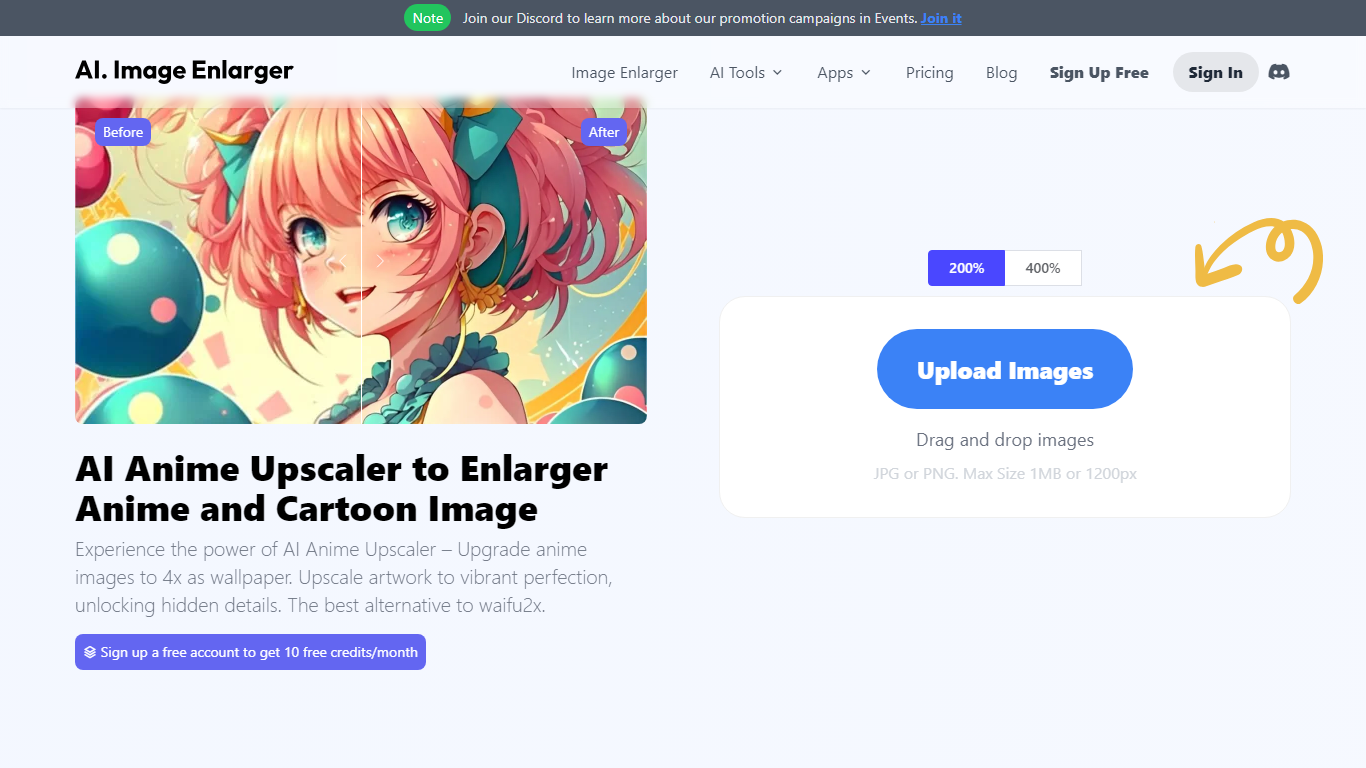
AI Anime 16K on ImgLarger upscales anime screenshots, manga panels, waifu art, and VTuber illustrations in your browser. You upload a JPG, PNG, or WebP file up to 10 MB, pick a 2X or 4X scale, and download a sharper version that keeps clean line art and smooth shading. Processed files are removed within six hours.
General photo upscalers sharpen skin and landscapes in ways that break anime outlines. ImgLarger's anime model targets illustration styles, so enlarged wallpapers and fan art keep character proportions and color balance instead of turning into plastic-looking renders.
Anime artists, manga editors, VTuber designers, and collectors use it for wallpapers, print-ready posters, and batch upscaling large art libraries. Free monthly credits let you test single images before subscribing for higher limits and 8X scaling on paid plans.
2X or 4X upscaling tuned for anime, manga, waifu, and VTuber illustration styles
Accepts JPG, PNG, and WebP uploads up to 10 MB with a 1024px max input side on free tier
Batch processing for multiple anime images in one queue
Before-and-after preview in the browser before downloading results
Processed images auto-delete within 6 hours for privacy
Premium plans scale up to 8X with 2000 monthly credits at $9.99 per month
Optimized for AI-generated anime art, game illustrations, and manga pages
Anime-specific model preserves outlines and shading better than general upscalers
Browser workflow with drag-and-drop upload and side-by-side preview
Batch queue for large fan art or manga collections
Free tier includes 100 monthly credits to test before paying
Uploaded files auto-delete within 6 hours
Free tier limits input to 1024px and 2X scaling on this tool page
Each AI task consumes credits, so heavy batch use needs a paid plan
Subscribed uploads still cap at 10 MB and 4000px per image
2X and 4X are the only ratios on the Anime16K page itself
What is AI Anime 16K on AI Image Enlarger?
AI Anime 16K on AI Image Enlarger is a browser tool that upscales anime, manga, waifu, and VTuber images using illustration-tuned AI models. It sharpens line art and raises resolution without the heavy blur typical photo upscalers add.
Does AI Anime 16K on AI Image Enlarger cost money?
Yes. AI Anime 16K on AI Image Enlarger includes access through ImgLarger's Free plan with 100 credits per month. Paid Premium and Business plans add more credits, batch support, and higher scale limits.
What upscale ratios does AI Anime 16K support?
AI Anime 16K on AI Image Enlarger lets you choose 2X or 4X scaling on its page. ImgLarger Premium and Business subscriptions unlock up to 8X scaling across the platform's AI tools.
Which file formats work with AI Anime 16K?
AI Anime 16K on AI Image Enlarger accepts JPG, JPEG, PNG, and WebP files. Uploads are limited to 10 MB per file, and the free tier caps input dimensions at 1024px on the longest side.
Does AI Anime 16K support batch upscaling?
Yes. AI Anime 16K on AI Image Enlarger supports batch processing so you can queue multiple manga or fan art files at once, which helps artists and collectors managing large libraries.
How is AI Anime 16K different from the general upscaler?
AI Anime 16K on AI Image Enlarger preserves clean outlines, smooth shading, and illustration color balance. ImgLarger's general upscaler targets portraits, landscapes, and real-world photos instead.
How long does AI Anime 16K keep uploaded images?
AI Anime 16K on AI Image Enlarger runs on ImgLarger, which deletes uploaded and processed images automatically within six hours rather than storing them in a permanent public gallery.