AI Anime 16K on AI Image Enlarger vs Luminar Neo
In the face-off between AI Anime 16K on AI Image Enlarger vs Luminar Neo, which AI Photo Editing tool takes the crown? We scrutinize features, alternatives, upvotes, reviews, pricing, and more.
In a face-off between AI Anime 16K on AI Image Enlarger and Luminar Neo, which one takes the crown?
If we were to analyze AI Anime 16K on AI Image Enlarger and Luminar Neo, both of which are AI-powered photo editing tools, what would we find? Luminar Neo stands out as the clear frontrunner in terms of upvotes. Luminar Neo has received 9 upvotes from aitools.fyi users, while AI Anime 16K on AI Image Enlarger has received 8 upvotes.
Disagree with the result? Upvote your favorite tool and help it win!
AI Anime 16K on AI Image Enlarger
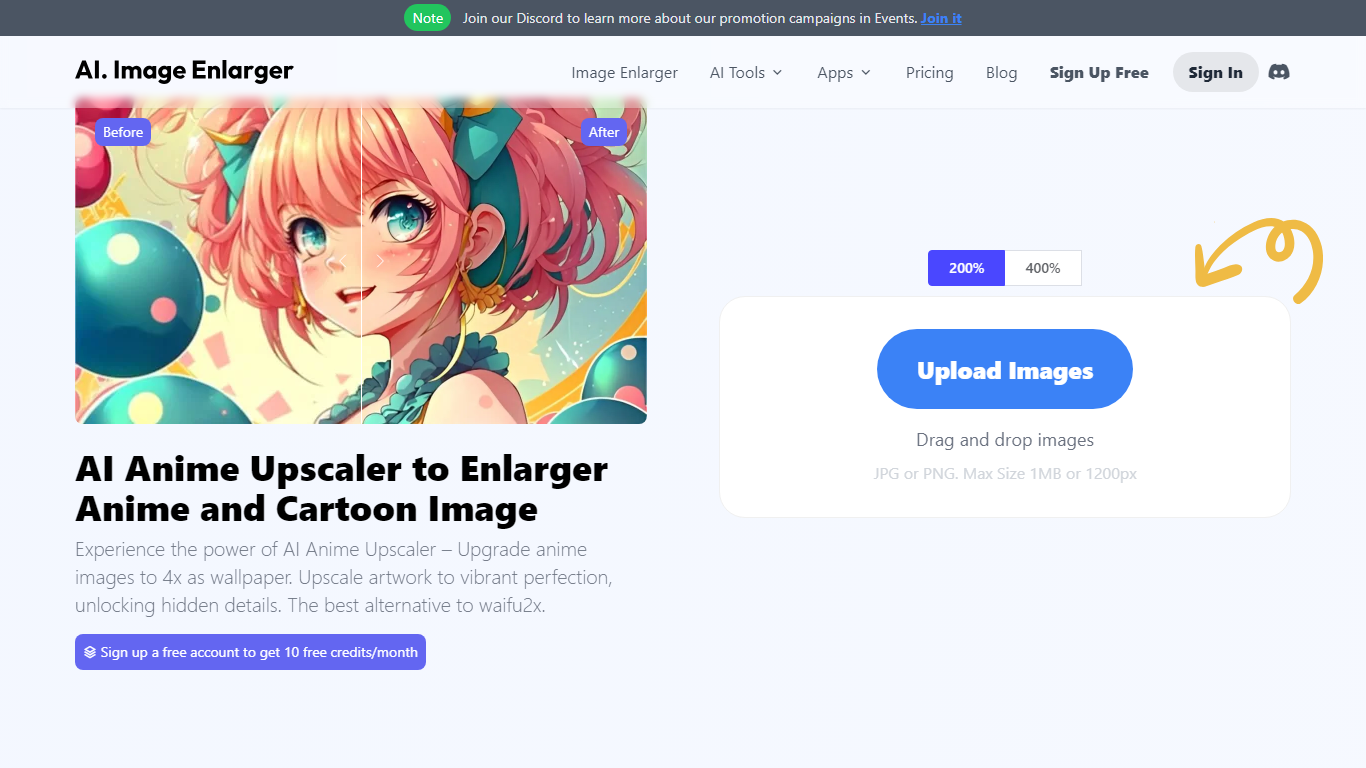

What is AI Anime 16K on AI Image Enlarger?
AI Anime 16K revolutionizes the world of digital art with its avant-garde AI-powered upscaling tool, dedicated to enhancing anime and cartoon images. With AI Anime16K, users can effortlessly enlarge and ameliorate their favorite anime and cartoon pictures to create stunning 4K wallpapers. Leveraging superior technology to outclass similar tools like Waifu2x, this online picture upscaler not only magnifies images by 400% but also maintains impeccable image quality, delivering results that surpass expectations. Ideal for anime enthusiasts, graphic designers, and photographers, the platform provides free enlargements and allows for drag-and-drop uploads in JPG or PNG format, with a maximum size of 1MB or 1200px. Users can even take advantage of added perks such as image denoising, sharpening, colorization, background removal, and object removal. Their passion for quality is echoed by over a million users from 60 countries and validated by glowing testimonials from reputable sources in the industry. Experience the future of image enhancement with AI Anime16K's intuitive tools at your fingertips.
Luminar Neo

What is Luminar Neo?
Luminar Neo represents a cutting-edge photo editing solution driven by advanced artificial intelligence. This remarkable tool revolutionizes the way users edit their photos by automating the editing process, ultimately saving time and delivering professional-quality results. Through the power of AI technology, Luminar Neo provides users with a range of automatic modes. With just a few simple clicks, these modes effortlessly apply diverse effects and adjustments to photos.
AI Anime 16K on AI Image Enlarger Upvotes
Luminar Neo Upvotes
AI Anime 16K on AI Image Enlarger Top Features
Enhance and Upscale: Increase image resolutions by 400% while maintaining quality.
Easy to Use: Drag-and-drop functionality for simple image uploading and processing.
Free Credits: New users get 10 free credits per month upon account creation.
Multi-Platform: Available on Windows Mac iOS and Android for seamless use across devices.
More Than Upscaling: Additional AI tools for denoising sharpening and colorization.
Luminar Neo Top Features
EnhanceAI
RelightAI
SkyAI
StructureAI
Portrait Background
AI Anime 16K on AI Image Enlarger Category
- Photo Editing
Luminar Neo Category
- Photo Editing
AI Anime 16K on AI Image Enlarger Pricing Type
- Freemium
Luminar Neo Pricing Type
- Paid