AI Art Generator, Image-Maker vs DiffusionBee
In the contest of AI Art Generator, Image-Maker vs DiffusionBee, which AI Image Generation tool is the champion? We evaluate pricing, alternatives, upvotes, features, reviews, and more.
If you had to choose between AI Art Generator, Image-Maker and DiffusionBee, which one would you go for?
When we examine AI Art Generator, Image-Maker and DiffusionBee, both of which are AI-enabled image generation tools, what unique characteristics do we discover? The upvote count shows a clear preference for DiffusionBee. The number of upvotes for DiffusionBee stands at 7, and for AI Art Generator, Image-Maker it's 6.
Feeling rebellious? Cast your vote and shake things up!
AI Art Generator, Image-Maker
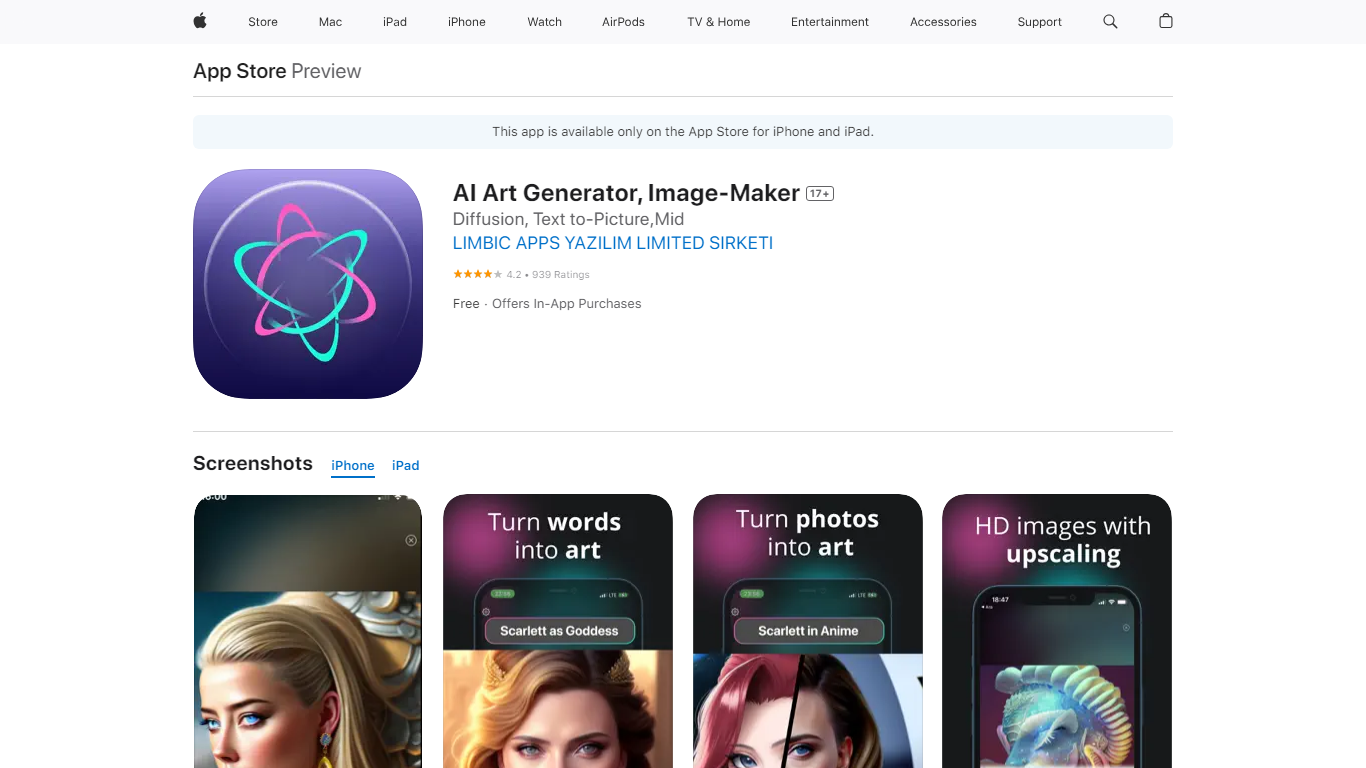

What is AI Art Generator, Image-Maker?
AI Art Generator, Image-Maker turns text prompts into shareable artwork on iPhone and iPad using models such as DALL·E, Stable Diffusion, and Flux. The App Store listing brands it as Video-Art-X and highlights text-to-art, AI selfies, image-to-image edits, inpainting, and HD upscaling.
Mobile art apps often lock you into one style preset. This one exposes multiple named models like Realistic Vision, Stable Diffusion XL, DreamShaper, Deliberate 2, and anime-focused checkpoints, so you can swap aesthetics without leaving the app.
Hobbyist creators and social media posters use it to draft surreal, vaporwave, or cyberpunk looks, then upscale results for sharing. It requires iOS 15 or later, ships free with in-app purchases, and is rated 4.1 stars across about 1.7K App Store reviews.
DiffusionBee
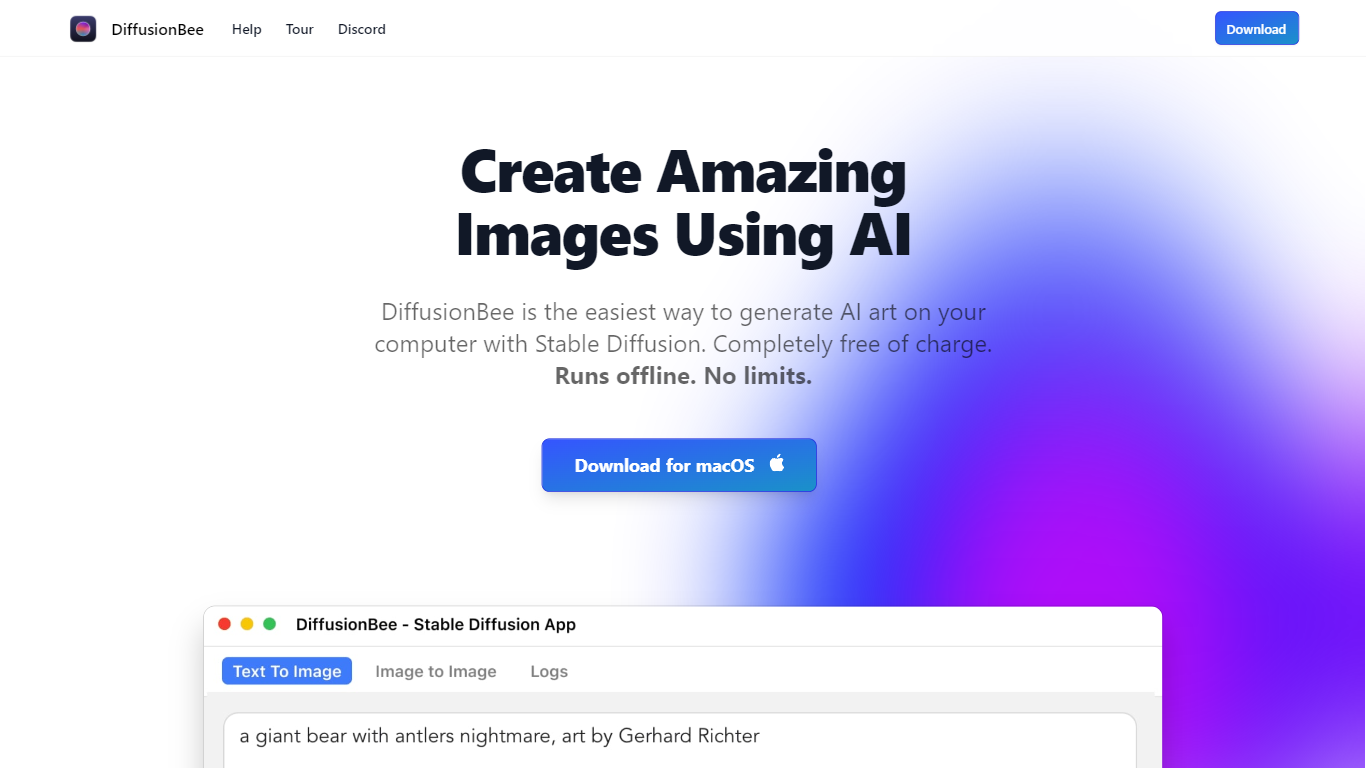
What is DiffusionBee?
DiffusionBee turns text prompts into finished images by running Stable Diffusion directly on your Mac or Windows PC. You type what you want, wait about 30 seconds on an 8GB M1 MacBook Air, and get a local file with no account, no cloud upload, and no per-image fees. The install bundles text-to-image, inpainting, upscaling, video tools, and custom model training in one place.
Where Midjourney and DALL-E charge monthly subscriptions and send every prompt to the cloud, DiffusionBee keeps generation on your hardware. That trade-off means you need a capable machine and you manage model downloads yourself, but you get unlimited generations and full privacy. The download page lists builds for Apple Silicon, Intel Mac, and Windows 64-bit.
Digital artists, hobbyists, and curious beginners use it to experiment with Stable Diffusion without touching a command line. The built-in canvas lets you sketch, prompt, and refine images in one workspace, and you can train small custom models on your own photos when you need a specific style or subject.
AI Art Generator, Image-Maker Upvotes
DiffusionBee Upvotes
AI Art Generator, Image-Maker Top Features
Text-to-image generation using DALL·E, Stable Diffusion, and Flux model families
AI Selfie Generator turns portraits into stylized artwork
Image-to-image and inpainting tools for partial edits
HD upscaling for sharper exports
Style presets spanning surrealism, vaporwave, cyberpunk, and anime models
180.5 MB download size with iOS 15+ and iPad support
In-app credit packs and weekly or annual subscriptions listed on the App Store
DiffusionBee Top Features
Generates a text-to-image result in about 30 seconds on an 8GB M1 MacBook Air
Runs 100% offline so prompts, models, and outputs never leave your device
Bundles 9 tools including text-to-image, generative fill, upscaler, and video tools
Trains custom Stable Diffusion models on your own image sets locally
Downloads for Apple Silicon, Intel Mac, and Windows 64-bit from one page
AI canvas combines human drawing with prompt-based generation and editing
AI Art Generator, Image-Maker Category
- Image Generation
DiffusionBee Category
- Image Generation
AI Art Generator, Image-Maker Pricing Type
- Freemium
DiffusionBee Pricing Type
- Free