
Last updated 08-09-2026
Category:
Reviews:
Join thousands of AI enthusiasts in the World of AI!
DiffusionBee
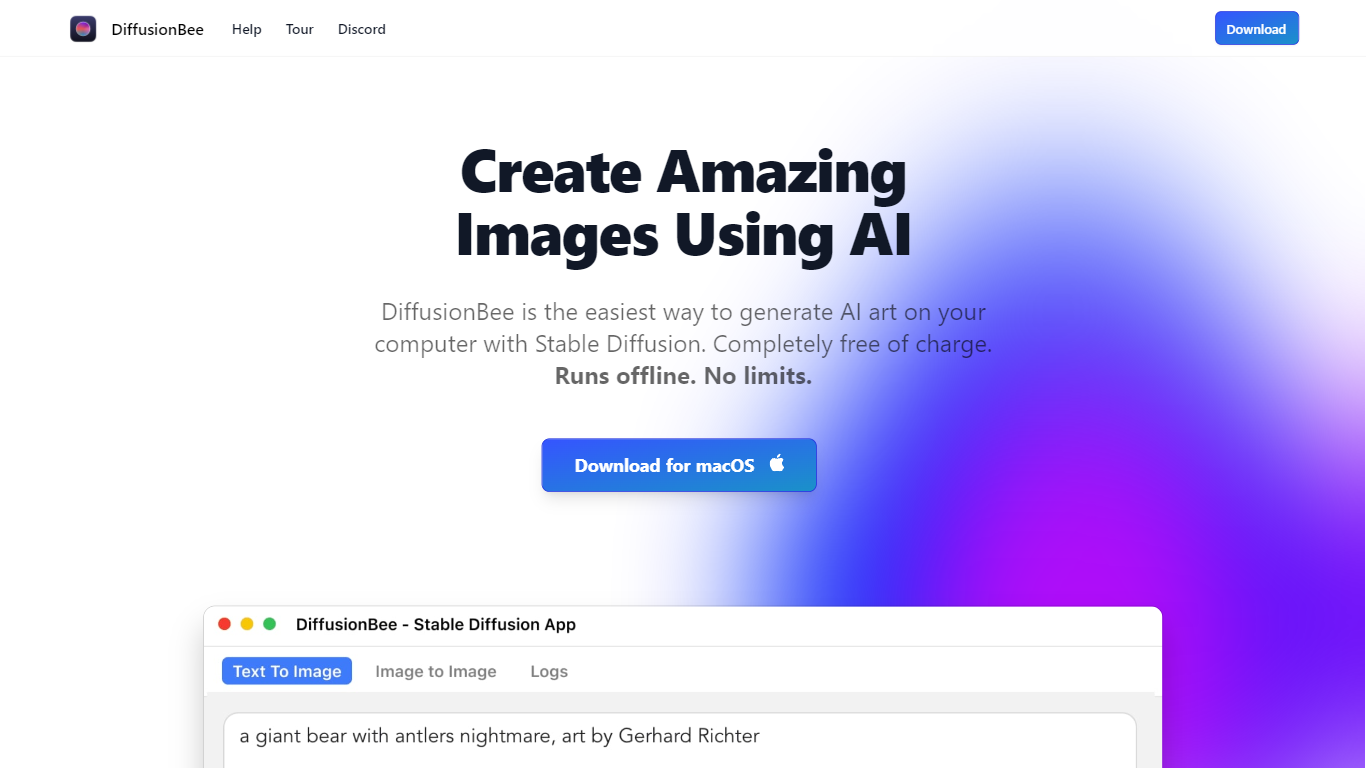
DiffusionBee turns text prompts into finished images by running Stable Diffusion directly on your Mac or Windows PC. You type what you want, wait about 30 seconds on an 8GB M1 MacBook Air, and get a local file with no account, no cloud upload, and no per-image fees. The install bundles text-to-image, inpainting, upscaling, video tools, and custom model training in one place.
Where Midjourney and DALL-E charge monthly subscriptions and send every prompt to the cloud, DiffusionBee keeps generation on your hardware. That trade-off means you need a capable machine and you manage model downloads yourself, but you get unlimited generations and full privacy. The download page lists builds for Apple Silicon, Intel Mac, and Windows 64-bit.
Digital artists, hobbyists, and curious beginners use it to experiment with Stable Diffusion without touching a command line. The built-in canvas lets you sketch, prompt, and refine images in one workspace, and you can train small custom models on your own photos when you need a specific style or subject.
Generates a text-to-image result in about 30 seconds on an 8GB M1 MacBook Air
Runs 100% offline so prompts, models, and outputs never leave your device
Bundles 9 tools including text-to-image, generative fill, upscaler, and video tools
Trains custom Stable Diffusion models on your own image sets locally
Downloads for Apple Silicon, Intel Mac, and Windows 64-bit from one page
AI canvas combines human drawing with prompt-based generation and editing
Completely free with no subscription or credit system
Runs fully offline for private, unlimited image generation
Packages text-to-image, inpainting, upscaling, and model training in one app
Supports Apple Silicon, Intel Mac, and Windows from official builds
Requires macOS 13.1 or higher; Apple Silicon strongly recommended for speed
Intel Macs without a dedicated GPU produce much slower generations
No Linux download option on the official site
Is DiffusionBee free to use?
Yes, DiffusionBee is completely free to download and use. There are no paid plans, subscriptions, or per-image credits. You download the app from diffusionbee.com and run it locally on your own hardware.
Does DiffusionBee work offline?
Yes, DiffusionBee runs generative models locally on your computer. Your prompts, downloaded models, and generated images are not sent to the cloud during normal use.
What are DiffusionBee's system requirements?
DiffusionBee requires macOS 13.1 or higher, with Apple Silicon Macs recommended for speed. Intel Macs and Windows 64-bit builds are available, though Intel machines without a dedicated GPU run noticeably slower.
How long does DiffusionBee take to generate an image?
On an 8GB M1 MacBook Air, DiffusionBee takes around 30 seconds to generate one image. Faster Apple Silicon chips and machines with more RAM produce shorter wait times.
Can I use DiffusionBee images commercially?
Yes, you can use DiffusionBee outputs freely as long as you comply with the CreativeML Open RAIL-M license that governs the underlying Stable Diffusion models. The license text is published on diffusionbee.com.
What platforms does DiffusionBee support?
DiffusionBee offers separate downloads for macOS on Apple Silicon, macOS on Intel 64-bit, and Windows 64-bit. There is no Linux build listed on the official download page.