ThumbnailCreator vs DiffusionBee
In the battle of ThumbnailCreator vs DiffusionBee, which AI Image Generation tool comes out on top? We compare reviews, pricing, alternatives, upvotes, features, and more.
Between ThumbnailCreator and DiffusionBee, which one is superior?
Upon comparing ThumbnailCreator with DiffusionBee, which are both AI-powered image generation tools, With more upvotes, ThumbnailCreator is the preferred choice. The number of upvotes for ThumbnailCreator stands at 100, and for DiffusionBee it's 7.
Does the result make you go "hmm"? Cast your vote and turn that frown upside down!
ThumbnailCreator


What is ThumbnailCreator?
ThumbnailCreator turns a YouTube video link or text prompt into click-ready thumbnail images in about 30 seconds. Paste a URL and the tool reads the transcript, scans key frames, and returns multiple layout concepts tuned to your video topic. YouTube creators use it when they need fresh cover art without opening Photoshop or hiring a designer for every upload.
Unlike template editors like Canva, ThumbnailCreator starts from your actual video content rather than blank canvases. It also bundles face swap, expression morphing, and an AI Viral Clips workflow that cuts long uploads into Shorts and Reels hooks, features most general design tools do not ship in one subscription.
Solo creators posting one or two videos a week can stay on the Starter plan at $17 per month, while agencies managing multiple channels move to Teams for batch variations and API access. The site lists 15,000+ active creators and a 7-day trial with 10 free credits, no credit card required on signup.
DiffusionBee
What is DiffusionBee?
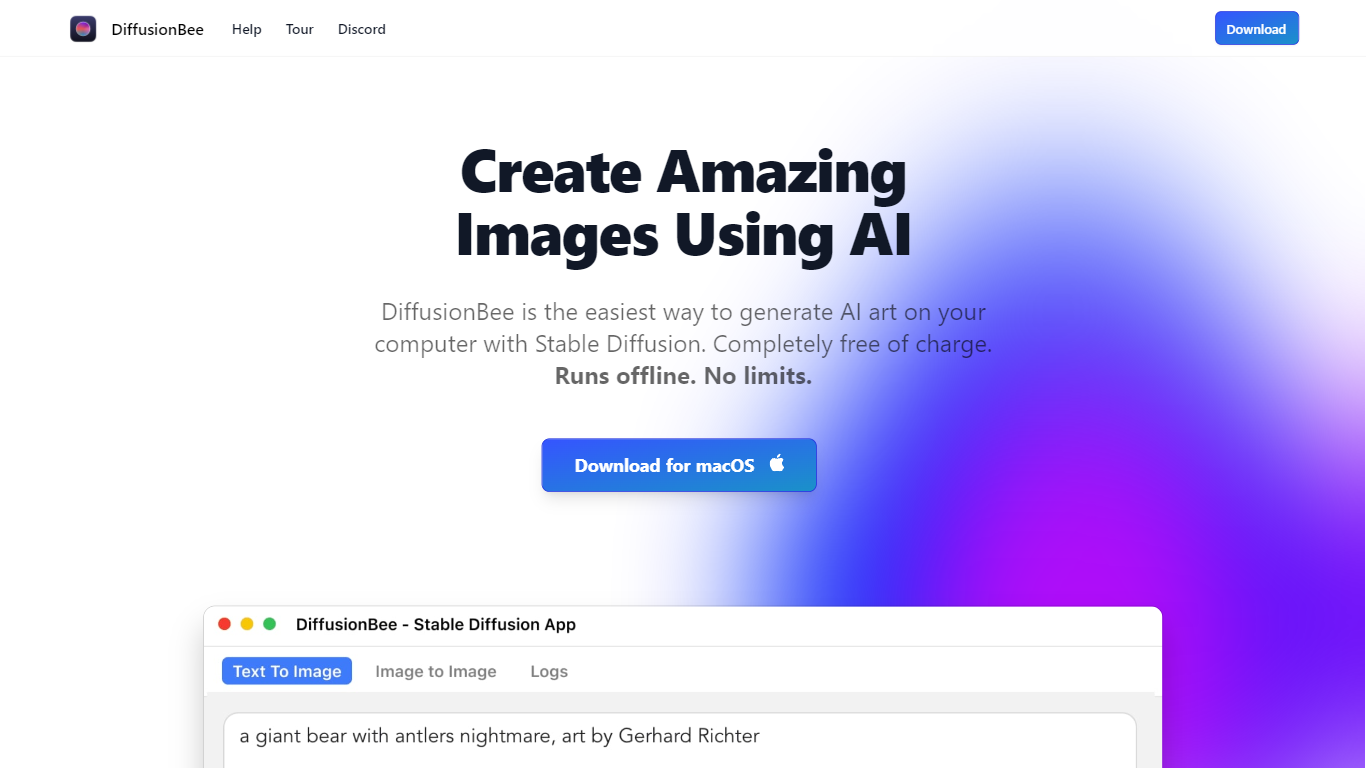
DiffusionBee turns text prompts into finished images by running Stable Diffusion directly on your Mac or Windows PC. You type what you want, wait about 30 seconds on an 8GB M1 MacBook Air, and get a local file with no account, no cloud upload, and no per-image fees. The install bundles text-to-image, inpainting, upscaling, video tools, and custom model training in one place.
Where Midjourney and DALL-E charge monthly subscriptions and send every prompt to the cloud, DiffusionBee keeps generation on your hardware. That trade-off means you need a capable machine and you manage model downloads yourself, but you get unlimited generations and full privacy. The download page lists builds for Apple Silicon, Intel Mac, and Windows 64-bit.
Digital artists, hobbyists, and curious beginners use it to experiment with Stable Diffusion without touching a command line. The built-in canvas lets you sketch, prompt, and refine images in one workspace, and you can train small custom models on your own photos when you need a specific style or subject.
ThumbnailCreator Upvotes
DiffusionBee Upvotes
ThumbnailCreator Top Features
Paste a YouTube URL and get multiple thumbnail concepts in about 30 seconds
1 credit equals 1 AI thumbnail; Lite plan starts at $8 per month after a 7-day trial
Creator plan at $33 per month includes Advanced Face Training and person swap
Auto-Optimize and variation generator on Starter ($17/mo) and higher tiers
Export at YouTube-optimized resolution or upload directly to your channel
AI Viral Clips finds hook moments in long videos for Shorts, TikTok, and Reels
DiffusionBee Top Features
Generates a text-to-image result in about 30 seconds on an 8GB M1 MacBook Air
Runs 100% offline so prompts, models, and outputs never leave your device
Bundles 9 tools including text-to-image, generative fill, upscaler, and video tools
Trains custom Stable Diffusion models on your own image sets locally
Downloads for Apple Silicon, Intel Mac, and Windows 64-bit from one page
AI canvas combines human drawing with prompt-based generation and editing
ThumbnailCreator Category
- Image Generation
DiffusionBee Category
- Image Generation
ThumbnailCreator Pricing Type
- Freemium
DiffusionBee Pricing Type
- Free