AI Art Generator, Image-Maker vs Fotor
Dive into the comparison of AI Art Generator, Image-Maker vs Fotor and discover which AI Image Generation tool stands out. We examine alternatives, upvotes, features, reviews, pricing, and beyond.
When comparing AI Art Generator, Image-Maker and Fotor, which one rises above the other?
When we compare AI Art Generator, Image-Maker and Fotor, two exceptional image generation tools powered by artificial intelligence, and place them side by side, several key similarities and differences come to light. There's no clear winner in terms of upvotes, as both tools have received the same number. Every vote counts! Cast yours and contribute to the decision of the winner.
Think we got it wrong? Cast your vote and show us who's boss!
AI Art Generator, Image-Maker
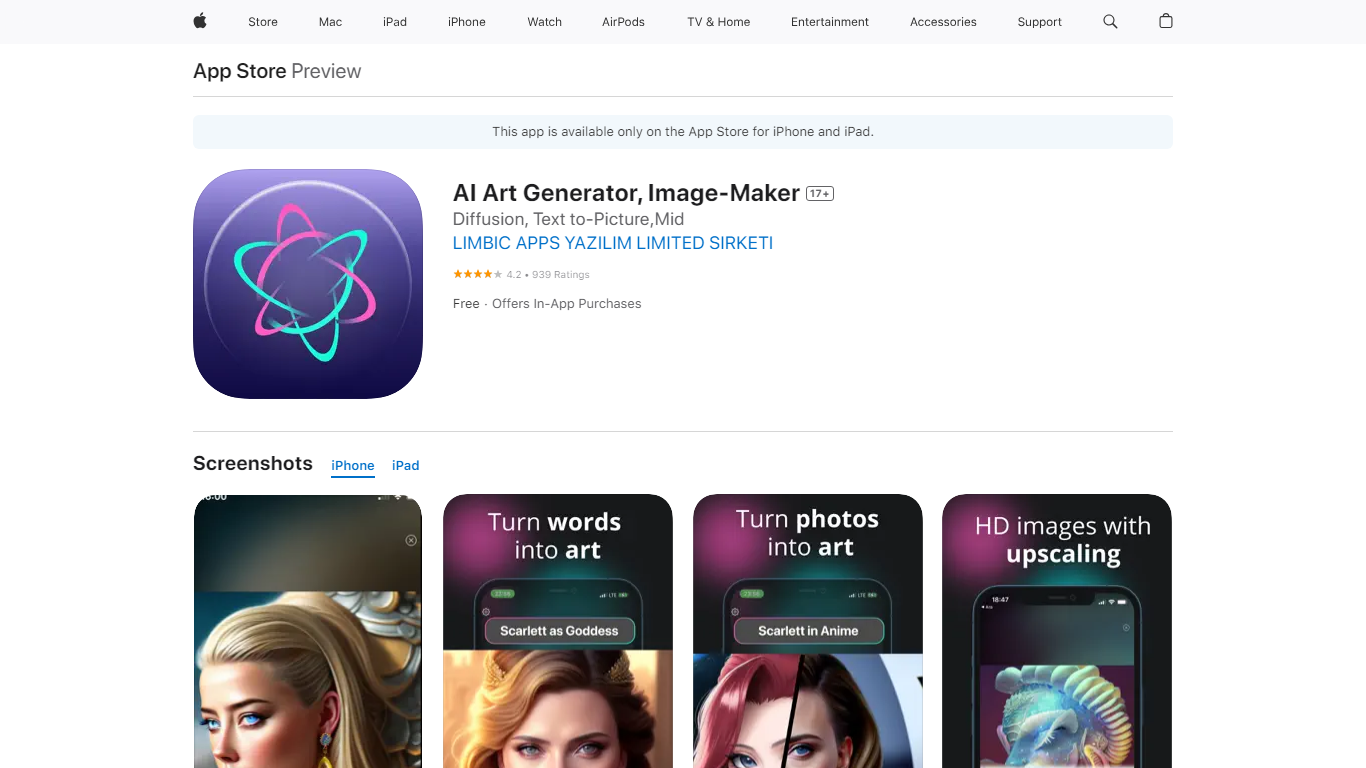

What is AI Art Generator, Image-Maker?
AI Art Generator, Image-Maker turns text prompts into shareable artwork on iPhone and iPad using models such as DALL·E, Stable Diffusion, and Flux. The App Store listing brands it as Video-Art-X and highlights text-to-art, AI selfies, image-to-image edits, inpainting, and HD upscaling.
Mobile art apps often lock you into one style preset. This one exposes multiple named models like Realistic Vision, Stable Diffusion XL, DreamShaper, Deliberate 2, and anime-focused checkpoints, so you can swap aesthetics without leaving the app.
Hobbyist creators and social media posters use it to draft surreal, vaporwave, or cyberpunk looks, then upscale results for sharing. It requires iOS 15 or later, ships free with in-app purchases, and is rated 4.1 stars across about 1.7K App Store reviews.
Fotor
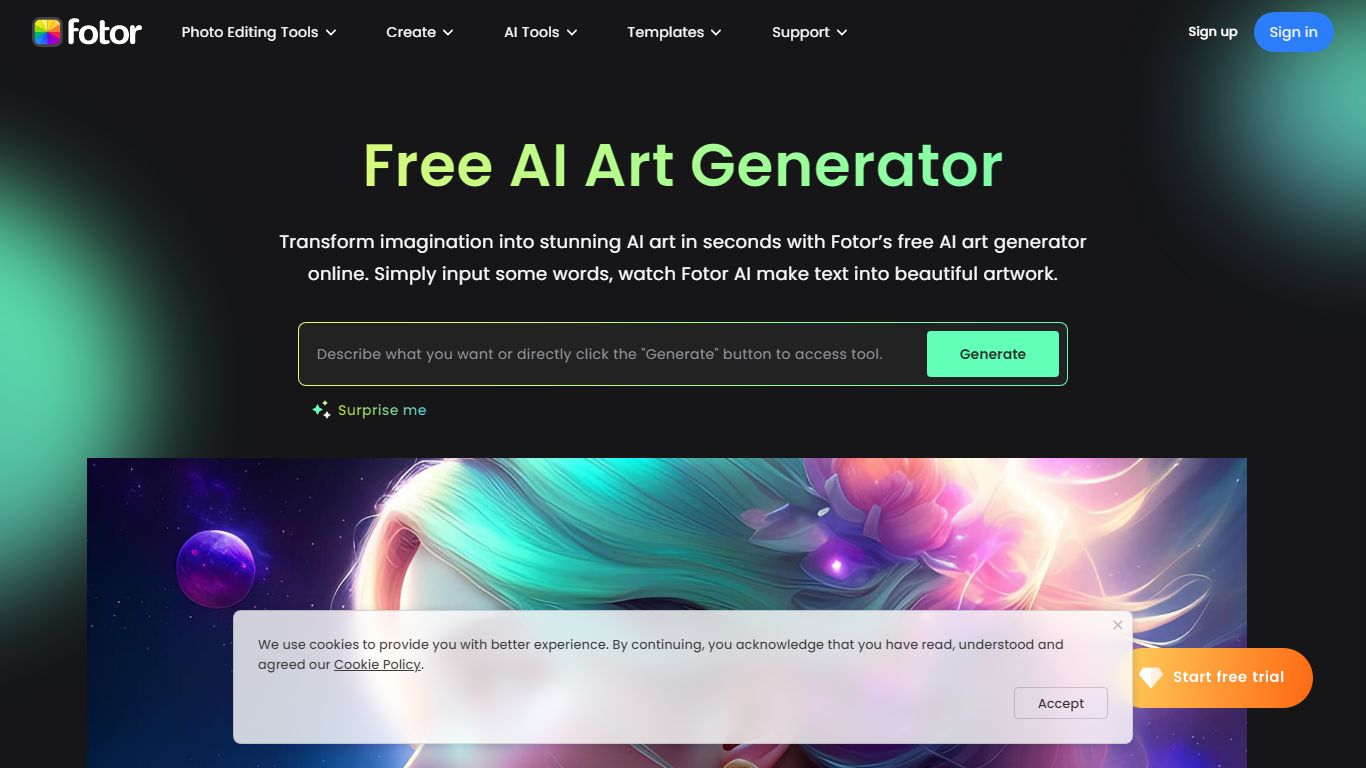
What is Fotor?
Fotor turns text prompts or reference photos into finished visuals you can edit in the same browser session. You pick from models like Nano Banana, FLUX, GPT Image, Midjourney, and Seedream without jumping between separate apps. The built-in editor adds 100+ AI tools for cropping, background removal, and inpainting on top of whatever you generate. No signup is required to start.
Most standalone image generators stop once the pixels render, which leaves you exporting to another editor for a text fix or a background swap. Fotor keeps generation and editing in one tab. Describe a small change in plain language and the tool patches that region instead of rerunning the whole prompt. That workflow helps when you batch product shots or pin a character look across a storyboard.
E-commerce sellers use it for white-background hero images and lifestyle scenes from a single product photo. Marketers lean on the 170+ style presets and 4K exports for ads and social posts. Illustrators and hobbyists pull from the community prompt library when they want a tested starting point rather than guessing the right model settings.
AI Art Generator, Image-Maker Upvotes
Fotor Upvotes
AI Art Generator, Image-Maker Top Features
Text-to-image generation using DALL·E, Stable Diffusion, and Flux model families
AI Selfie Generator turns portraits into stylized artwork
Image-to-image and inpainting tools for partial edits
HD upscaling for sharper exports
Style presets spanning surrealism, vaporwave, cyberpunk, and anime models
180.5 MB download size with iOS 15+ and iPad support
In-app credit packs and weekly or annual subscriptions listed on the App Store
Fotor Top Features
Switch between Nano Banana, FLUX, GPT Image 2, Midjourney v7, and Seedream in one interface
Generate up to 4 images per run with outputs averaging under 8 seconds
170+ art style presets spanning photorealism, anime, 3D, and illustration
Native 4K generation with upscaling to 8K and 16K for print-ready files
Combine up to 8 reference images to lock character faces and brand styles
Edit generated images with text prompts plus 100+ built-in AI editing tools
AI Art Generator, Image-Maker Category
- Image Generation
Fotor Category
- Image Generation
AI Art Generator, Image-Maker Pricing Type
- Freemium
Fotor Pricing Type
- Freemium