AI Art Generator, Image-Maker vs Getimg AI
In the battle of AI Art Generator, Image-Maker vs Getimg AI, which AI Image Generation tool comes out on top? We compare reviews, pricing, alternatives, upvotes, features, and more.
Between AI Art Generator, Image-Maker and Getimg AI, which one is superior?
Upon comparing AI Art Generator, Image-Maker with Getimg AI, which are both AI-powered image generation tools, There's no clear winner in terms of upvotes, as both tools have received the same number. The power is in your hands! Cast your vote and have a say in deciding the winner.
Feeling rebellious? Cast your vote and shake things up!
AI Art Generator, Image-Maker

What is AI Art Generator, Image-Maker?
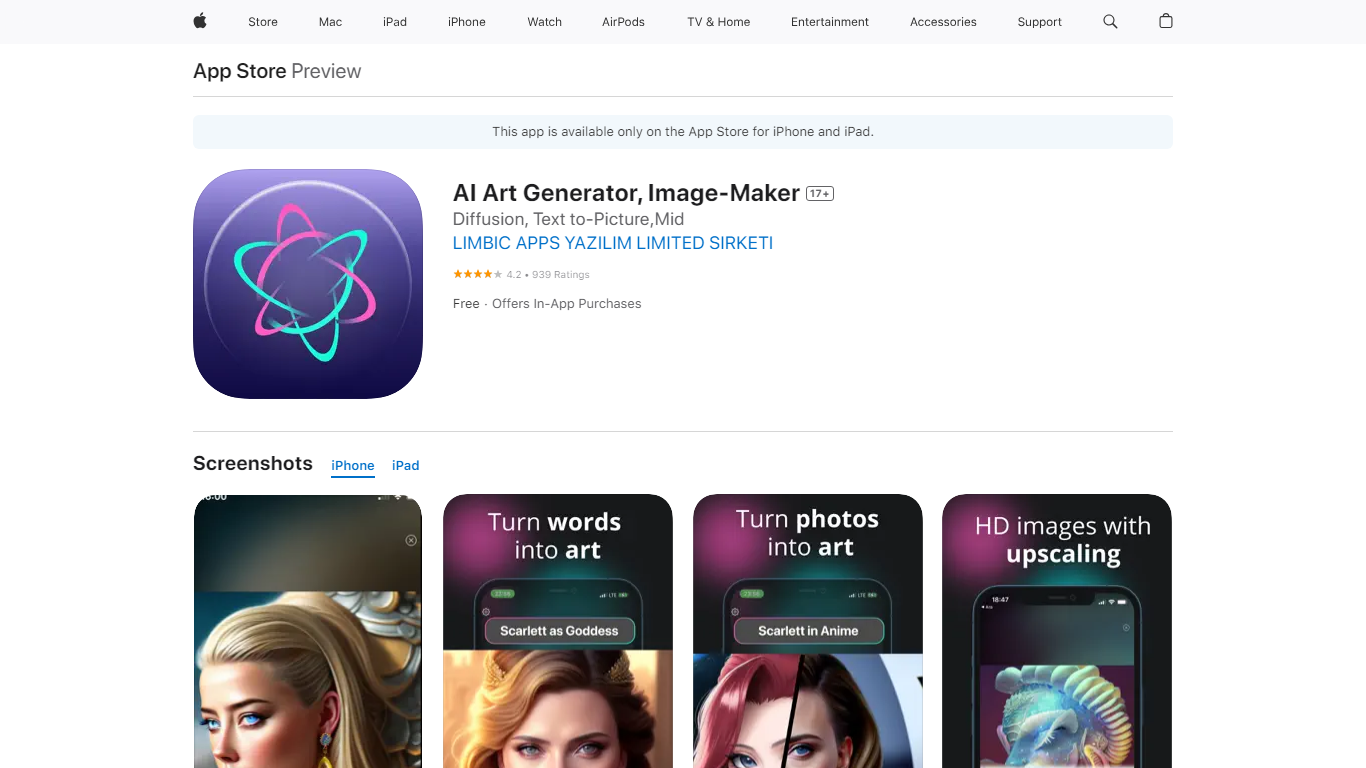
AI Art Generator, Image-Maker turns text prompts into shareable artwork on iPhone and iPad using models such as DALL·E, Stable Diffusion, and Flux. The App Store listing brands it as Video-Art-X and highlights text-to-art, AI selfies, image-to-image edits, inpainting, and HD upscaling.
Mobile art apps often lock you into one style preset. This one exposes multiple named models like Realistic Vision, Stable Diffusion XL, DreamShaper, Deliberate 2, and anime-focused checkpoints, so you can swap aesthetics without leaving the app.
Hobbyist creators and social media posters use it to draft surreal, vaporwave, or cyberpunk looks, then upscale results for sharing. It requires iOS 15 or later, ships free with in-app purchases, and is rated 4.1 stars across about 1.7K App Store reviews.
Getimg AI
What is Getimg AI?
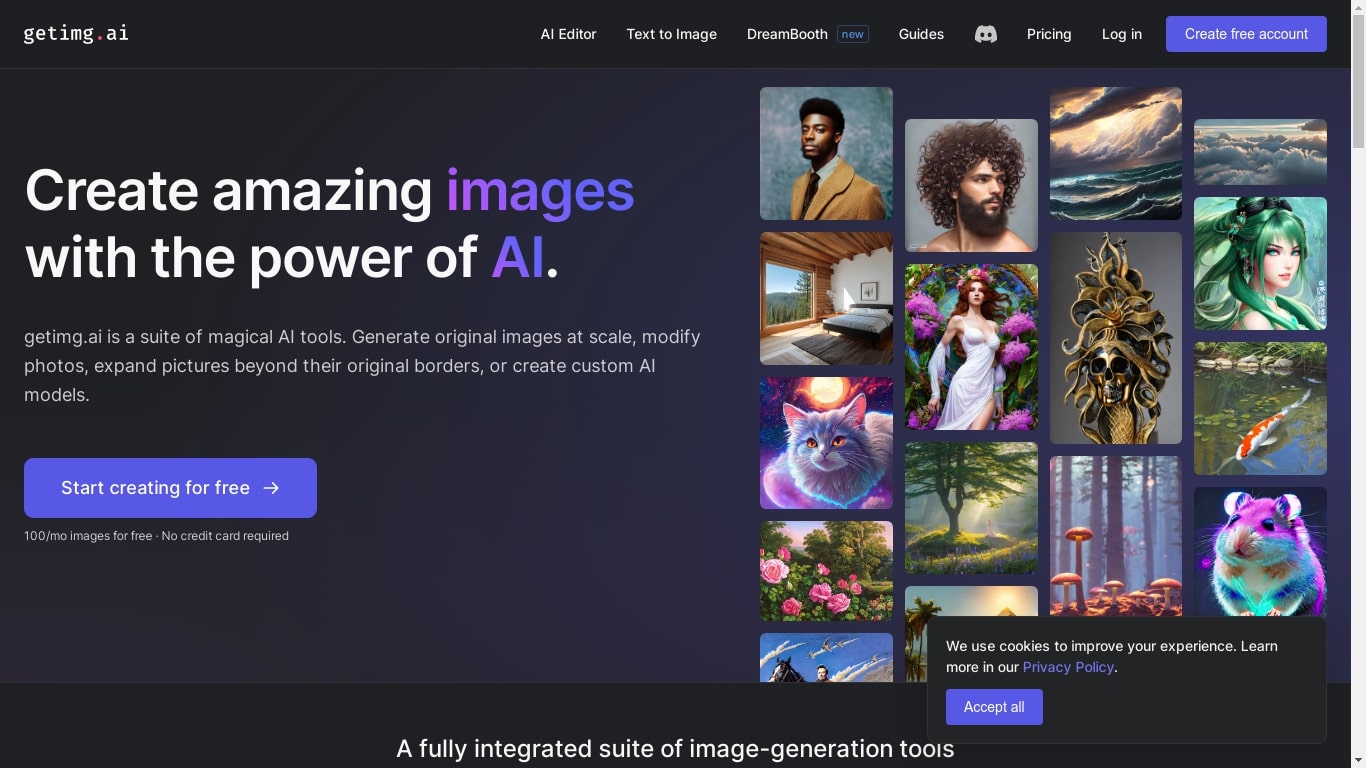
Getimg AI puts image, video, music, speech, and sound-effect generation in one browser workspace backed by dozens of third-party models. You pick a task like Create Video or Remove Background, write a prompt or upload references, and the platform routes work to models such as Gemini Omni Flash 1.1, Seedance 2.5, FLUX 3, MiniMax H3, or Eleven Music 2. Editing tools for upscaling up to 16K, smart resizing, and background removal sit in the same app, so production work does not hop between separate generators and retouchers.
Most creative suites make you research which model fits each job. Getimg AI auto-selects a model for common tasks while still exposing manual picks when you want Kling, Google Veo, Sora, or a specific FLUX variant. That trade-off costs you some fine-grained control on entry tiers, which cap access to 11 image and 9 video models, but it keeps the interface approachable for marketers and creators who care about output speed over model trivia.
Photographers, video editors, architects, and in-house marketing teams use Getimg AI for campaign assets, product shots, social clips, and concept art. Team plans add shared workspaces with folders, per-seat billing, and commercial rights on every paid tier. The web app runs in 10 languages and stores unlimited generation history on all plans.
AI Art Generator, Image-Maker Upvotes
Getimg AI Upvotes
AI Art Generator, Image-Maker Top Features
Text-to-image generation using DALL·E, Stable Diffusion, and Flux model families
AI Selfie Generator turns portraits into stylized artwork
Image-to-image and inpainting tools for partial edits
HD upscaling for sharper exports
Style presets spanning surrealism, vaporwave, cyberpunk, and anime models
180.5 MB download size with iOS 15+ and iPad support
In-app credit packs and weekly or annual subscriptions listed on the App Store
Getimg AI Top Features
Gemini Omni Flash 1.1, Seedance 2.5, FLUX 3, and MiniMax H3 ship in the same subscription
Entry plan includes 3,000 monthly credits with 11 image and 9 video models
Plus plan upscales images to 16K and runs 8 generations at once
Eleven Music 2 and Eleven Sound Effects 2 cover studio music and cinematic foley
Topaz Wonder 3.5 and Topaz Bloom 2 power image upscaling in the editor
Team Core plans start at $30 per seat with 15,000 credits and 2 shared teams
AI Art Generator, Image-Maker Category
- Image Generation
Getimg AI Category
- Image Generation
AI Art Generator, Image-Maker Pricing Type
- Freemium
Getimg AI Pricing Type
- Paid