AI Art Generator, Image-Maker vs Pixlr
Compare AI Art Generator, Image-Maker vs Pixlr and see which AI Image Generation tool is better when we compare features, reviews, pricing, alternatives, upvotes, etc.
Which one is better? AI Art Generator, Image-Maker or Pixlr?
When we compare AI Art Generator, Image-Maker with Pixlr, which are both AI-powered image generation tools, The upvote count shows a clear preference for Pixlr. Pixlr has received 10 upvotes from aitools.fyi users, while AI Art Generator, Image-Maker has received 6 upvotes.
Not your cup of tea? Upvote your preferred tool and stir things up!
AI Art Generator, Image-Maker
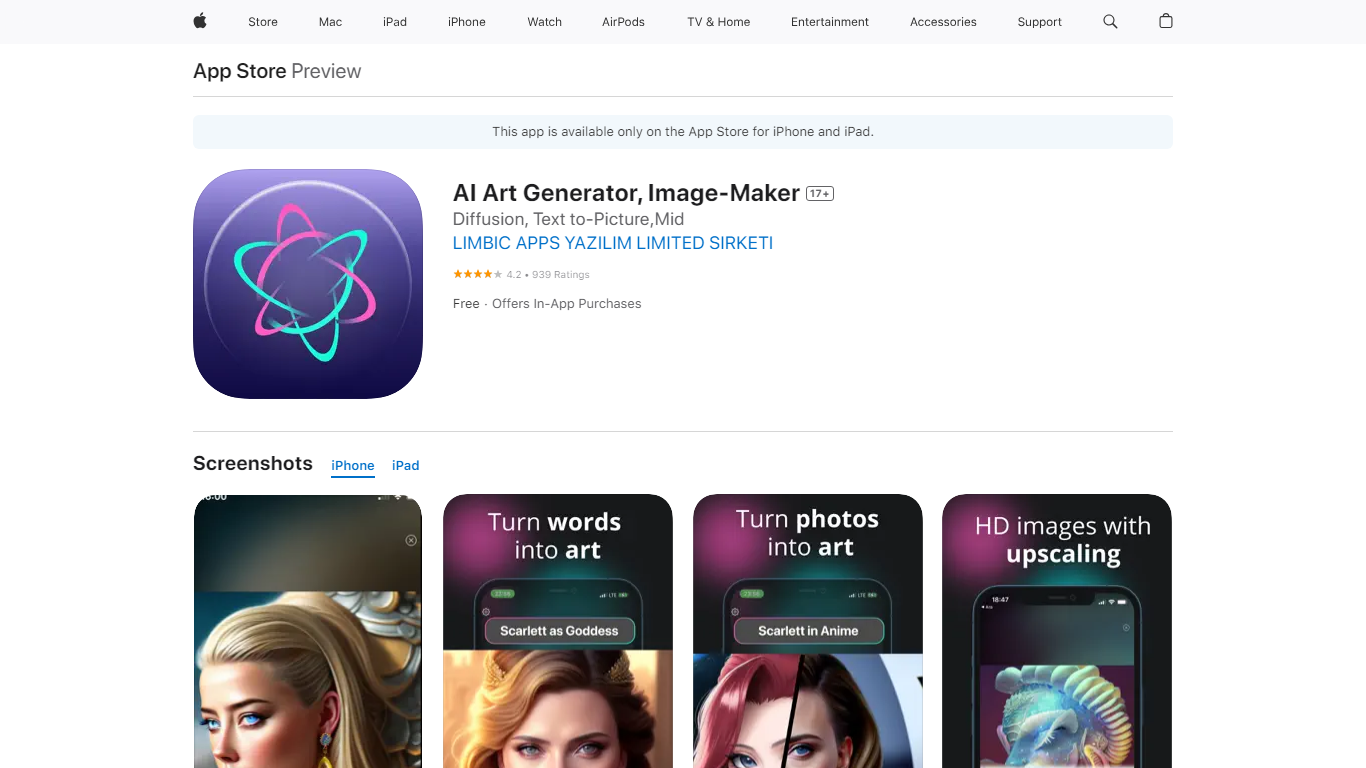

What is AI Art Generator, Image-Maker?
AI Art Generator, Image-Maker turns text prompts into shareable artwork on iPhone and iPad using models such as DALL·E, Stable Diffusion, and Flux. The App Store listing brands it as Video-Art-X and highlights text-to-art, AI selfies, image-to-image edits, inpainting, and HD upscaling.
Mobile art apps often lock you into one style preset. This one exposes multiple named models like Realistic Vision, Stable Diffusion XL, DreamShaper, Deliberate 2, and anime-focused checkpoints, so you can swap aesthetics without leaving the app.
Hobbyist creators and social media posters use it to draft surreal, vaporwave, or cyberpunk looks, then upscale results for sharing. It requires iOS 15 or later, ships free with in-app purchases, and is rated 4.1 stars across about 1.7K App Store reviews.
Pixlr
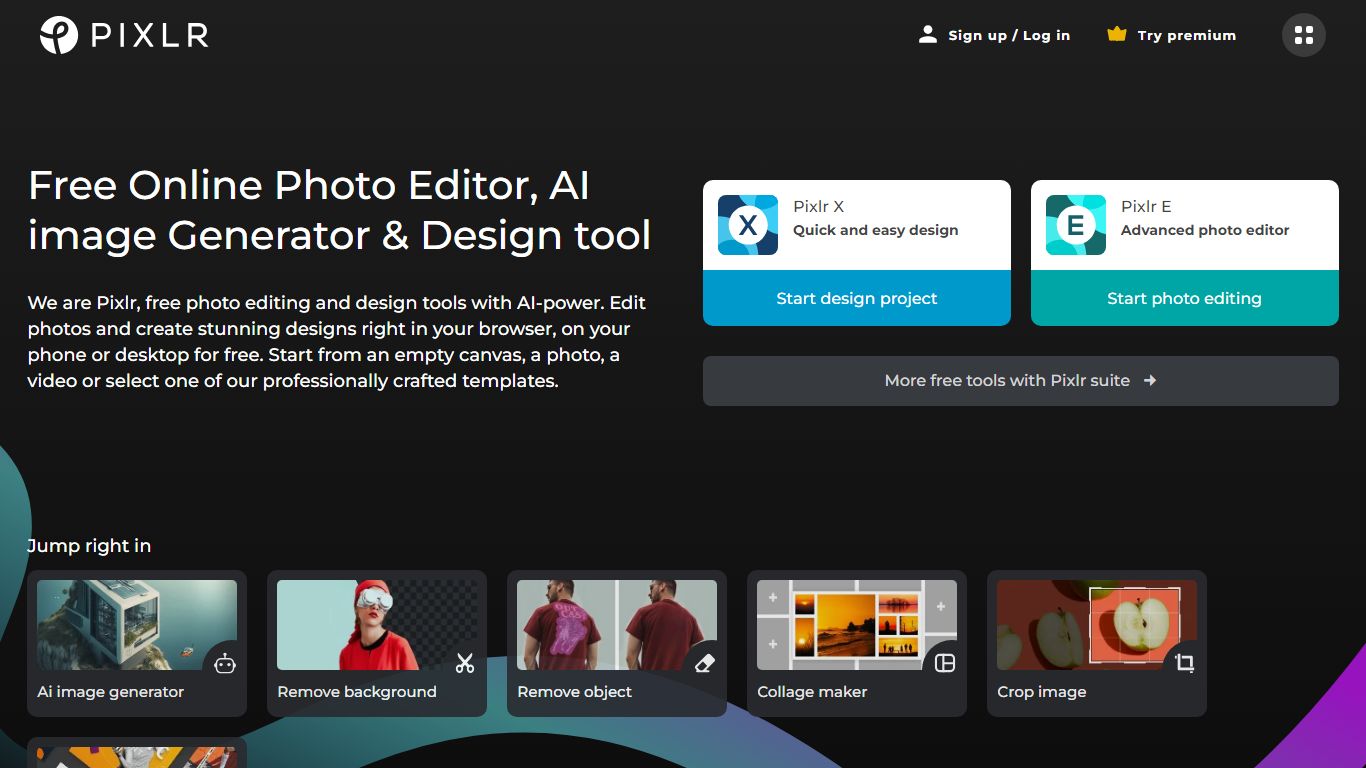
What is Pixlr?
Pixlr is a browser-based photo editor and AI creation suite with 20+ tools for images, video, and audio. You can edit photos, remove backgrounds, run generative fill and expand, generate images from text, animate stills into video, and build collages without installing desktop software. The homepage routes models from Flux, Kling, Recraft, Google Veo, Stable Diffusion, and ElevenLabs through one interface.
Standalone AI generators usually stop at text-to-image. Pixlr pairs generation with a full editor: face swap, object removal, super scale up to 25 megapixels, and a natural-language AI Assistant that applies edits from prompts. Free access covers core editing, while Plus, Premium, and Ultra plans add ad-free saves, higher AI credit pools, and concurrent generation slots.
Creators, marketers, and small businesses use Pixlr as a lighter Photoshop alternative for social graphics and product photos. The trade-off is credit limits on pro-quality generations and subscription tiers that gate private mode, mature content, and priority queues on higher plans.
AI Art Generator, Image-Maker Upvotes
Pixlr Upvotes
AI Art Generator, Image-Maker Top Features
Text-to-image generation using DALL·E, Stable Diffusion, and Flux model families
AI Selfie Generator turns portraits into stylized artwork
Image-to-image and inpainting tools for partial edits
HD upscaling for sharper exports
Style presets spanning surrealism, vaporwave, cyberpunk, and anime models
180.5 MB download size with iOS 15+ and iPad support
In-app credit packs and weekly or annual subscriptions listed on the App Store
Pixlr Top Features
20+ browser tools including generative fill, expand, background removal, and face swap
AI models from Flux, Kling, Recraft V4, Google Veo, Stable Diffusion, and ElevenLabs
Plus plan from $1.99 per month yearly with 80 monthly AI credits
Premium at $7.99 per month yearly includes 1,000 credits and 4 concurrent generations
Ultra tier offers unlimited fast image generations and up to 10,000 monthly credits
Super Scale AI upscaling preserves detail up to 25 megapixels
AI Art Generator, Image-Maker Category
- Image Generation
Pixlr Category
- Image Generation
AI Art Generator, Image-Maker Pricing Type
- Freemium
Pixlr Pricing Type
- Freemium